
Visitor Management Systems for Schools: What to Look For in 2026

A visitor management system for schools is a digital platform that replaces paper sign-in sheets with secure, automated check-in workflows. It verifies visitor identities, prints temporary badges, alerts staff when guests arrive, and maintains a complete audit trail - giving administrators real-time visibility into who is on campus at any moment.
If your school still relies on a clipboard at the front desk, you are not alone. But the gap between what a paper logbook offers and what today’s safety standards demand is growing every year. This guide breaks down what school visitor management systems actually do, which features matter most, and how to evaluate them for your campus.
TL;DR
- Visitor management systems for schools replace paper sign-in sheets with secure, digital check-in workflows that verify identities and print badges automatically.
- Key features to look for include ID scanning, sex offender screening, host notifications, emergency mustering, and audit trail reporting.
- Schools must comply with regulations like FERPA (US), UK Safeguarding requirements, and GDPR - a digital system automates documentation and data retention to meet these standards.
- Different visitor types (parents, contractors, substitutes, volunteers) need different check-in workflows; the best systems handle all of them from a single platform.
- During emergencies, a digital visitor log gives administrators a real-time roster of everyone on campus - something a paper binder cannot provide.
- When evaluating systems, prioritize ease of use, badge customization, Microsoft 365 integration, and ISO 27001 certification for data security.

Why Schools Need a Modern Visitor Management System
Paper visitor logs create problems that are easy to overlook until something goes wrong. Handwriting is illegible, entries are incomplete, and there is no way to verify that a visitor is who they claim to be. Visitors can write a fake name, skip the sign-out column, or walk past the clipboard entirely. During an emergency, a paper binder cannot produce an accurate headcount of non-staff adults in the building.
The numbers reflect the urgency. 97% of public schools now control building access, and 91% use security cameras alongside badge or ID requirements. Schools are layering security measures, and a visitor management system ties those layers together at the front door. It closes the gap between locking external doors and actually knowing who walks through them.
Beyond safety, there is a compliance dimension. Schools must document who enters the building, when they arrived, and when they left. Inspectors and auditors expect accurate, retrievable records, not a stack of sign-in sheets in a filing cabinet. A digital system captures that documentation automatically, creating records that hold up during audits and regulatory reviews.
There is also an operational benefit that school administrators notice quickly. Front office staff spend less time on paperwork and more time managing the flow of parents, delivery drivers, and maintenance crews. Pre-registration options let expected visitors check in faster, reducing lobby congestion during busy periods like parent-teacher conferences. When a parent arrives for a scheduled meeting, they can check in within seconds instead of waiting behind a queue of contractors filling out forms by hand.
Key Features of a School Visitor Management System
Not every visitor management system feature is equally important in a school setting. These are the capabilities that matter most for educational environments.
Digital check-in and badge printing
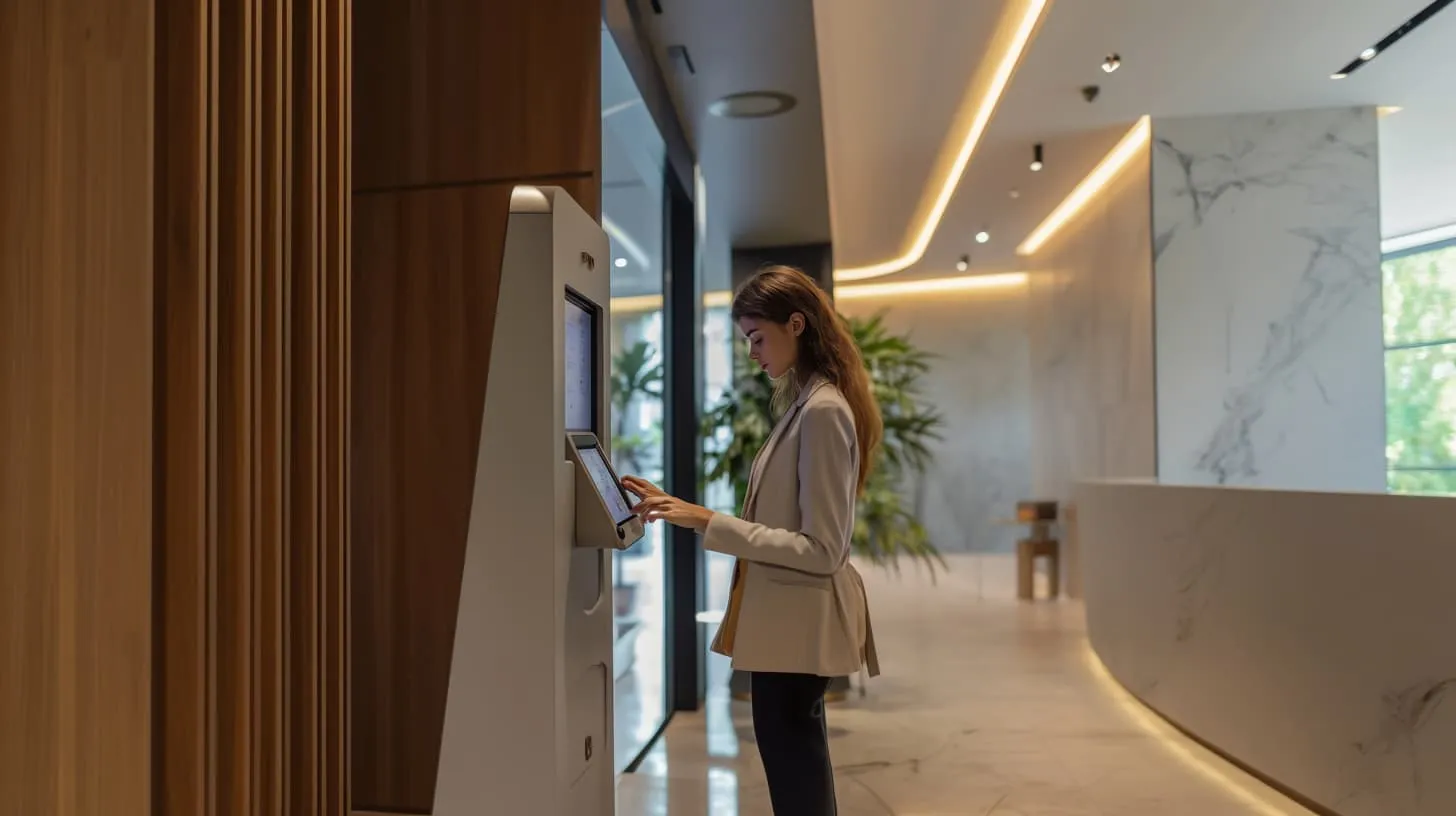
A digital reception touchscreen kiosk or tablet at the front desk walks visitors through a structured check-in flow. They enter their details, confirm the purpose of their visit, and receive a printed badge with their photo, name, date, and the staff member they are visiting. The badge makes it immediately obvious to anyone in the hallway whether a person has been through the check-in process.
Schools can customize the check-in flow for different visitor types. A parent picking up a child sees different questions than a contractor arriving for a plumbing repair. Some schools add a step requiring visitors to acknowledge campus policies or sign an NDA before receiving their badge. The entire process typically takes under 60 seconds.

ID verification and background check integration
The system can scan a government-issued ID and cross-reference it against sex offender registries, watchlists, or custom block lists maintained by the school. This screening happens in seconds during check-in, flagging concerns before a visitor moves past the front office. If a match is found, the system can silently alert an administrator rather than displaying a warning on the visitor-facing screen, allowing staff to handle the situation discreetly.
Host notification (teacher and staff alerts)
When a visitor checks in, the system automatically sends an email or SMS notification to the staff member they are visiting. A teacher expecting a parent for a conference gets an alert the moment that parent arrives. There is no need for the front desk to make phone calls or send someone down the hall. This saves time for both the front office and the host, and it means visitors spend less time waiting in the lobby.
Emergency mustering and evacuation lists
During a lockdown or evacuation, administrators need an instant answer to one question: who is in the building right now? A digital visitor log provides a real-time roster of every checked-in visitor, including their location and host. This list can be shared with first responders immediately, without anyone needing to grab a binder from the front desk. In schools where multiple buildings share a campus, the system can break down the roster by location, making headcounts faster and more reliable.
Audit trail and reporting
Every check-in, check-out, badge print, and screening result is logged with a timestamp. Administrators can pull reports by date range, visitor type, or host. This digital visitor log satisfies documentation requirements for safety audits and regulatory inspections without any manual data entry.
The reporting also helps administrators spot patterns. If a particular building gets significantly more vendor traffic than others, or if check-in volumes spike on certain days, that data can inform staffing decisions and security resource allocation.
School-Specific Use Cases
Schools deal with a wider variety of visitors than most workplaces. A good system handles each type with appropriate workflows.
Parent drop-off and pick-up. Parents who need to enter the building for early dismissals or late arrivals can check in quickly with a pre-registered profile. The system verifies their identity and confirms their relationship to the student, reducing the risk of unauthorized pickups. Schools with custody restrictions can flag specific individuals and alert office staff if a restricted party attempts to check in.
Contractor and vendor access. Maintenance crews, IT technicians, and delivery drivers need access to specific areas. The visitor check-in system can issue badges with restricted access zones and notify the facilities team rather than a classroom teacher. This keeps contractors accountable and ensures they only go where they are authorized.
Substitute teachers. Substitutes who rotate between schools can be pre-registered in the system via visitor registration. Their credentials and background checks are stored, so check-in takes seconds rather than minutes on a busy Monday morning. The system can also verify that a substitute’s clearance is still current before issuing a badge.
Volunteers and external coaches. Parent volunteers, guest speakers, and coaching staff often visit regularly but are not full-time employees. The system tracks their visit history, ensures background checks are current, and provides appropriate badge types that distinguish them from one-time visitors.
Event visitors. Open days, sporting events, and school performances bring large groups of visitors who are not part of the regular school community. A visitor management system can handle bulk pre-registration for these events, issue time-limited badges, and provide organizers with attendance reports after the event.

Compliance and Safeguarding Requirements
Visitor management in schools is not just a security decision. It is a compliance requirement in most jurisdictions. The regulations vary by region, but the core expectation is the same: schools must know who is on their premises and be able to prove it.
FERPA (United States). The Family Educational Rights and Privacy Act restricts access to student records. A visitor management system helps schools enforce access controls and document that only authorized individuals interact with student information. Visitor logs that include the purpose of visit and the staff member contacted create a clear chain of accountability.
UK Safeguarding requirements. Schools in the UK must follow statutory safeguarding guidance, which includes maintaining accurate visitor records and ensuring that visitors who have unsupervised access to children hold a valid DBS (Disclosure and Barring Service) check. A digital system can flag visitors without a current DBS clearance and prevent them from checking in until it is resolved.
GDPR data retention for visitor logs. Schools operating under GDPR (in the EU and UK) must collect only the personal data they need, store it securely, and delete it when it is no longer required. A visitor management system with configurable retention policies automates this process, purging visitor records after the defined period and providing documentation for data protection audits.
Meeting these requirements manually is technically possible but practically unreliable. A digital system reduces the risk of human error and gives administrators confidence that their records will hold up to scrutiny. It also simplifies the process of responding to data subject access requests, since visitor records can be searched and exported in seconds rather than manually reviewed across months of paper logs.
What to Look for When Choosing A School Visitor Management System
When evaluating visitor management systems for your school, use this checklist to compare options:
- Ease of use. Front office staff and visitors should be able to use the system without extensive training. If the kiosk interface is confusing, visitors will bypass it or slow down the check-in line.
- ID scanning and screening. The system should scan government-issued IDs and run them against relevant databases. Ask whether the screening is included or requires an additional subscription.
- Badge printing. Look for customizable badge templates with photo capture. Color-coded badges by visitor type (parent, contractor, volunteer) help staff identify visitors at a glance.
- Host notifications. Email and SMS alerts to the host staff member should be standard, not an add-on.
- Emergency roster. The system should produce a real-time list of all visitors on site, accessible from any device, not just the front desk terminal.
- Compliance tools. Configurable data retention policies, exportable audit logs, and the ability to require document uploads (such as NDA or policy acknowledgment) at check-in.
- Integration. Check whether the system works with your existing tools. Microsoft 365 and Teams integration, for example, lets staff manage visitor approvals from the platforms they already use daily.
- Data security. Ask about encryption, hosting location, and certifications. ISO 27001 certification is a strong indicator that the vendor takes data protection seriously.
- Scalability. If you manage multiple campuses, the system should support centralized administration with per-site configurations.
- Pre-registration. The system should allow visitors to register before they arrive, either through a link sent by the host or a self-service portal. This reduces check-in time and lets the front office prepare for expected guests.
How YAROOMS Visitor Management Works in Schools
YAROOMS Visitor Management gives schools a digital check-in flow with badge printing, host notifications, and a complete audit trail for every visit. The platform is GDPR compliant and ISO 27001 certified, with configurable data retention policies that match your safeguarding requirements. It integrates with Microsoft 365 and Teams, so staff can manage visitor approvals without switching tools. See how it works.
Workplace of the future. Today.
See how YAROOMS integrates with Microsoft 365 to create a seamless workspace booking experience.