
Simple and secure reception management
Welcome every guest with confidence. Transform your reception into a seamless, secure, and professional first point of contact.
Last updated: October 13, 2026
Trusted by innovative organizations worldwide







Reception shouldn't be a bottleneck
Dive into our quick interactive demo - no sign-up, just click and explore.
See exactly how YAROOMS makes visitor management easy, so you can focus on the work that matters.
Complete reception management
Everything you need for a professional first point of contact.
Visitor pre-registration
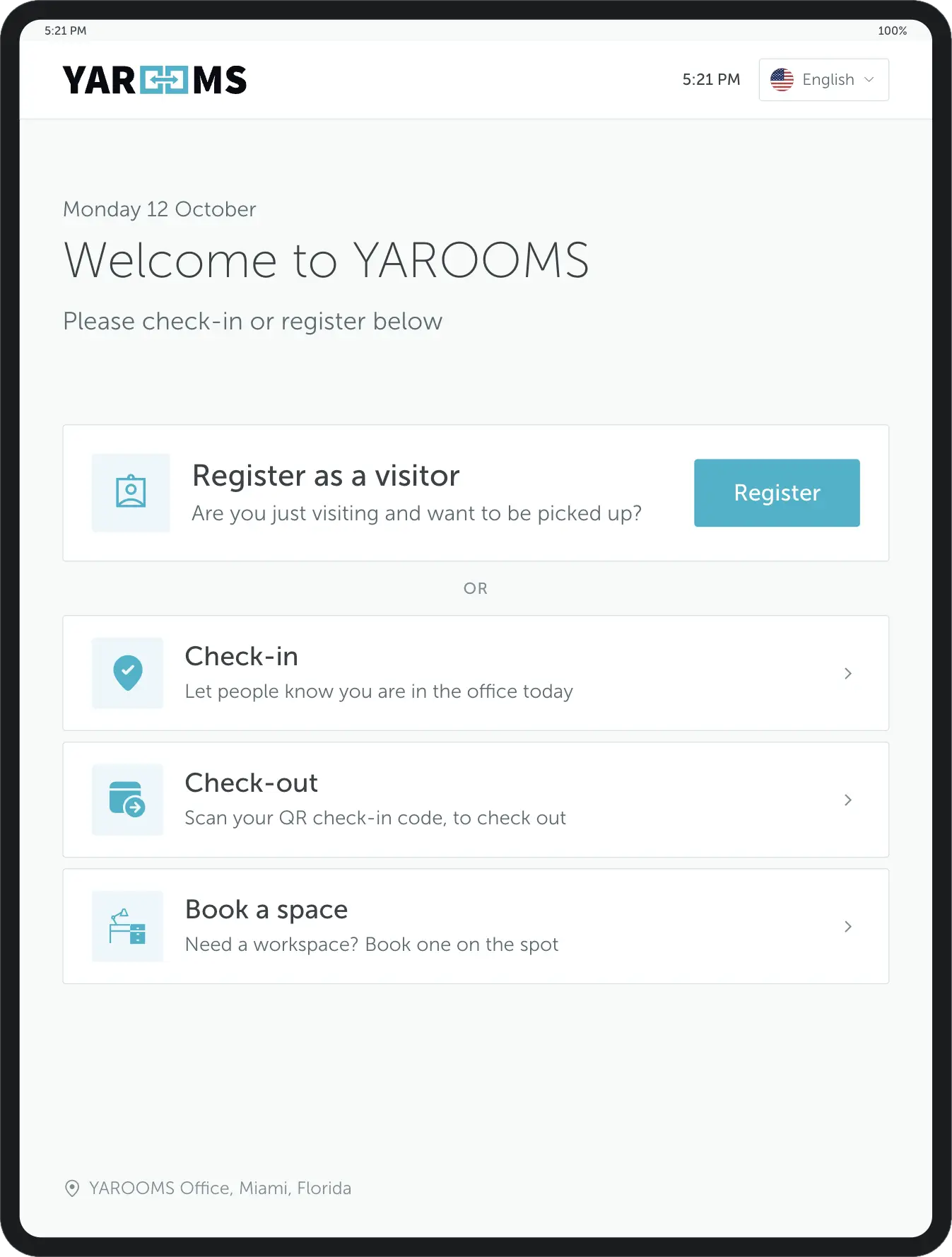
Host employees can pre-register guests using the visitor registration system. Guests receive step-by-step instructions to complete their registration online.
Visitor check-in
Upon arrival, guests can check in using a digital reception tablet app or self-service kiosk. Direct on-site registration is also supported.
Visitor arrival notifications
The system sends a notification to the host employee when the visitor checks in at the reception.
Multi-location settings
Reception settings can be adjusted for each location to suit different office policies.
Custom branding
A configurable UI allows you to create a branded visitor experience.
Digital visitor logbook
Keep track of who, when, and why is entering your office in one digital visitor log.
Visitor analytics
Get insights into visitor patterns, host info, and other metrics to make informed reception decisions.
Easily tailor reception workflows
Customize the visitor registration process to collect the right information from every guest before granting access. From ID verification to check-in preferences, YAROOMS adapts to your front desk needs.
Visitor details
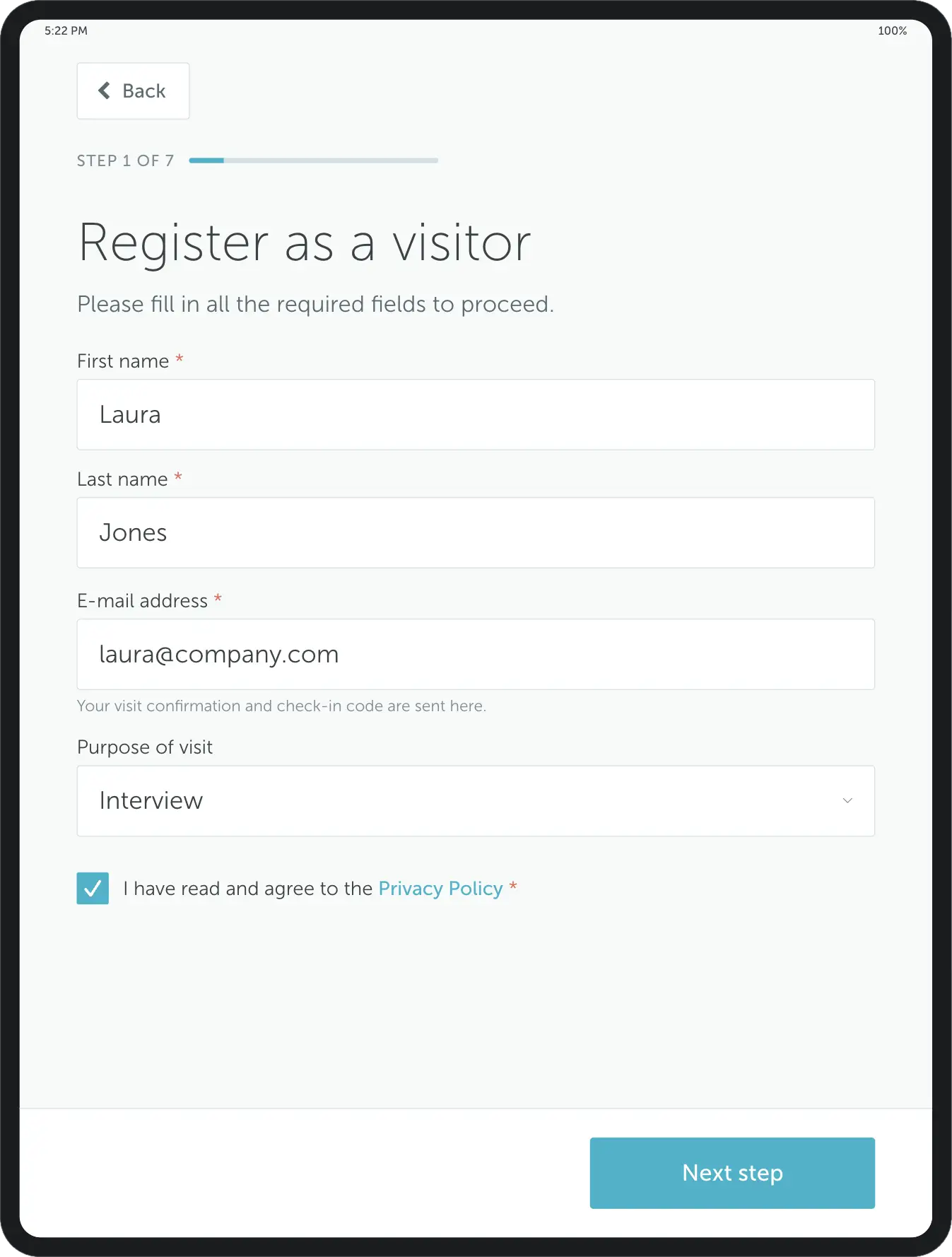
Capture essential visitor information such as name, company, contact details, or car plate number. Keep every visitor profile accurate, organized, and easy to access.
Digital signature
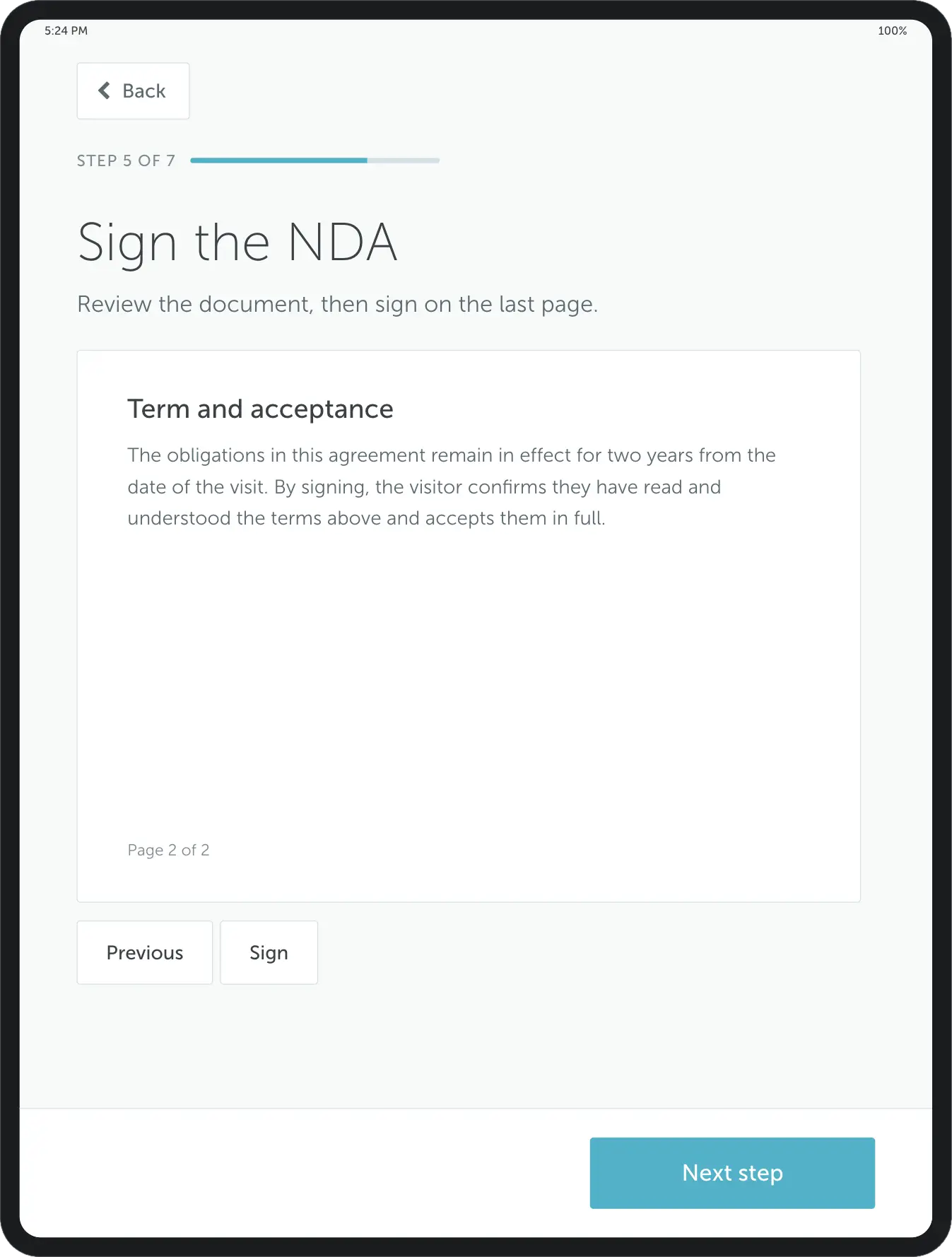
Ask visitors to sign documents directly in the visitor management app – no paper, no manual storage, just quick and secure e-signatures.
Checkbox agreement
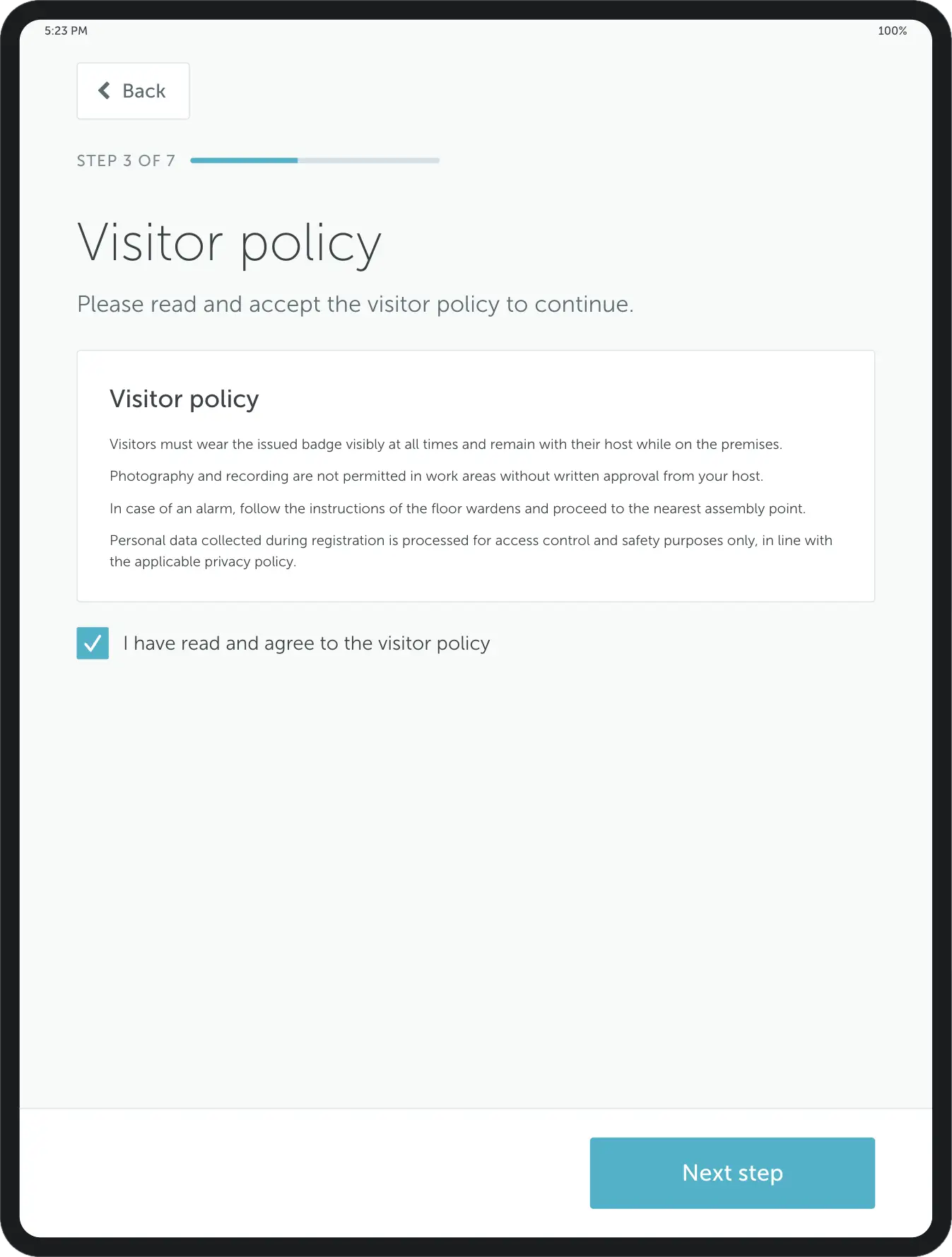
Request guests to confirm office policies with a simple checkbox. Ensure everyone understands and agrees to your workplace guidelines.
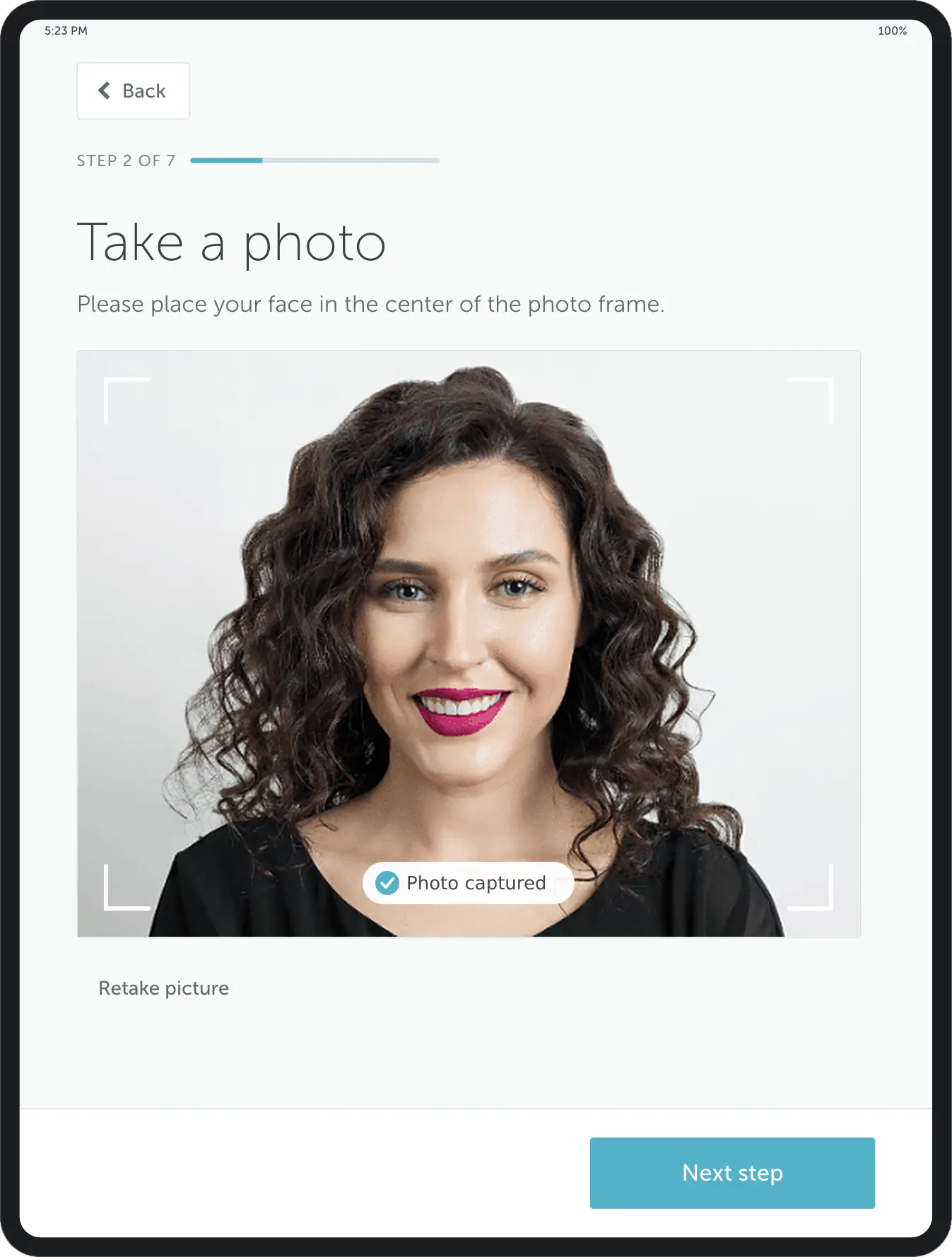
Take a photo
Prompt guests to take a photo during registration to verify their identity and improve on-site security.
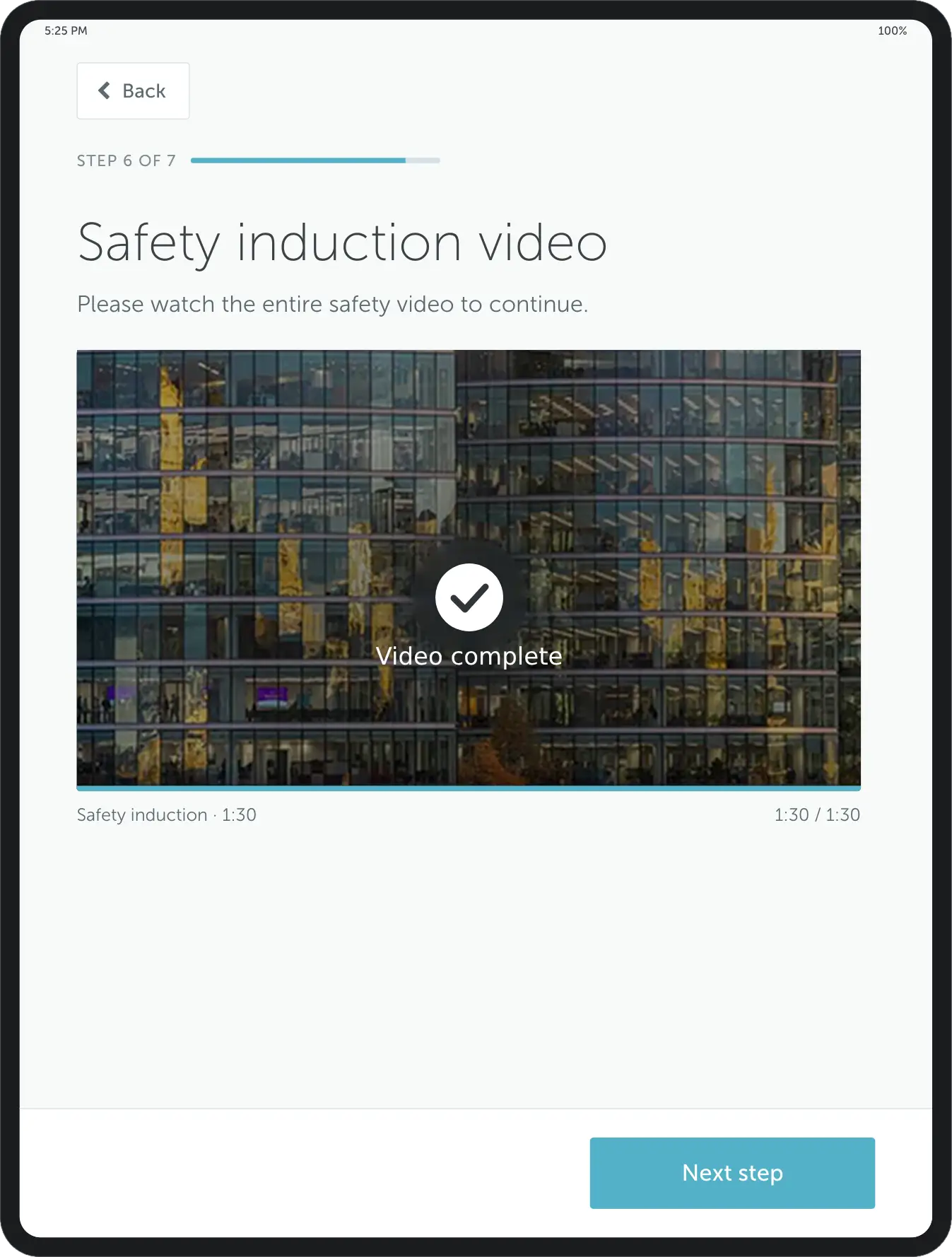
Watch a video
Include a short video in your visitor check-in flow to share essential details or welcome messages.
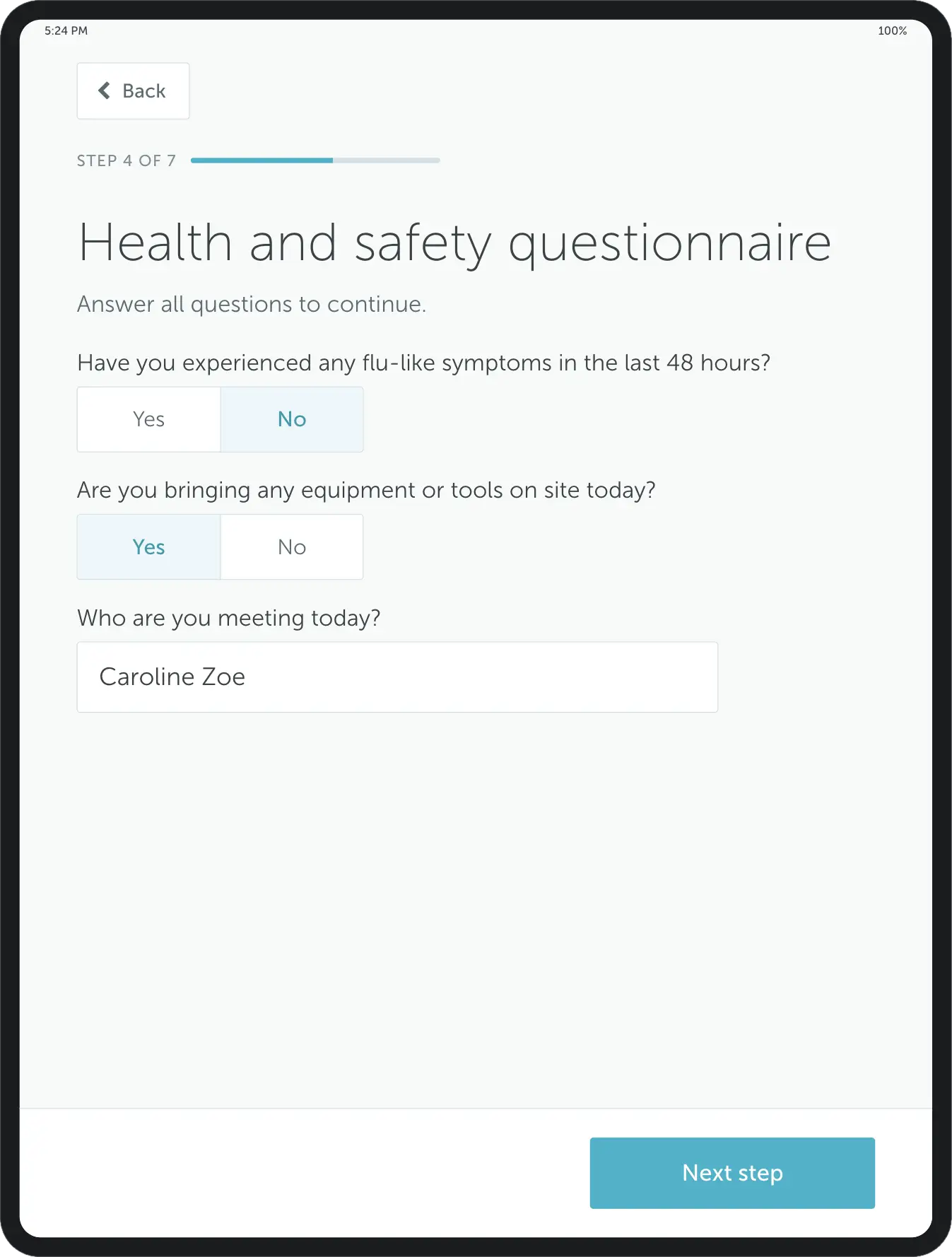
Questionnaire
Use a short questionnaire to collect important guest details – from health screening to special requests.
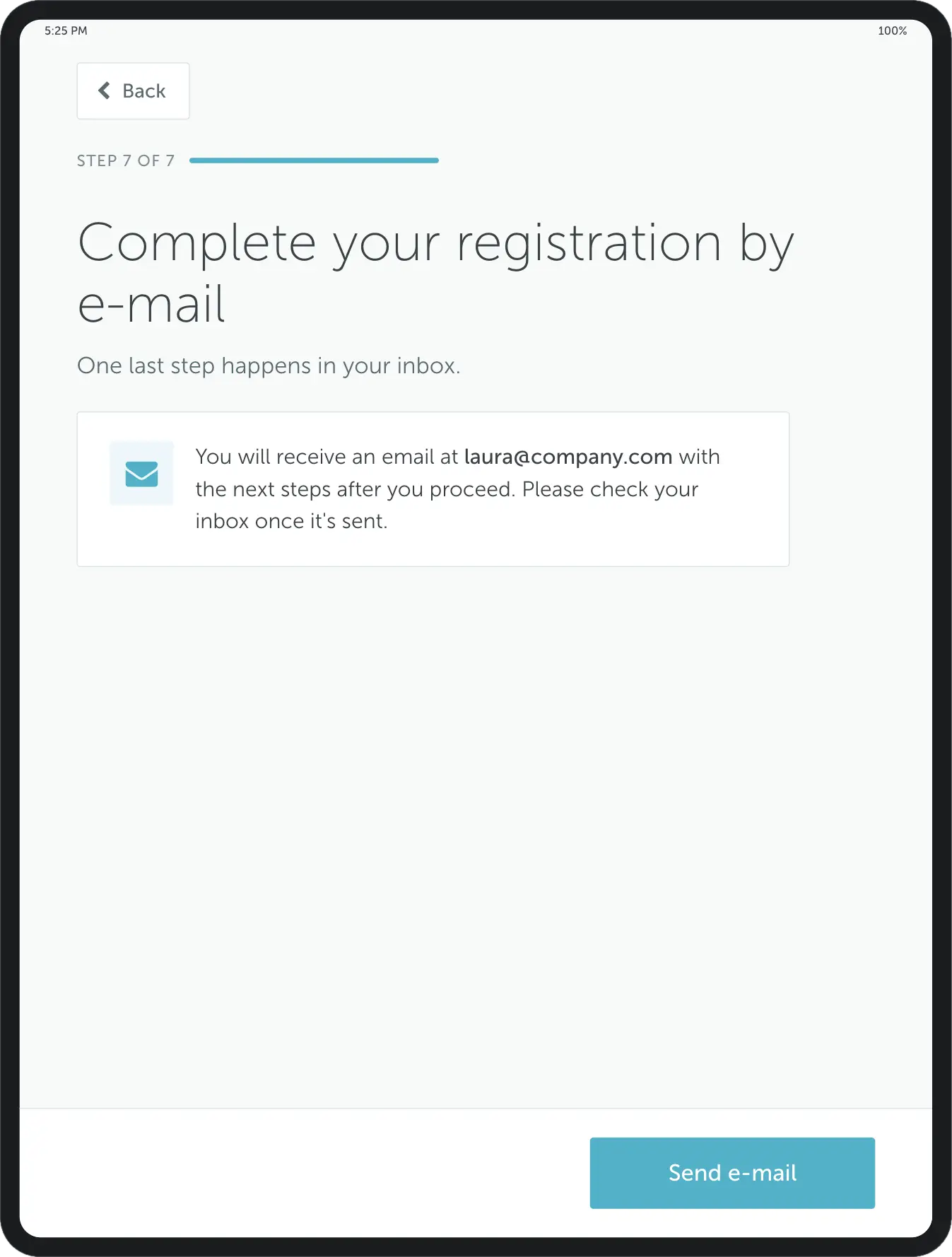
Send email
Send visitors an email with arrival details, access instructions, or a personalized welcome message.
Enterprise-grade security
Your data is protected with industry-leading certifications









Reception management: FAQ
Answering the most popular questions about reception management, visitor experience, and reception management software.
Reception management software handles what happens when someone arrives at your office: registering the visitor, notifying the host, printing a badge, and recording the visit. It replaces the paper sign-in book and, in most offices, the need for someone to sit at the desk full-time.
YAROOMS reception management system covers pre-registration, self check-in by kiosk or phone, host notifications and a searchable visitor log, configurable per location.
Yes, and it is the most common reason organizations buy reception software. Visitors check themselves in on a kiosk or their own phone, the badge prints automatically, and the host is notified without anyone at the desk. Reception staff move to work that needs a person, or the desk is left unstaffed outside busy hours. With YAROOMS, the same setup runs whether someone is on the desk or not.
Two routes, and most offices offer both. Pre-registered guests get a QR code by email before they arrive and scan it on their own phone - no kiosk needed. Walk-ins register on a tablet at the desk, entering their details and completing any steps you require. Either way the host is notified automatically and the visit is logged.
YAROOMS supports both from one configuration, so reception does not manage two systems.
Four things:
- Notify the host automatically - nobody has to find them
- Screen visitors against watchlists before they are let in
- Collect signatures and documents - NDAs, safety briefings, ID photos - as part of check-in
- Produce a searchable, exportable record of who was on site and when
The last one is usually what forces the change: a paper book cannot answer “who was in the building on Tuesday afternoon” without someone reading it page by page. YAROOMS logs every visit and exports to CSV in one click.
Run one system with different rules per site. Each office needs its own check-in flow - a factory may require contractor safety briefings where a head office just prints a client badge - but security still needs one place to search every visit. In YAROOMS, registration flows, branding and host directories are set per location, while the visitor log stays central across every site.
Yes, and separately for each visitor type. A contractor might need to sign a safety briefing and upload an insurance certificate; a client might just need a badge; a candidate might need directions and a room booked. YAROOMS lets you build a different flow per type from any combination of: contact details, car registration, e-signature, policy checkbox, ID photo, a short video, a questionnaire, an automated email, or a document upload.
Reception software is priced per location per month, with kiosk hardware priced separately. YAROOMS Visitor Management is $99 per location per month, including pre-registration, mobile and kiosk check-in, host notifications, branded check-in, visitor photos and the digital visitor log. Digital Reception, the kiosk app, is a separate add-on.
Receptionists typically run four kinds of tool:
- Visitor and room management - YAROOMS, for example, for registering guests, notifying hosts and booking meeting rooms from the front desk
- Calendar - Microsoft Outlook or Google Calendar, for appointments
- Phone - a VoIP platform such as RingCentral or Zoom Phone
- Access control - for issuing building entry to visitors
The overlap worth checking is between the first and the last: if visitor management and access control do not talk to each other, someone is issuing badges twice.
All three terms describe the same territory at three levels. Reception management is the operation - everything that happens when someone arrives. Visitor management is the system behind it: pre-registration, screening, the visitor log, reporting. Digital reception is the kiosk app at the desk where visitors actually check themselves in.
In YAROOMS they are one product: Visitor Management is the system, Digital Reception is the kiosk app that runs on top of it, and reception management is what you get.
Related Products
Office Visitor Management System
Office visitor management system with pre-registration, QR and kiosk check-in, badge printing, host alerts, NDA signing and a searchable visitor log.
Digital Reception
YAROOMS Digital Reception is a reception check-in system for office tablets and kiosks: visitor self check-in, checkout, badge printing and host alerts.
Room Booking System
YAROOMS is a room booking system for meeting rooms. Book from Outlook, Google Calendar, Microsoft Teams, the mobile app or a door display.