
Hot desking made simple
Easy-to-use desk booking for hybrid workplace teams. Let employees find and reserve the perfect workspace for their needs, instantly.
Last updated: September 16, 2026
Trusted by innovative organizations worldwide







See it in action
Take a quick tour of hot desking and see how employees can find, reserve, and check in to the right desk in seconds.
2.3:1
achievable people-to-desk ratio
30%
potential real estate savings
85%
employee satisfaction increase
Flexible desk booking
Support any seating strategy your organization needs
Interactive Floor Maps
Visual office maps showing desk availability in real-time. Tap to select and book any available desk.
Hot Desking
First-come, first-served desk booking. Perfect for flexible work environments where employees don't need assigned seats.
Desk Hoteling
Reserve desks in advance for upcoming office visits. Guarantee your workspace before you arrive.
Assigned Seating
Support permanent desk assignments for employees who need dedicated workspaces alongside flexible options.
Amenity Filtering
Find desks with specific amenities - dual monitors, standing desks, window seats, or quiet zones.
QR Code Check-in
Scan QR codes at desks to confirm your arrival. Auto-release no-shows to optimize space utilization.
Team Neighborhoods
Book desks near your teammates for better collaboration. See where colleagues are sitting.
Mobile Booking
Book from anywhere using the mobile app. Reserve your desk before you leave home.
Utilization Analytics
Understand desk usage patterns. Optimize your floor plan based on actual data.
How it works
Open the floor map
View interactive office maps showing real-time desk availability.
Find the perfect desk
Filter by amenities, location, or proximity to teammates.
Book instantly
Reserve your desk with one click. Check in when you arrive.
Key Benefits




Hot desking, desk hoteling, and hot desk booking systems: FAQ
Hot desking is a seating model where nobody has an assigned desk. Employees take whichever workstation is free when they arrive, or book one in advance, and the same desk is used by different people on different days. It lets an office seat more people than it has desks, which is why it spread with hybrid work.
Hot desk booking software is what makes it workable at any scale - YAROOMS shows live desk availability on an interactive floor map and holds the reservation until check-in.
Both share desks between people; the difference is when you claim one.
- Hot desking - first come, first served. You take whatever is free when you arrive.
- Desk hoteling - booked in advance. You reserve a specific desk for a specific day before you get there.
- Assigned seating - a desk belongs to one person and nobody else uses it.
Hoteling suits teams who plan office days ahead; hot desking suits offices where attendance is unpredictable. YAROOMS helps run all three in the same office, so one floor can be hot desks while another keeps assigned seats for a team that needs them.
Most hybrid offices plan 1.5 to 2.5 employees per desk, depending on how many days a week people come in - but the right ratio comes from measured attendance, not headcount.
For example, Dedalus uses YAROOMS to run 2 employees per desk at its Vienna site, after growing from 200 to 300 people in a downsized office. YAROOMS reports attendance and desk utilization by day, floor and team, so you set the ratio from data and adjust as attendance shifts.
Three that hold up:
- Fewer desks for the same headcount - the direct cost saving, and the reason most organisations start
- A cleaner picture of demand - booking data shows which days and zones actually fill, which informs the next lease decision
- Teams sitting together by choice - people book near whoever they need that day rather than being fixed next to the same neighbour all year
One trade-off: some people work worse without a fixed desk, and storage and equipment need solving. YAROOMS addresses the practical side with amenity filtering, a colleague finder for booking near teammates, and utilization reports that show whether the ratio you chose is holding.
Yes, when there are enough desks on the busiest day and booking takes seconds. It fails when the ratio is set too aggressively, when people can’t find a desk near their team, or when ghost bookings (desks reserved and never used) make the office look full while it’s half empty. YAROOMS requires check-in and releases unclaimed desks automatically, which is usually what keeps a ratio working.
Five steps:
- Measure first - find out how many people actually come in, by day. Most offices guess high.
- Set the ratio from that data, not from headcount.
- Map the floor - desks, zones and amenities, so people can filter for what they need.
- Choose the rules - how far ahead people can book, whether any desks stay assigned, which zones are restricted.
- Require check-in - without it you are recording intentions, not attendance, and the data you use for step 2 next year will be wrong.
YAROOMS covers steps 3 to 5 and produces the data for step 1 from the first week of use.
Day-to-day hot desking management is mostly policy, not daily work. Set three rules once - booking windows, capacity limits per floor or zone, and which teams can book which areas - then watch two numbers: no-show rate, and whether any day is consistently full.
In YAROOMS, the rules are enforced at booking time and both numbers appear in the utilization report, so you adjust settings occasionally rather than policing desks.
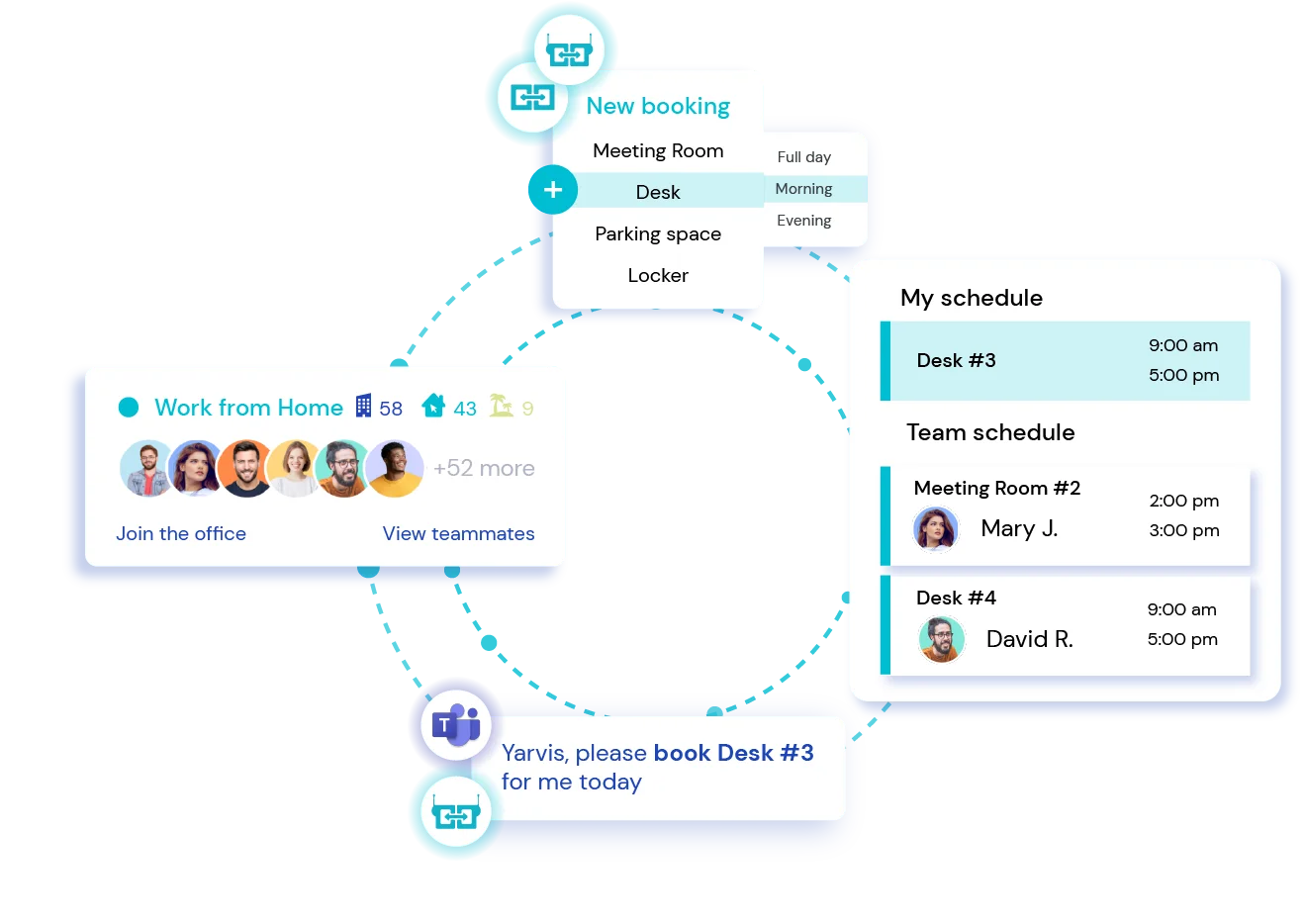
Yes, through Yarvis, the YAROOMS AI agent. Employees ask in plain language inside Microsoft Teams - “book me a desk near the design team on Wednesday” - and Yarvis finds a matching desk, checks it against booking rules, and reserves it. It handles compound requests such as booking a block of desks for a team on a recurring day, and flags conflicts before they happen rather than after.
The desk booking platforms most often shortlisted in 2026 are deskbird, Envoy, OfficeSpace, Robin, Skedda and YAROOMS. The choice usually turns on three things: whether desks need to sit alongside rooms, parking and visitors in one system; whether booking must work inside Microsoft Teams; and whether you need enforced check-in rather than a reservation calendar.
YAROOMS fits when all three matter. If you run a single office and only need a shared desk calendar, a lighter single-purpose tool will be cheaper and faster to deploy.
Related Products
Desk Booking
A top-rated desk management and booking solution that simplifies workspace reservations and brings hybrid teams together.
Hybrid Workplace
Seamlessly manage people and spaces in a flexible work environment with modern and user-friendly hybrid workplace software.
Mobile App
Keep your teams connected with the tools they need to collaborate and navigate the workplace from their mobile device.