Jump to:
1. About Visitor Registration Flow Customization
With Yarooms Visitor Management system, administrators can customize the steps a visitor must complete before receiving an access QR code, ensuring all necessary information is collected for their specific use case.
Visitors may be required to complete the following steps:
- Provide visitor details
- Sign a PDF digitally
- Agree to terms via checkbox
- Upload documents (photos, files)
- Capture a photo
- Watch a video
- Answer screening questions
- Send an email notification
The process is available both online (via email link) and on reception devices.
2. How to Customize the Visitor Registration Flow
To start customizing your visitor registration flow, go to Visitor management → Settings and select a location. In Visitor registration flow, click Add step. You can select a step type, define its settings, and add it to the flow. Each step can be added multiple times.
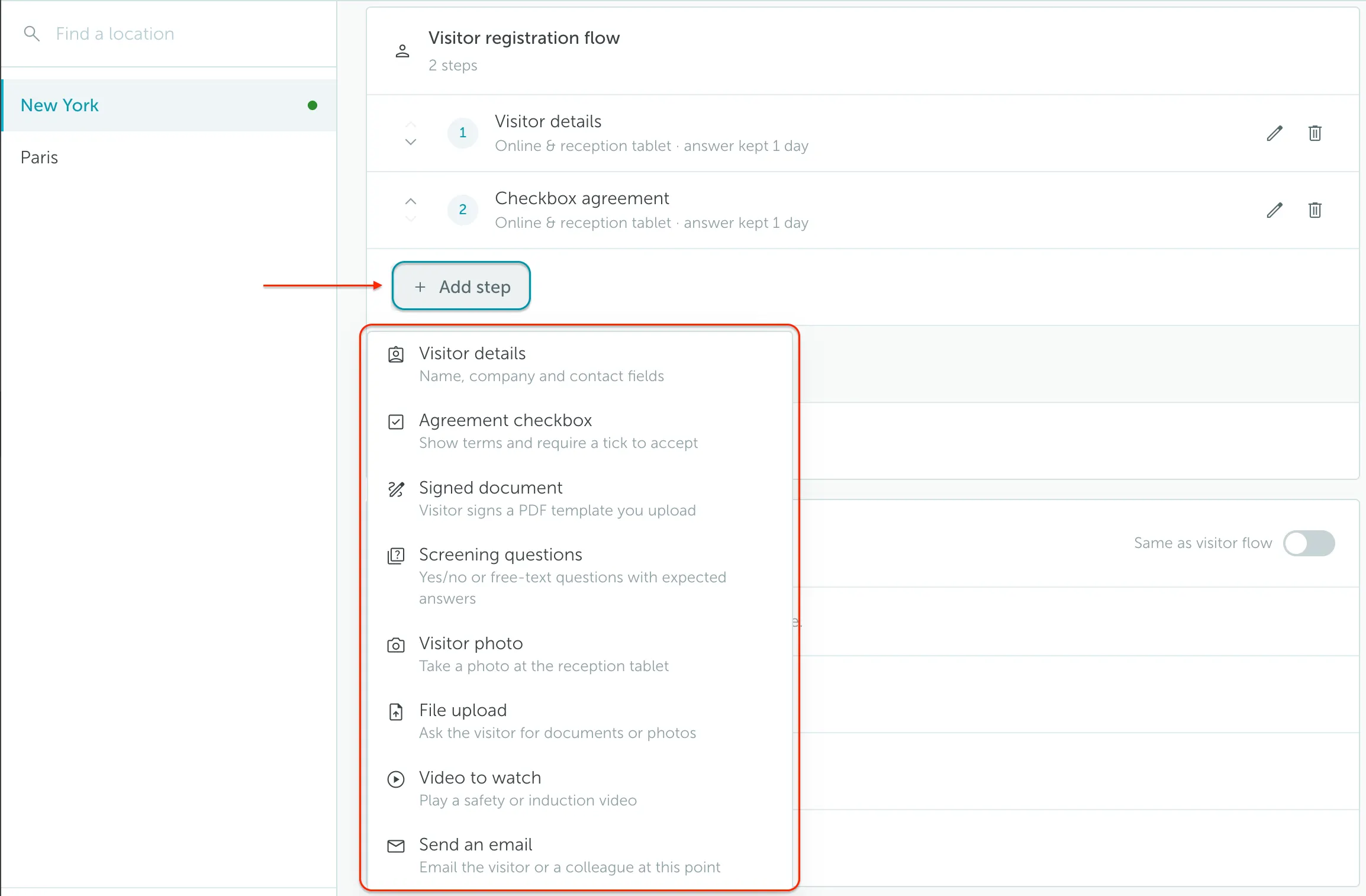
For each step, you can:
- Choose where it appears: Online, Reception tablet, or Both.
- Turn on Must be completed if the visitor must complete the step before continuing.
- Set how many days the answer is remembered for returning visitors, when the step supports it.
Visitor details
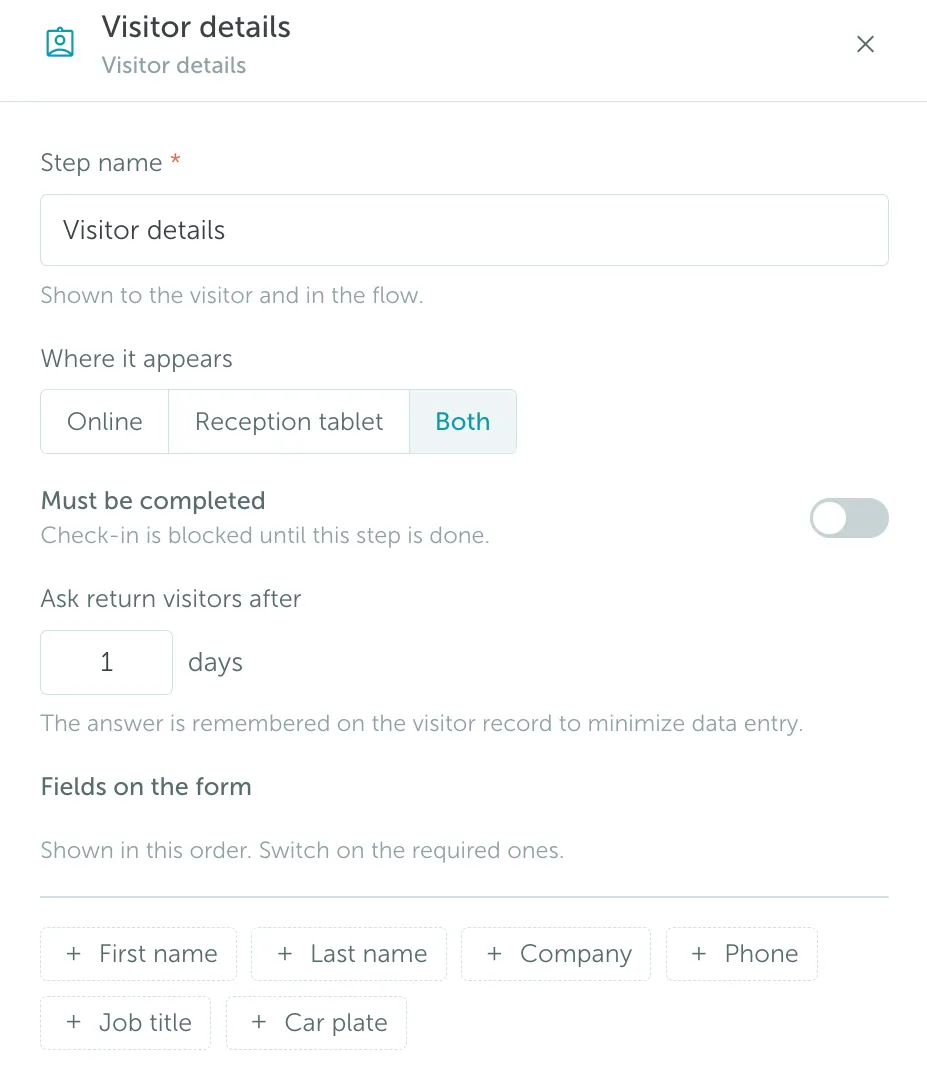
Choose which visitor detail fields appear in the flow, such as first name, last name, company, phone, job title, and car plate.
Signed document
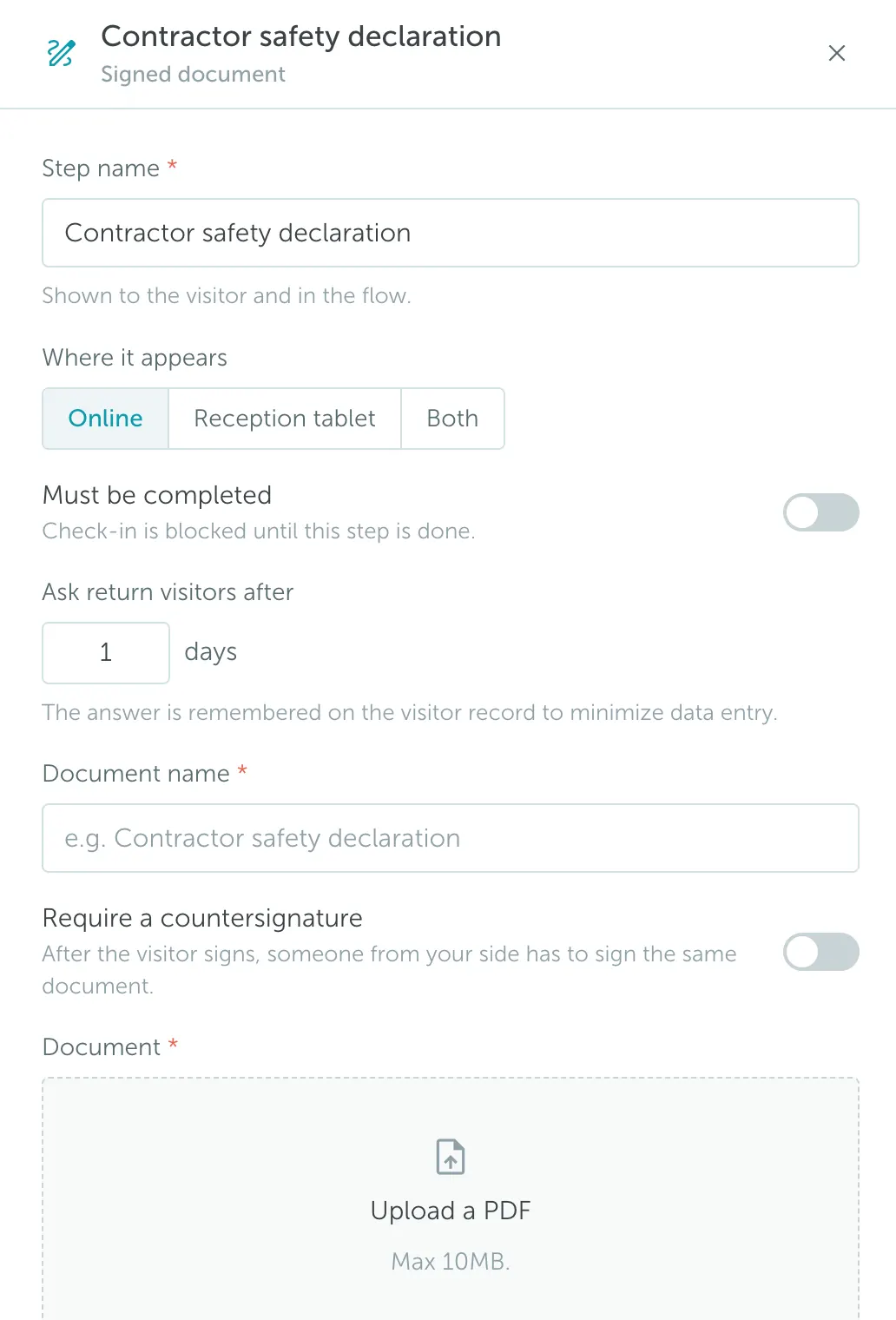
Request visitors to digitally sign a PDF document. You can upload the document, choose where the step appears, make it required, and ask returning visitors again after a set number of days.
Agreement checkbox
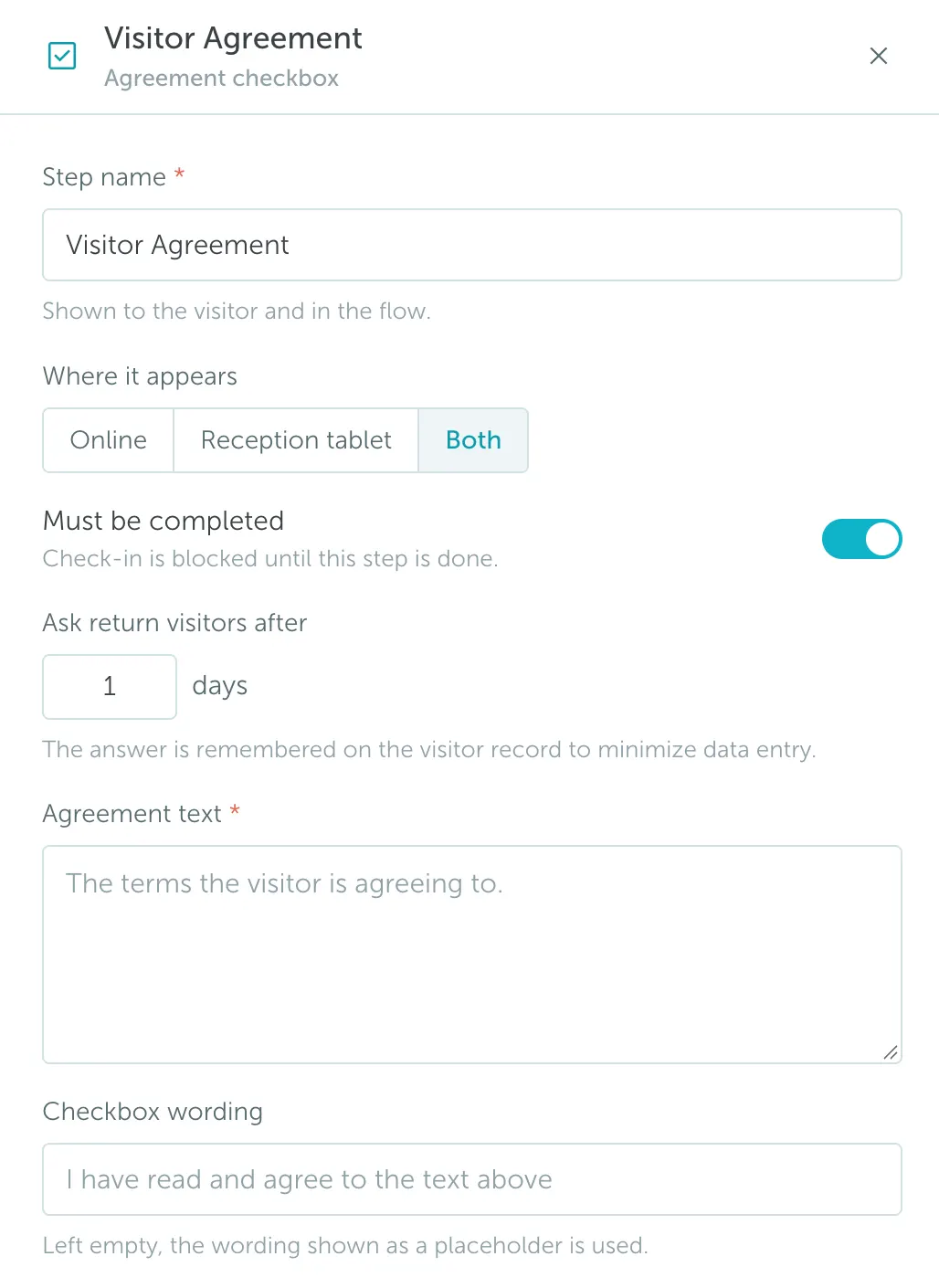
Request visitors to agree with specific rules or policies. Add the agreement text and checkbox wording visitors must accept.
File upload
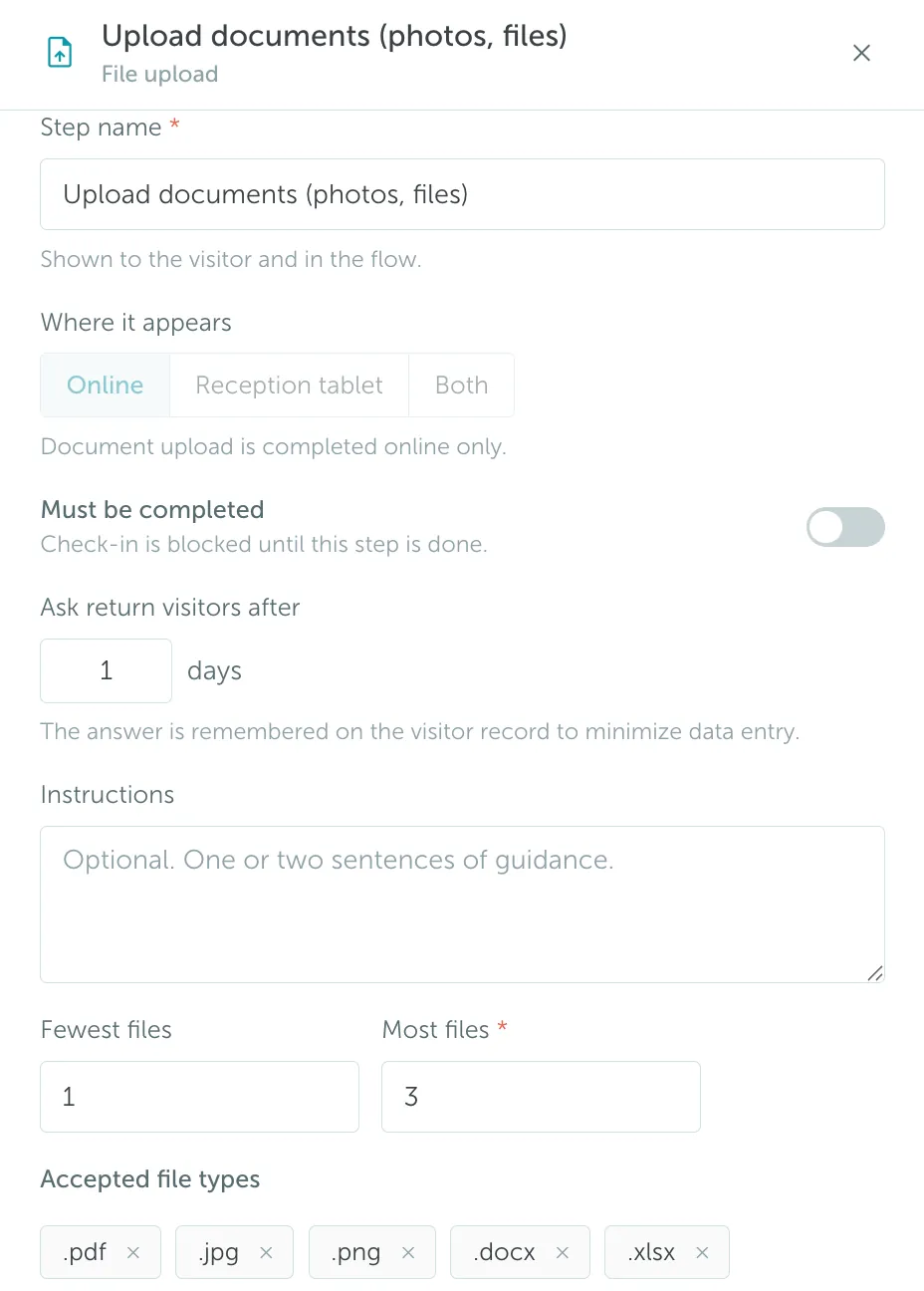
Request visitors to upload documents, photos, or other files. You can add instructions and define the accepted file types.
Visitor photo
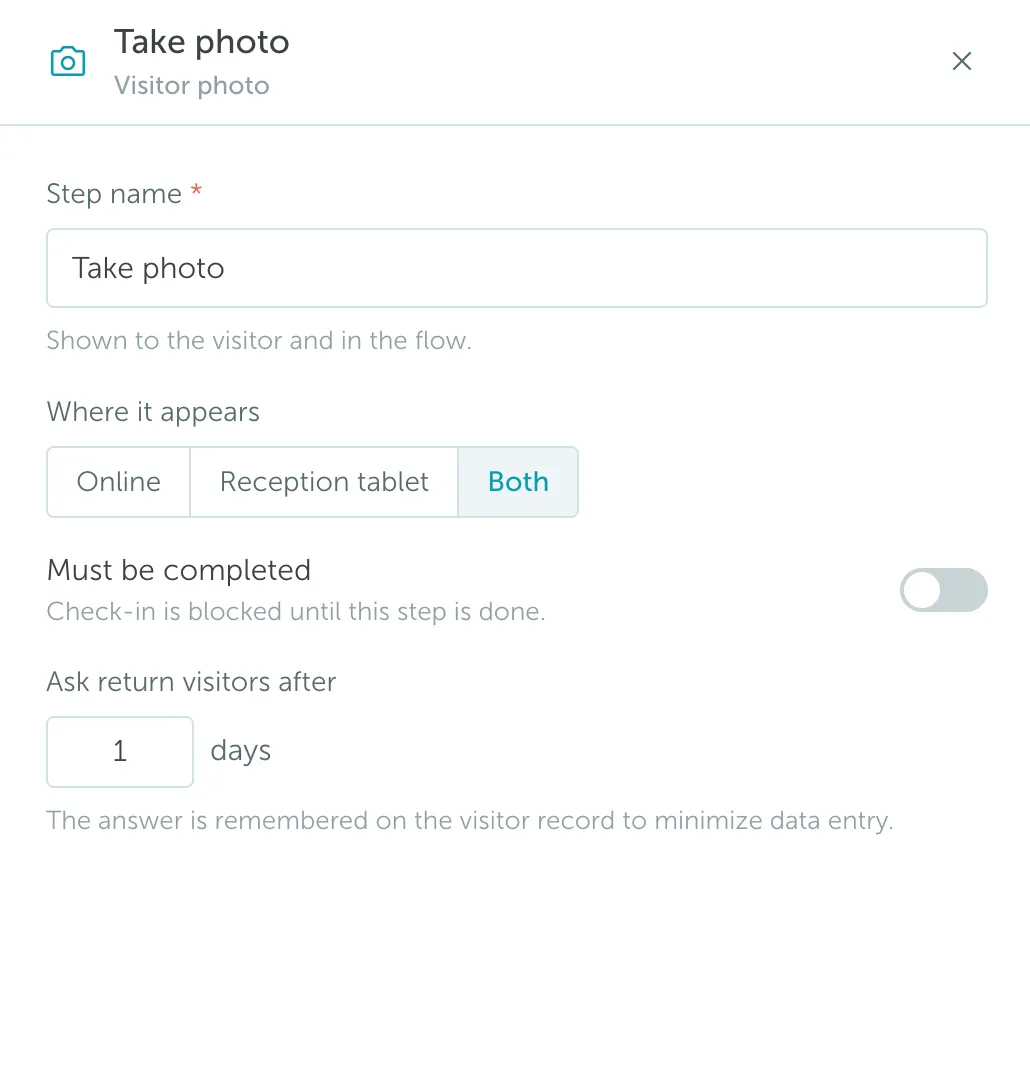
Request visitors to take a photo.
Video to watch
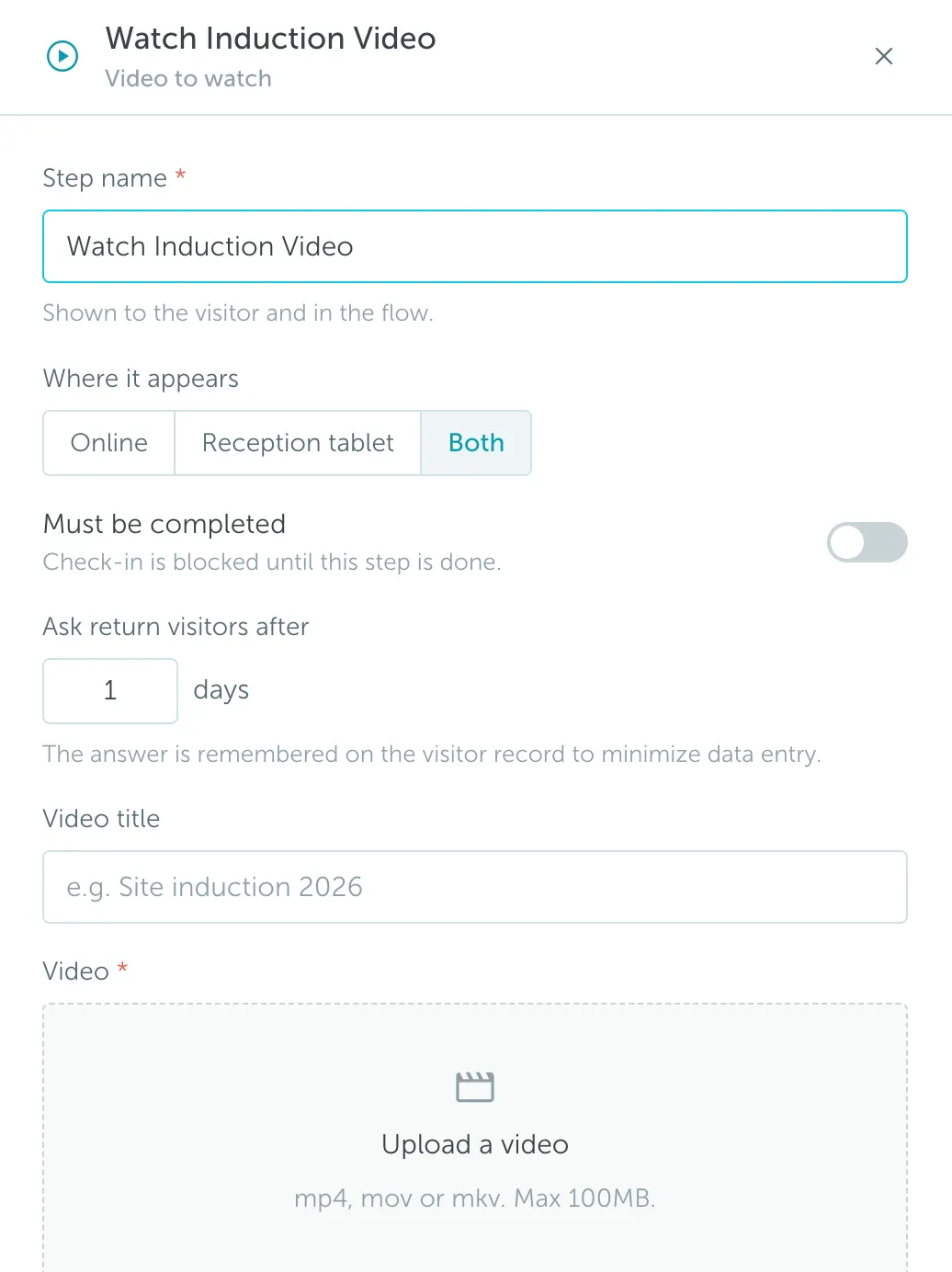
Ask visitors to watch a video as part of the registration flow.
Screening questions
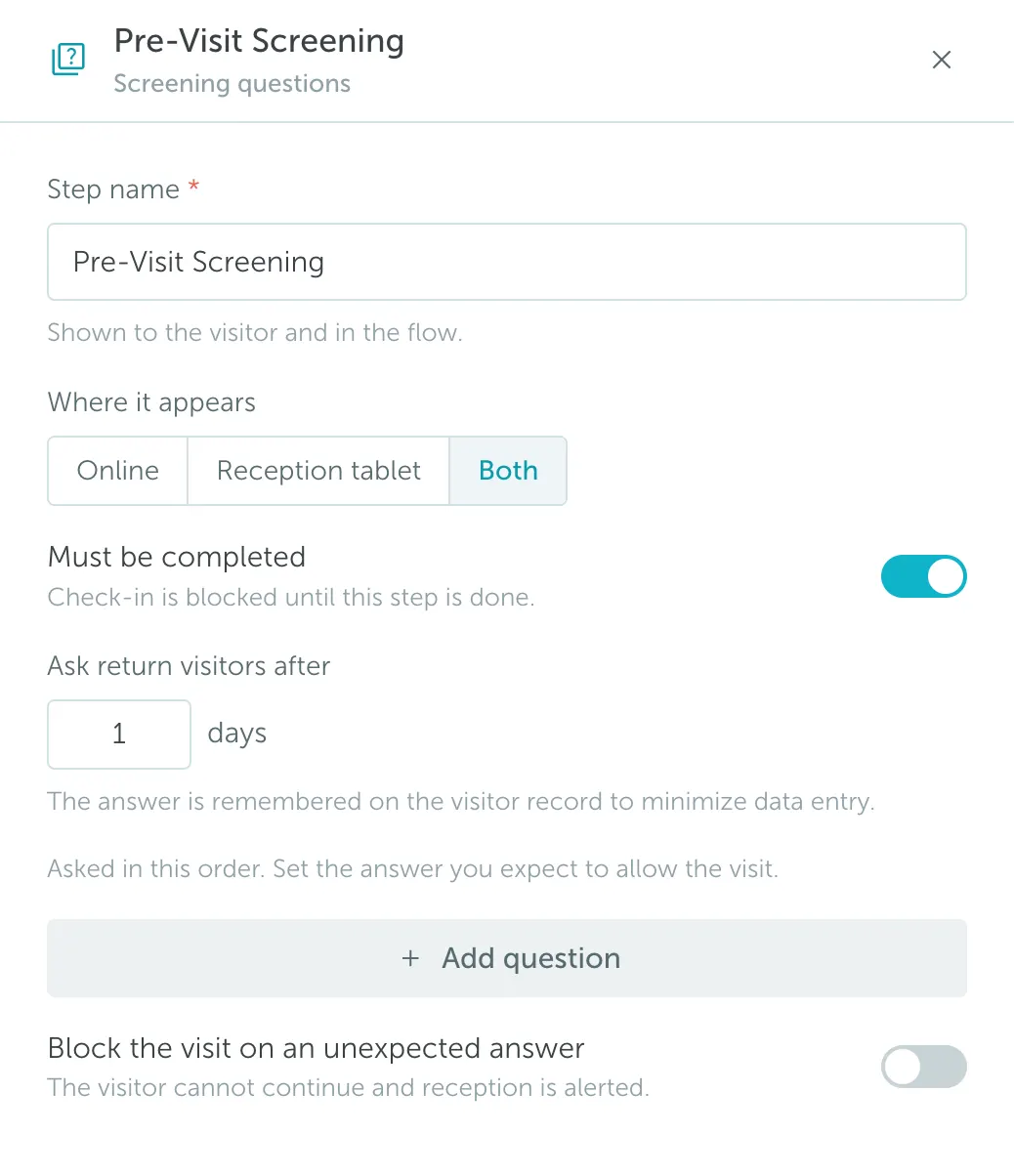
Ask visitors to answer screening questions or a custom questionnaire.
Send an email
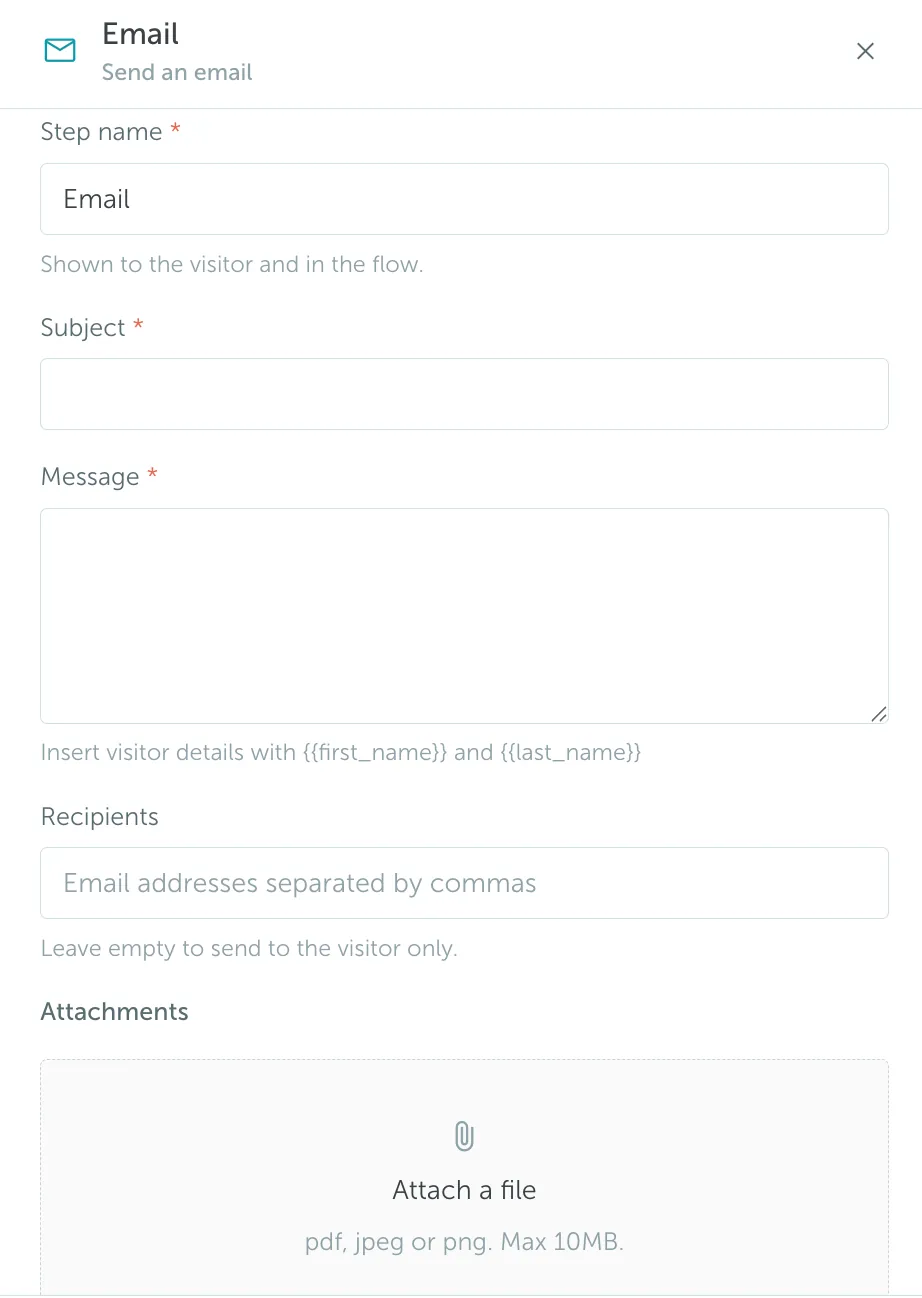
Send an email during the registration flow, such as a confirmation or additional instructions.
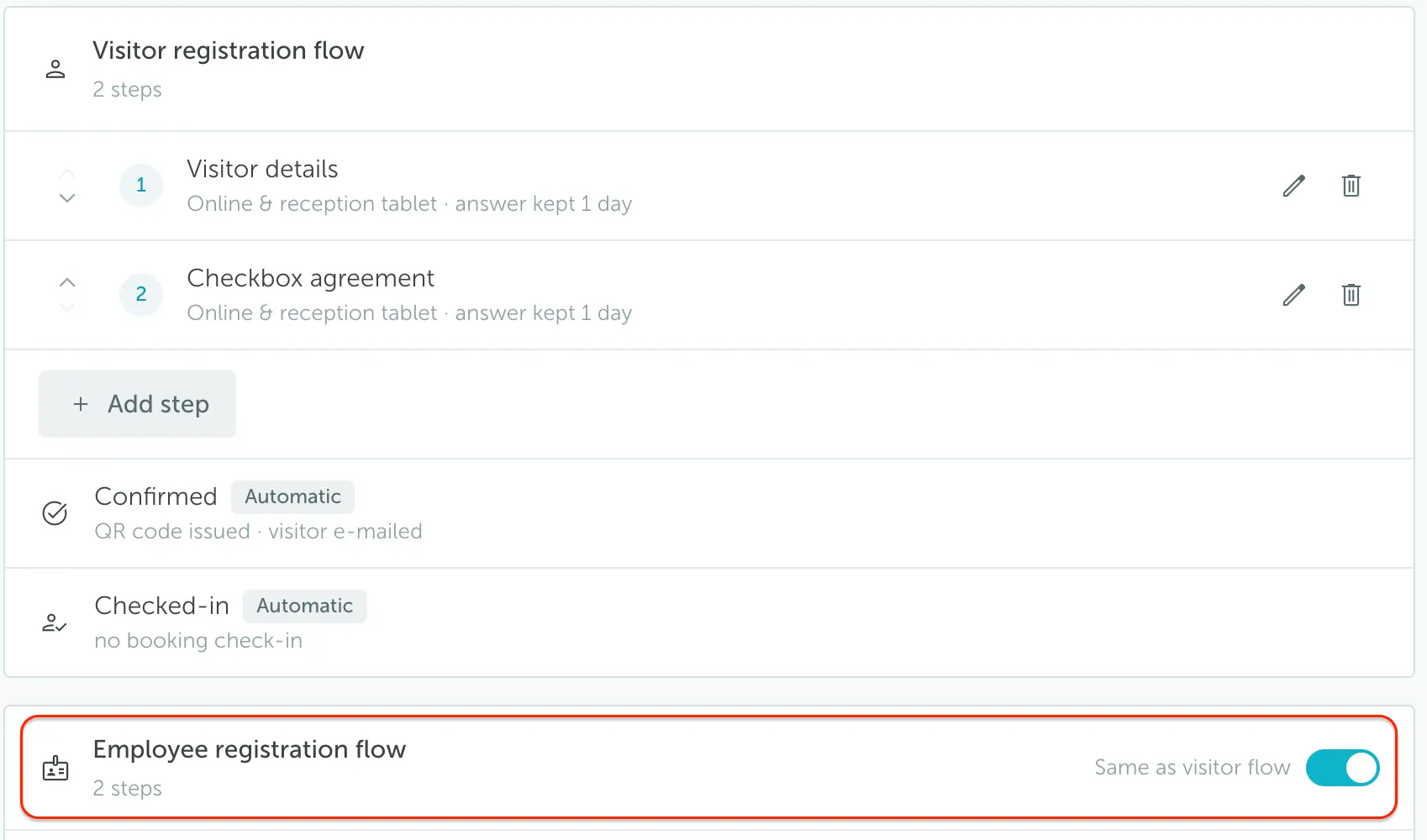
3. Customizing the Employee Registration Flow
The registration flow can be set up not only for visitors, but also for employees. These flows can either be completely different or identical. If you want the employee flow to match the visitor flow, switch on Same as visitor flow.