
To set up a tablet after installing the app, please go through the following steps:
- Open the app on your device and tap on “Yarooms Server” at the bottom of the screen.
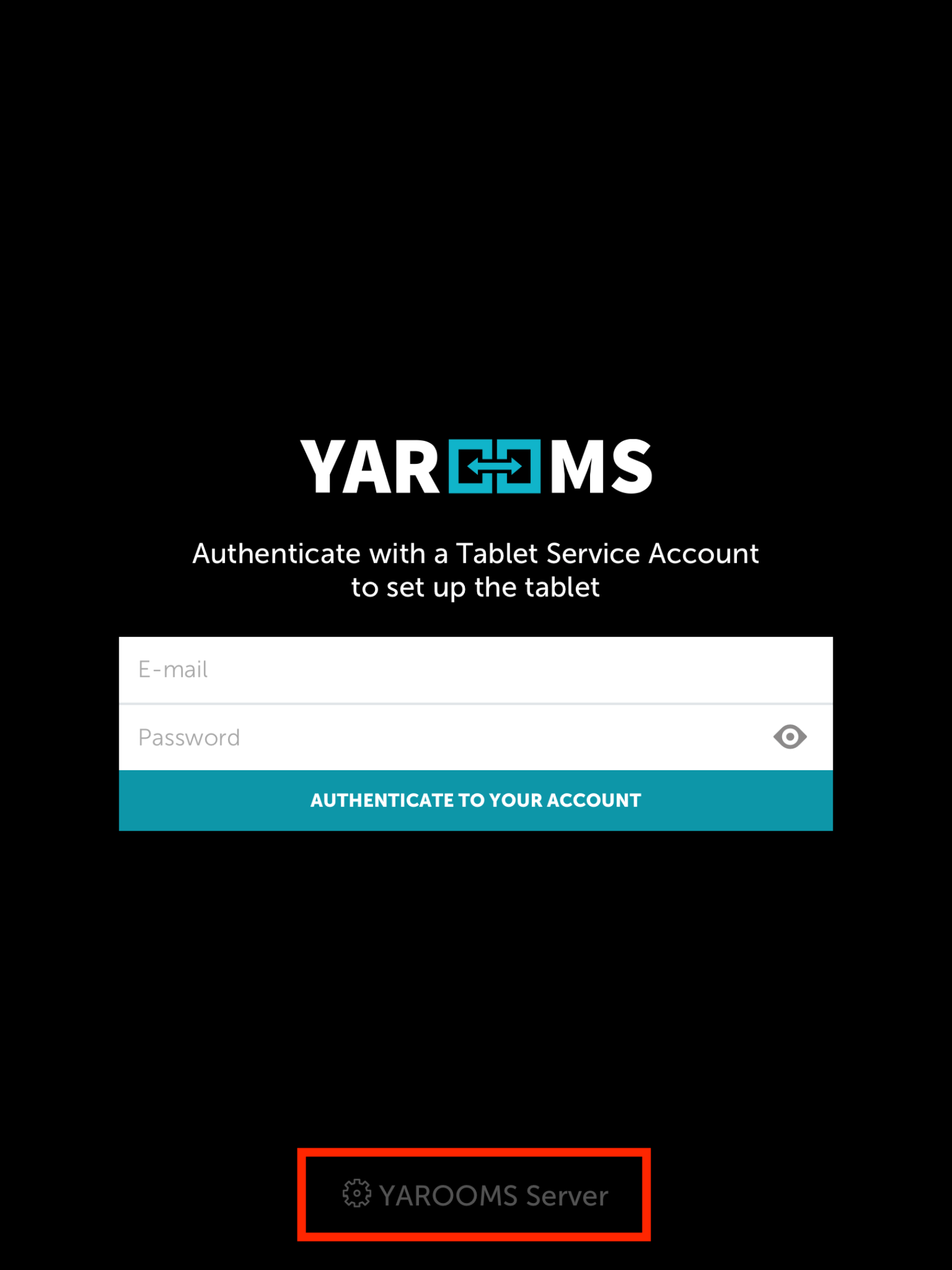
On the next window, fill out the Yarooms Server URL as https://api-legacy.yarooms.com and then tap on “Save URL”.
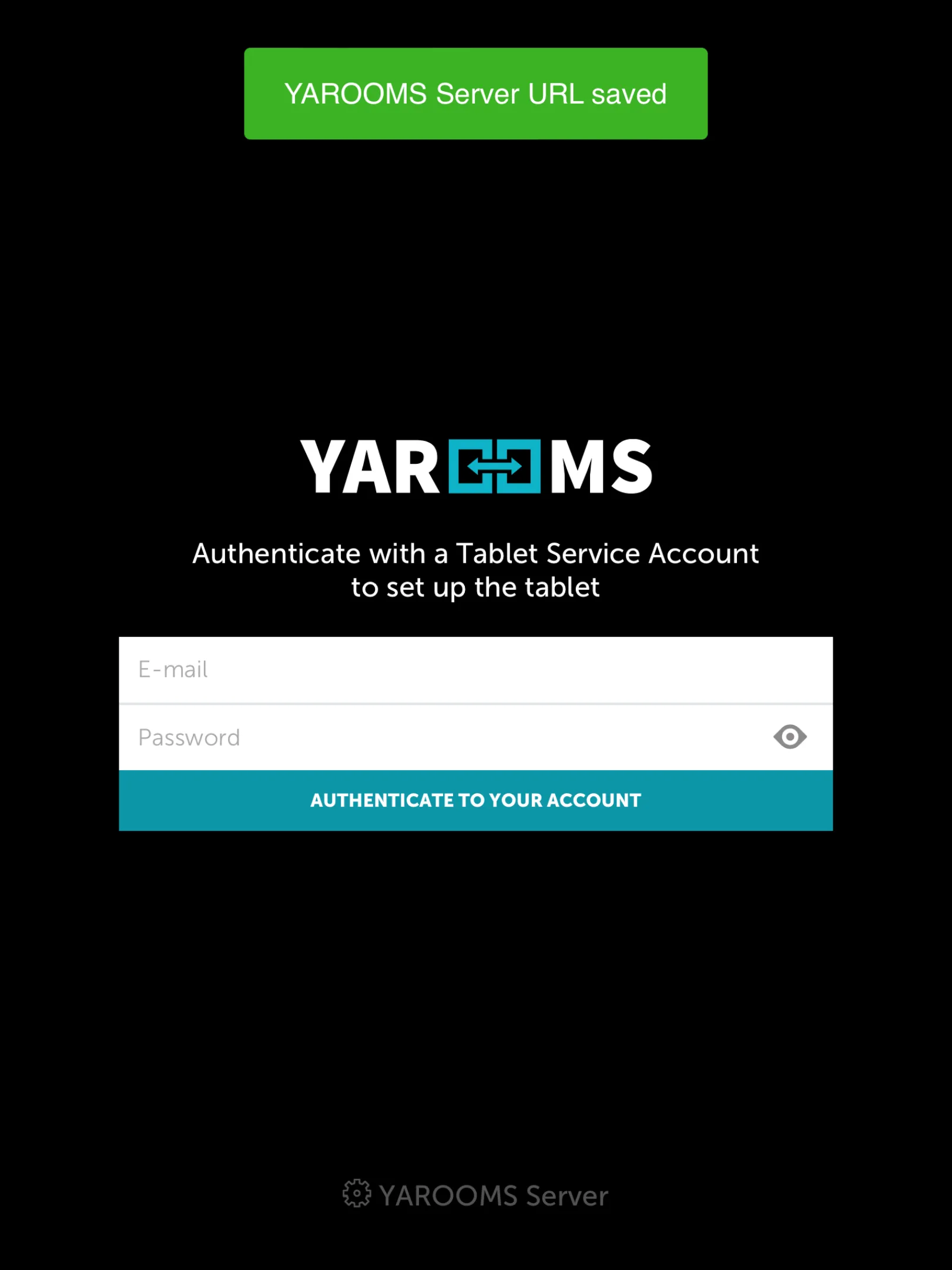
You should see a green message stating “Yarooms Server URL saved”. From there, enter the login credentials for an account administrator and then tap on “Authenticate to your account”.
This should allow you to connect the device to your account and will take you to the screen where you are able to choose the location and the specific room this display will be associated with. After choosing the corresponding room, you will be taken to the main page for the display.