
Booking a meeting
If a meeting is already taking place in the room, you can click on the + sign in the lower-left corner to create a quick booking - this will be assigned to the tablet’s user in your reports section. From here, you can select your start and end times, choose your preferred day and give the meeting a name.
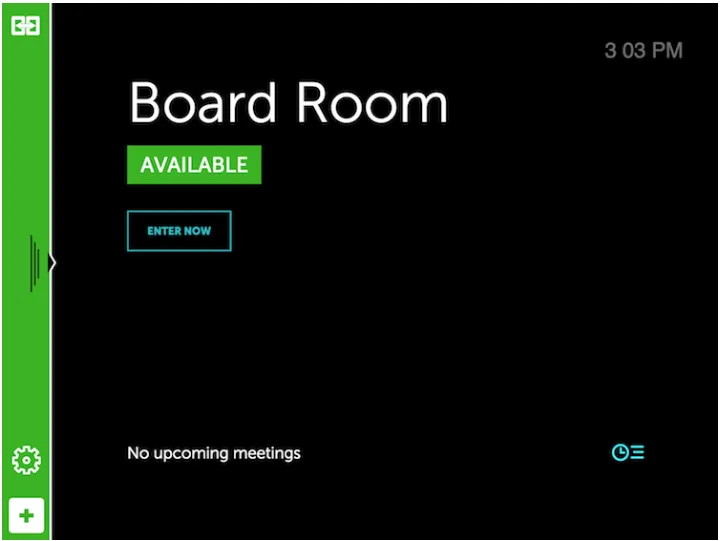
If the room is available right away, the main screen will display a button stating “Enter now” which defaults the meeting start time to the current time. Everything else remains the same.
Checking on upcoming meetings
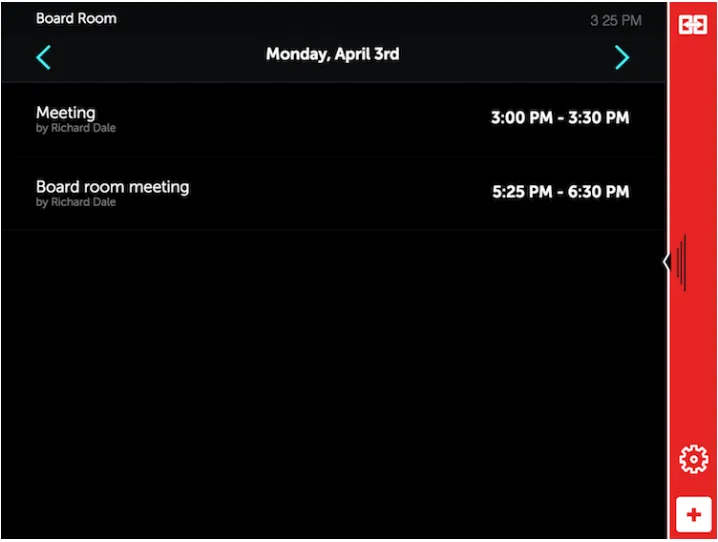
To see upcoming meetings, simply swipe right when on the Main screen. You will be taken to a list of bookings that are scheduled to occur.
Extending / ending a meeting
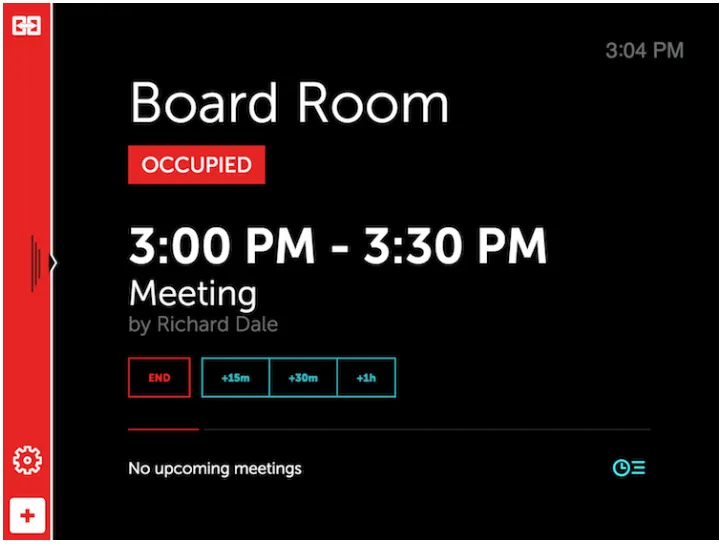
If your meeting lasted less than expected or needs to be extended, you can modify its end time from the tablet app - choose the appropriate action on the default screen (End Now, +15min | +30min | +1hr) and YArooms will take care of the rest.