
Looking for room availability
Room availability can easily be investigated either by checking the three available calendar views or by using the Search room function.
By using the Search room function you will be presented with a list of available rooms depending strictly on the parameters you use for your search.
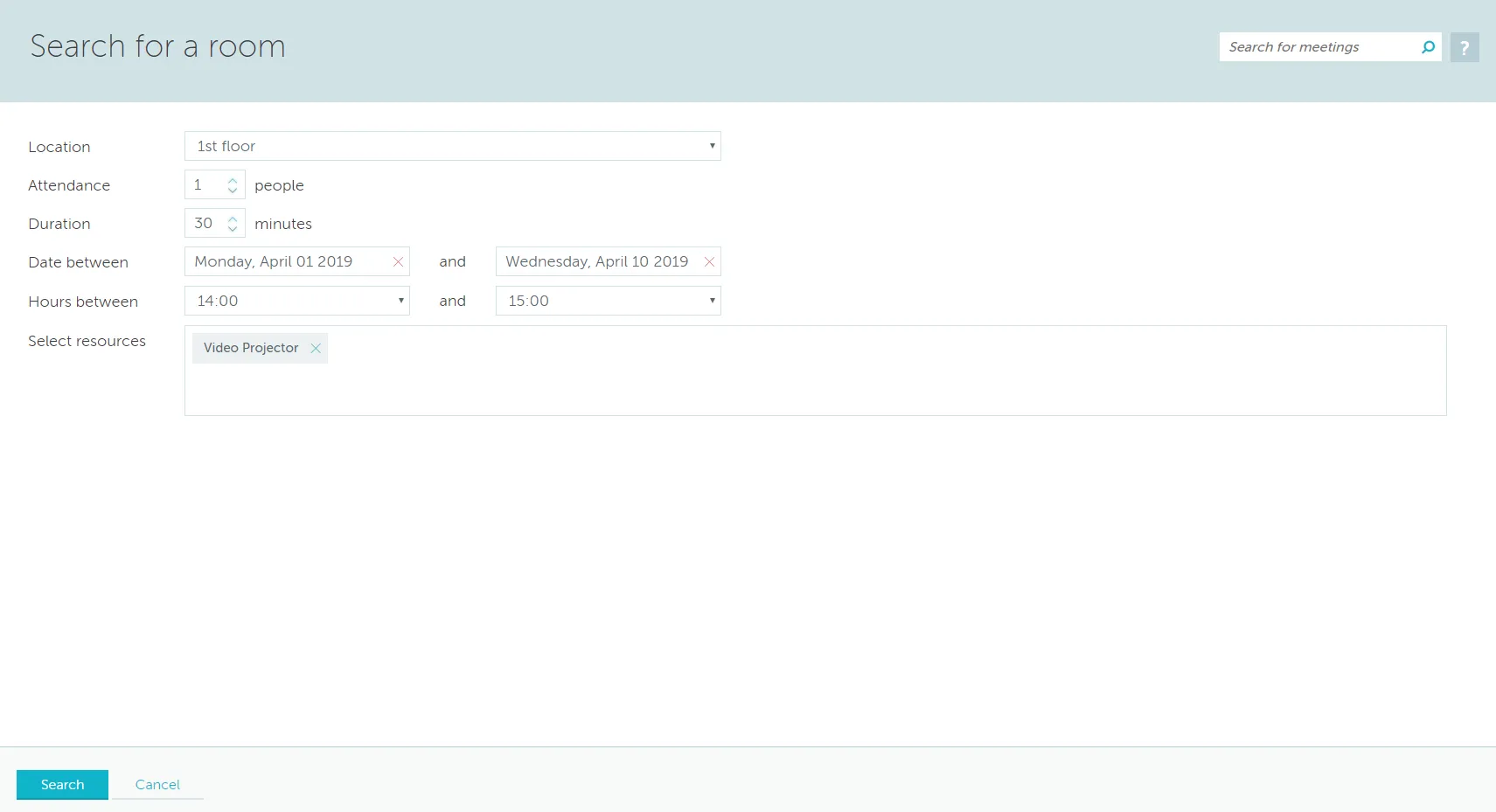
You can restrict your search depending on location, no. of people who will be attending, duration, date interval (for a maximum of 10 days after the initial date), start / end of meeting and available resources. The resulting list will include only the rooms which strictly comply with these parameters.
After that, you can select your best match from the list by ticking the box to right of the description and clicking the Continue with selected room button.
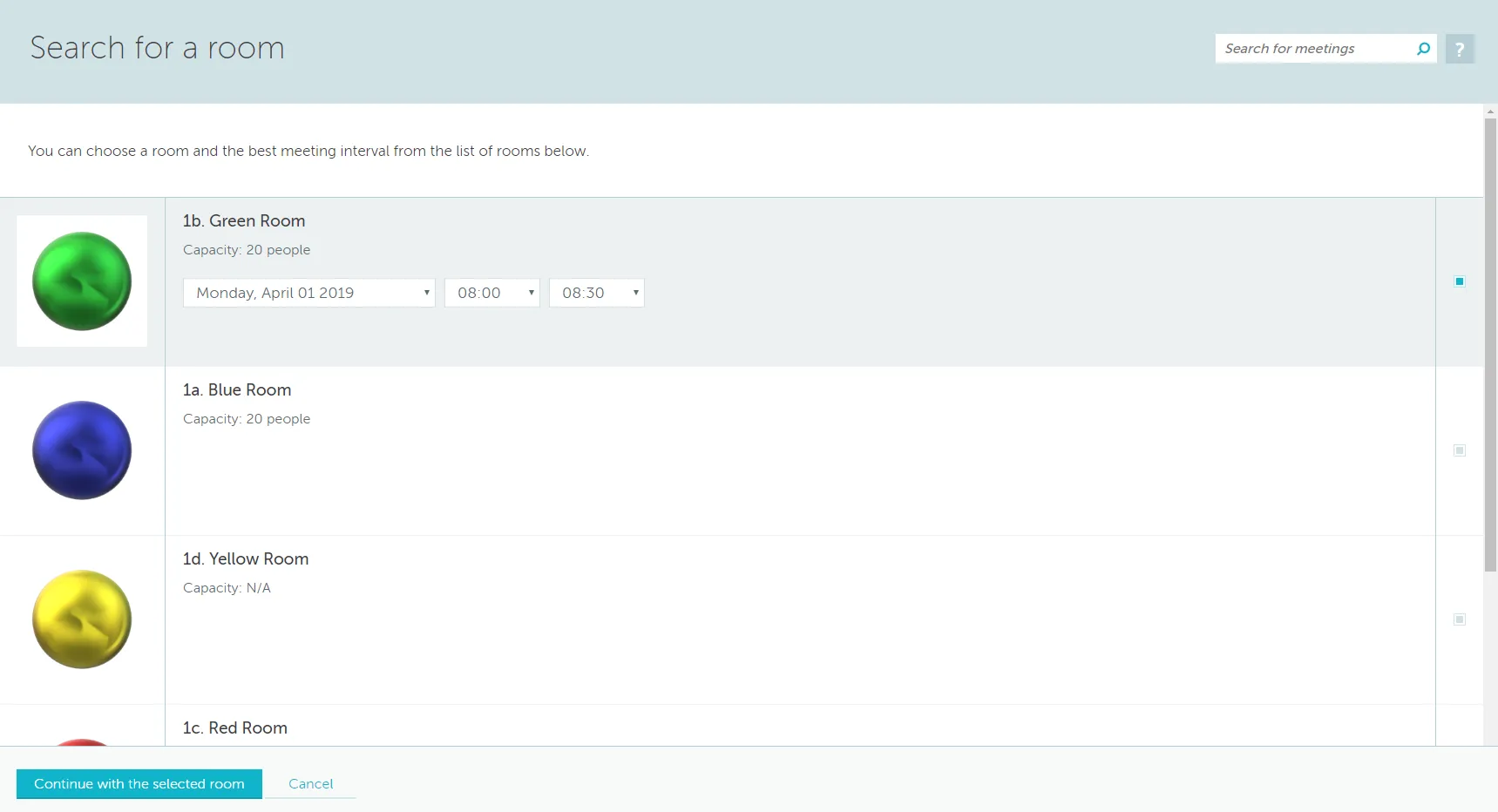
Note: The list will not include results for blocked dates. If different days within the desired interval have different business hours, the search will include only the minimum start time and maximum end time for these days.