To make the meeting private (hide its details from users who are not admins/room owner/attendees) simply click the eye icon next to the meeting title in either the Quick book or the Advanced windows.
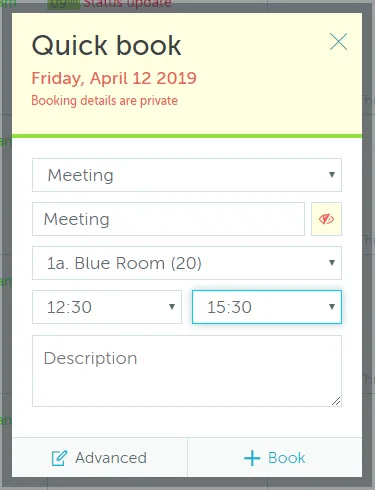

To make the meeting private (hide its details from users who are not admins/room owner/attendees) simply click the eye icon next to the meeting title in either the Quick book or the Advanced windows.
Our support team is here to help. Reach out and we'll get back to you quickly.
Contact SupportWe use cookies to analyze traffic and improve your experience.
Required for the site to function
Help us understand how visitors use the site
Used to deliver relevant ads