
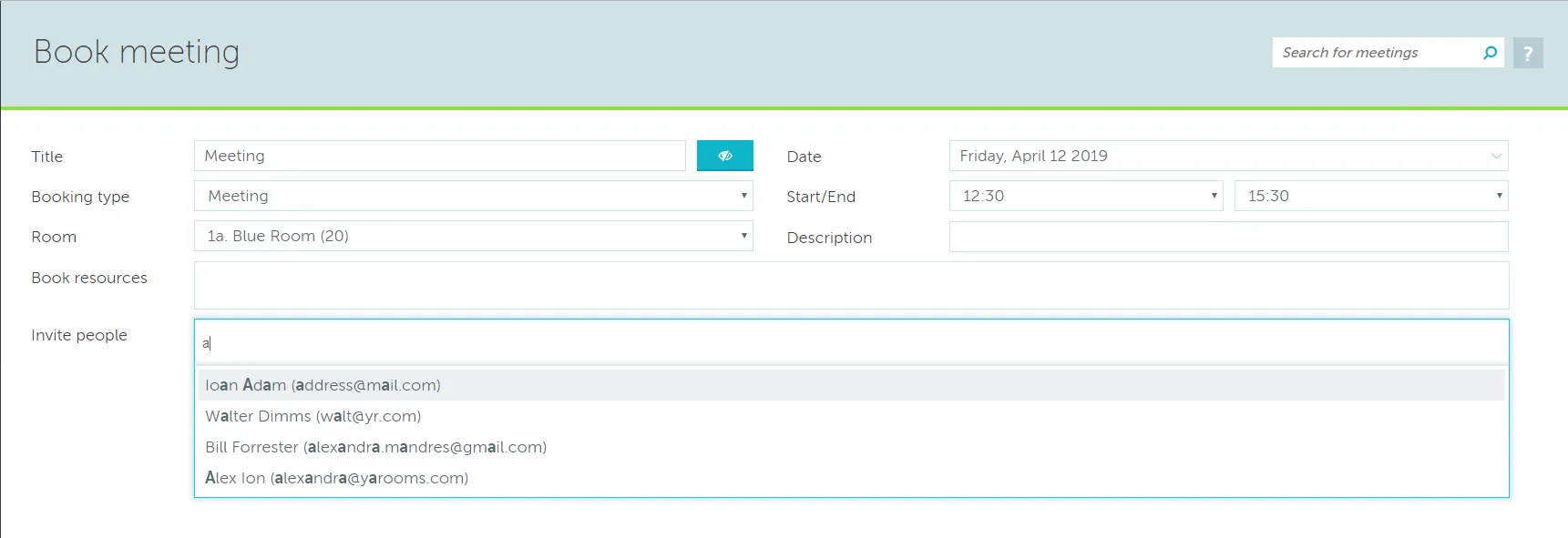
Anybody can be invited to a meeting provided they have a valid email address. Both YAROOMS users and people who do not have a YAROOMS account can be added to the Invite people field in the Advanced booking window. Simply type in their email address and then click on it to select it.
All attendees will receive email notifications which include an .ics file. They can use this file to add the meeting to the external calendar of their choice.
They can choose to accept or deny the meeting by clicking on the appropriate button in the notification email. This will be reflected in the meeting details, as attendees who accepted the meeting will have their name in color and those who declined will have a red X in front of their names. If they have neither accepted or declined their name will remain in grey font.