
Notifications are sent via email as room bookings are created, or they change their state.
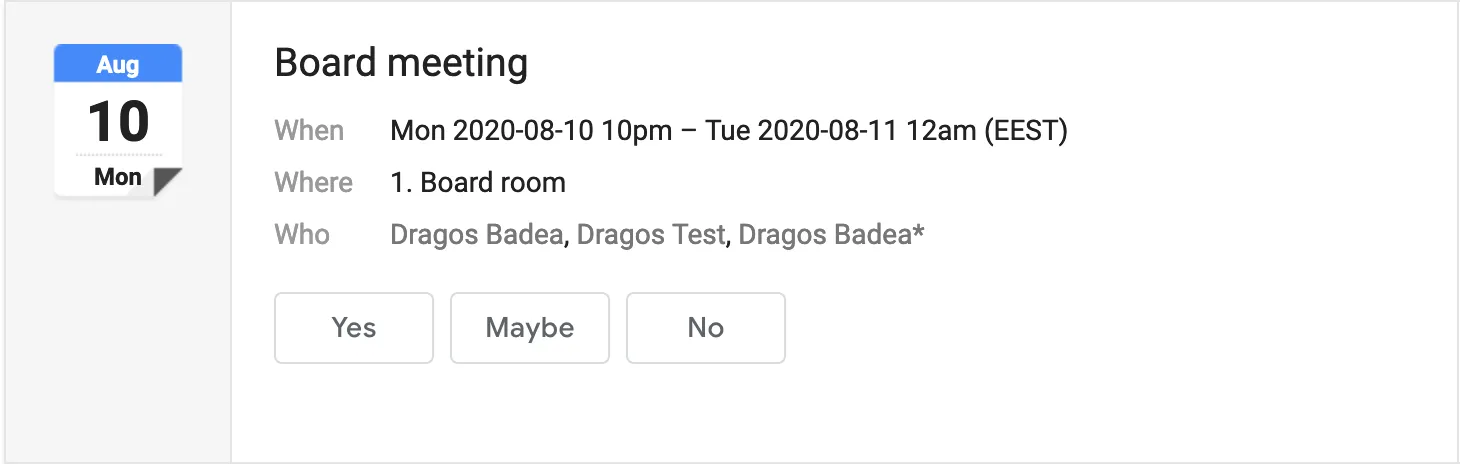
Almost all notifications contain ICS files (iCal standard) for event data portability purposes. For example, when receiving a booking confirmation in Gmail, an ICS file is attached and Gmail will automatically add the event to your calendar.
| #ID | Notification name | Received by | Description |
|---|---|---|---|
| 1 | Booking confirmation | Booker | Sent when a new meeting is created. |
| 2 | Booking change notification | Booker, Attendees, Resource owners | Sent when a booking is updated. |
| 3 | Booking cancellation | Booker, Attendees | Sent when a booking is cancelled. |
| 4 | Meeting invitation | Attendees | Received by attendees when they are added to an approved room booking, or when a booking where they are added is approved. |
| 5 | Meeting invitation response | Booker | Sent when an attendee answers Yes / Maybe / No to a meeting invitation. |
| 6 | Room owner notification | Room owners | Sent when a booking is created in a room they own. If the booking requires approval and no room owner is defined, the notification is sent to all Administrators. |
| 7 | Booking request approved | Booker | Sent when a room owner or Administrator approves a booking request. |
| 8 | Booking request declined | Booker | Sent when a room owner or Administrator declines a booking request. |
| 9 | Meeting reminder | Booker, Attendees | Reminders are sent 1 day and 1 hour before the start of a room reservation. |
| 10 | Resource booked | Resource owners | Sent when a booking containing an owned resource is created or approved, or when the resource is added to an already approved booking. |
| 11 | Resource cancelled | Resource owners | Sent when a booking containing an owned resource is cancelled or when the resource is removed from a booking. |
Controlling the notifications
Email notifications can be muted globally or at the user level. Administrators can change the notification settings from the Account → Settings section, on the Notifications tab. Additionally, each user can change their own notification settings to override the global settings from the Account → My account → Notifications tab.
| Setting label | Emails where it applies |
|---|---|
| Mute booking confirmations | 1, 7, 8 |
| Mute booking change notifications | 2 |
| Mute cancellation notifications | 3 |
| Mute invitations | 4 |
| Mute invitation responses | 5 |
| Mute reminders sent one day before the event | 9 |
| Mute reminders sent one hour before the event | 9 |
| Mute notifications received as resource owner | 10, 11 |
| Mute notifications received as room owner | 6 |
| Mute fallback notifications for Administrator | 6 |
Debugging notifications
If you do not receive your email notifications the cause can be one of several. Run the following steps in order to diagnose:
- Check the Account → My Account → Notifications tab. Make sure the relevant notifications are not muted.
- Check the Account → Settings → Notifications tab. Make sure the relevant notifications are not muted globally.
- Check your Spam folder.
- Ask your IT department if they have any filters in place that could block emails from system@yarooms.com or invite+{numeric_id}@in.yarooms.com.
- If the issue persists after all of the above, contact us and we will investigate the issue.
Responding to invitations (RSVP)
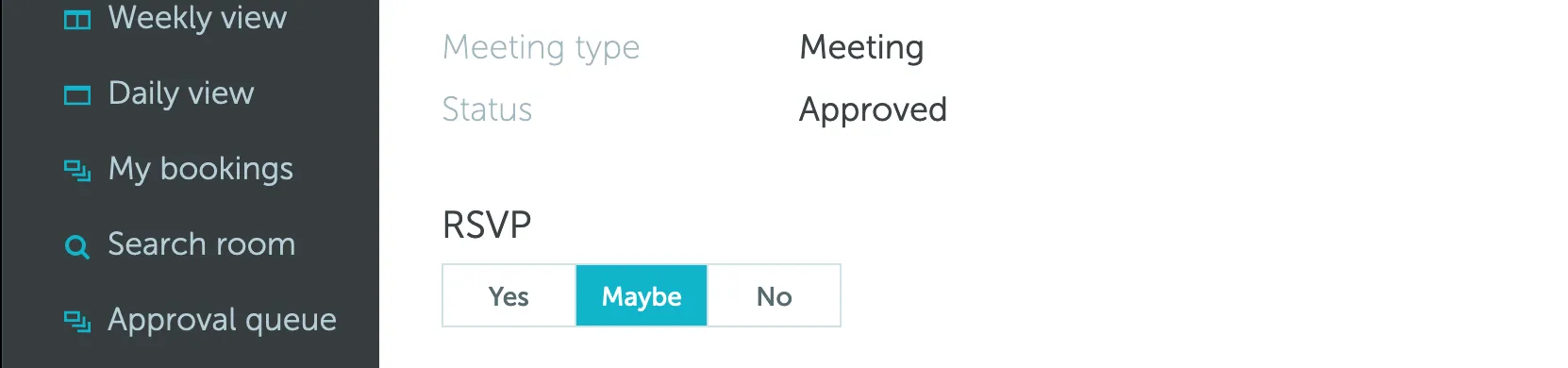
Email invitations contain special information that makes your email client (Gmail, Outlook and others) show special buttons for responding to the invitation with Yes / Maybe / No.
When you click one of the response buttons your email client sends a specially crafted email back to us, containing your choice. We update your attendee status on the meeting and also inform the booker.
Clicking one of the buttons in your email client has the same effect as choosing your status in the web interface.