
Display settings

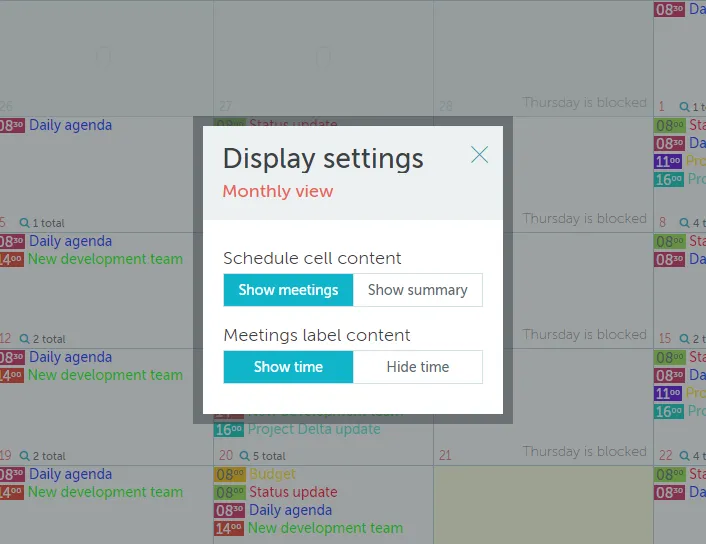
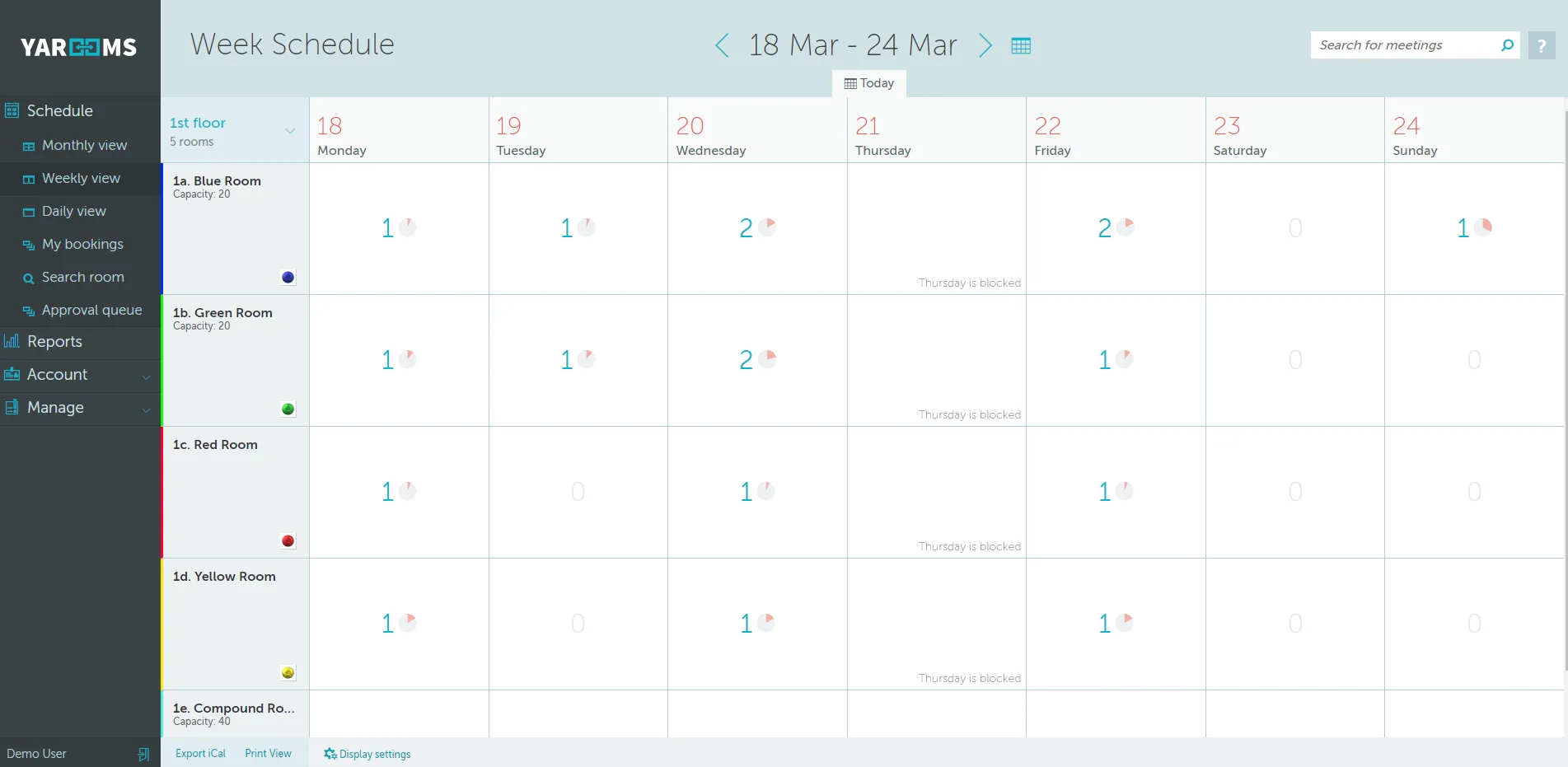
On the monthly and weekly schedules you can switch between summary view (which shows the number of meetings and occupation in each cell) and the meeting list view, where you can see the list of meetings in the cells.
display1

Do this by clicking the “Show meetings” or “Show summary” in the Display settings pop-up window.
display2

Can't find what you're looking for?

Our support team is here to help. Reach out and we'll get back to you quickly.

Contact Support
YAROOMS

Become a partner

Join our growing network of partners worldwide

Application received!

We'll review your details and get back to you soon.

We use cookies to analyze traffic and improve your experience.

Cookie preferences

Essential

Required for the site to function

Always on
Analytics

Help us understand how visitors use the site

Marketing

Used to deliver relevant ads

Talk to Sales or Support