In order to Delete a meeting you have to be one of the following: administrator (can delete any meeting), room owner (can delete meetings in their room), booker (can delete meetings which they originated). Pending meetings can also be cancelled before approval is granted/declined by the appropriate person.
After the meeting title is clicked in any of the calendar views a pop-up will appear, giving the user three different options.
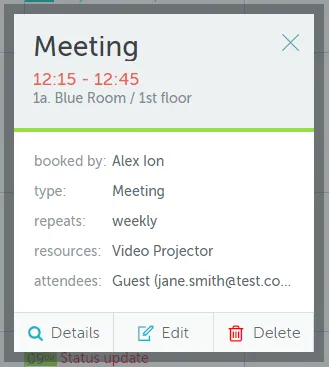
The Details button displays all the details associated with the meeting in question. They cannot be modified directly. The Cancel options is available at this level as well.
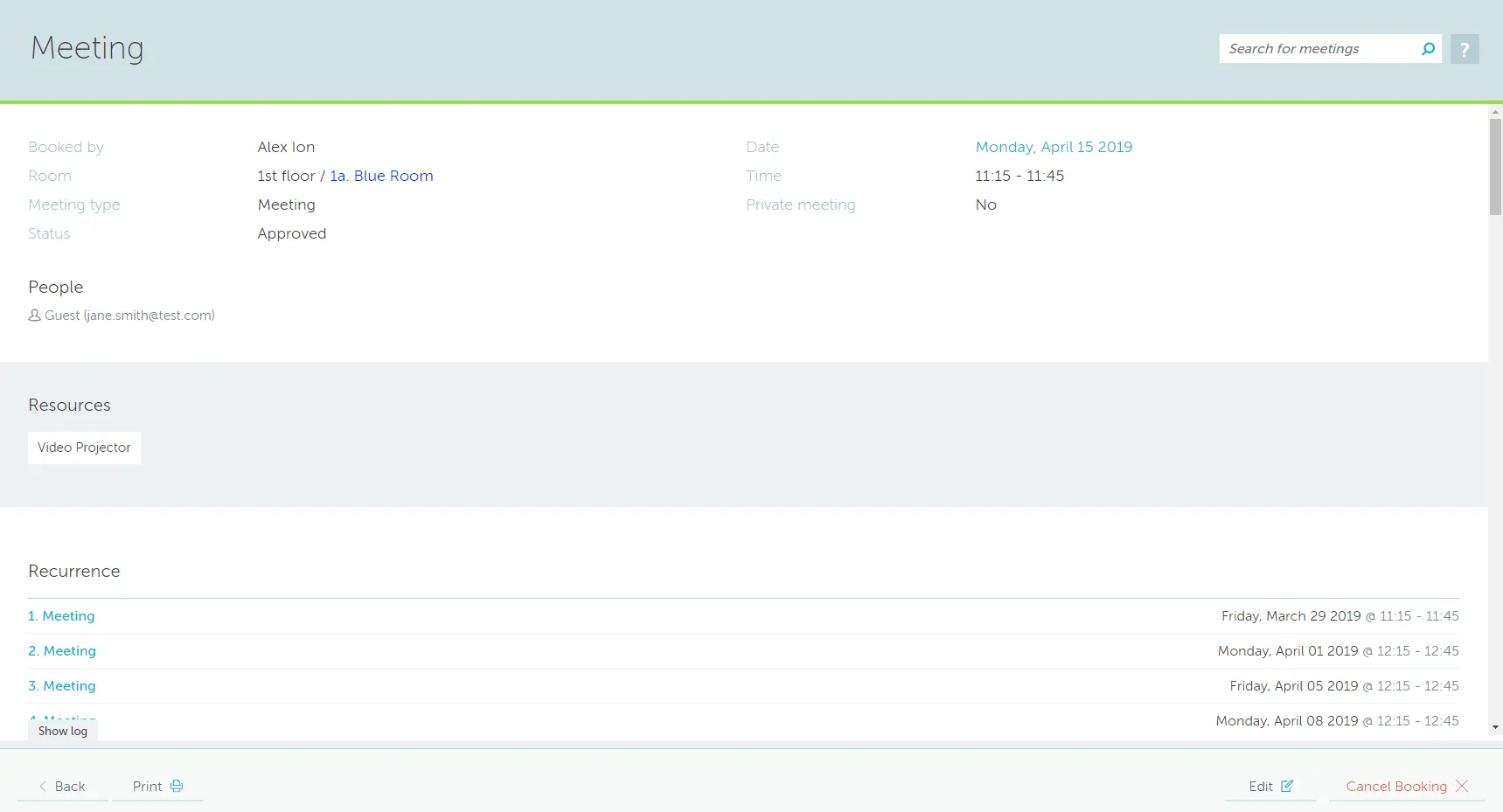
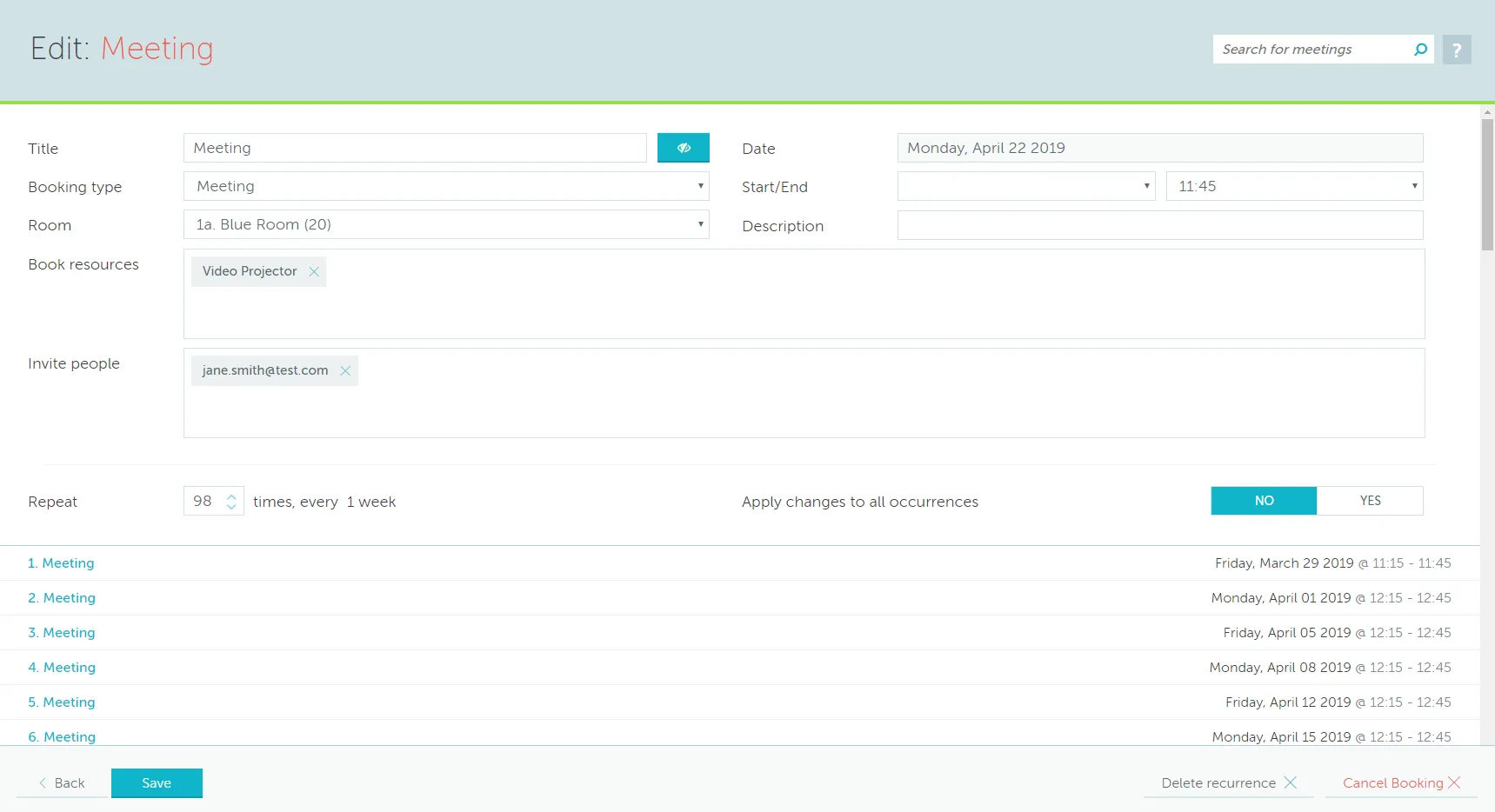
The Cancel option is available at this level as well.
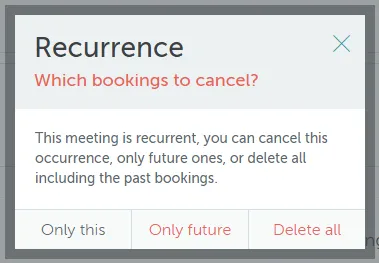
The Delete button will activate a prompt double checking if this meeting should be cancelled. If the meeting is part of a recurrence chain there is an option to delete either the single recurrence, only future occurrences or the entire chain.