
User Activation

There are several options for a user to activate their own account, depending on the option used by an administrator to create user accounts.

If an account was created for them by an administrator they will receive an email notification containing their login data. After logging in for the first time they will be free to change their admin generated password.
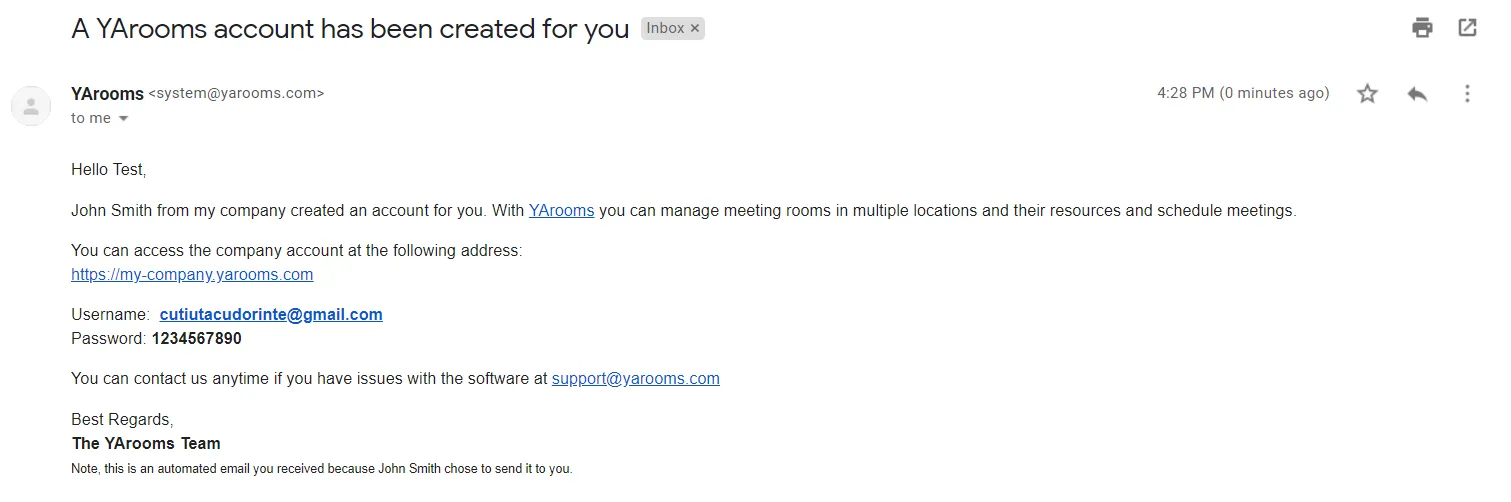
User activation - Admin created account

If an administrator invites / imports the user they will receive an email notification prompting them to click a link in order to set up their own account.
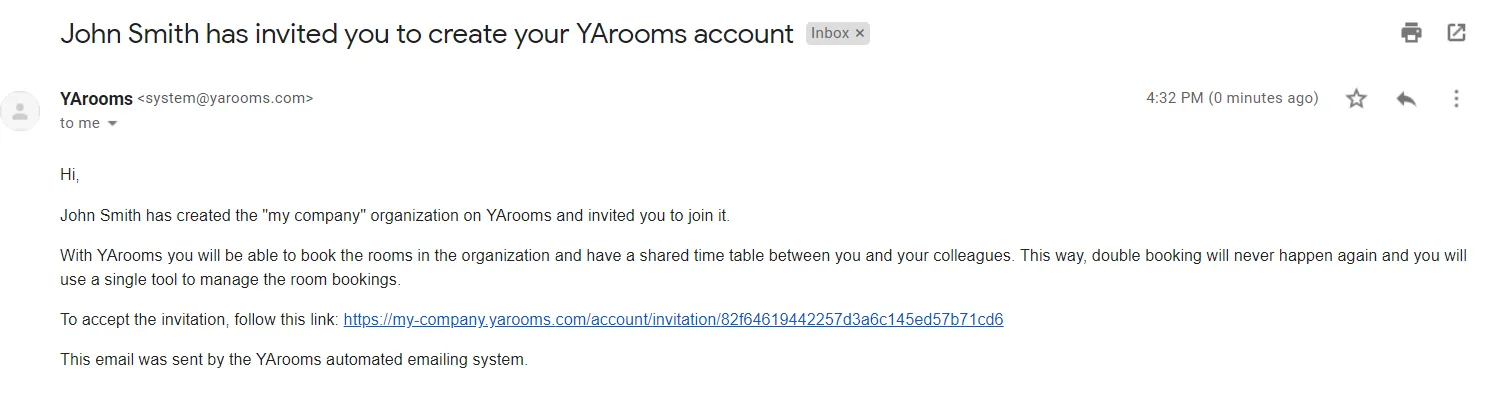
User activation - Invited user

If the login page registration option is turned on by an administrator, users can navigate there and create their own accounts by clicking on the Create a new account button.
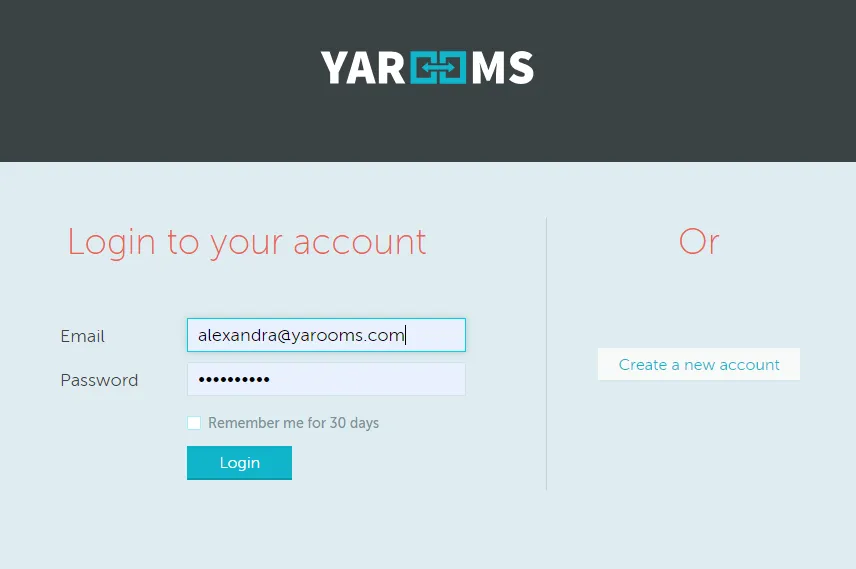
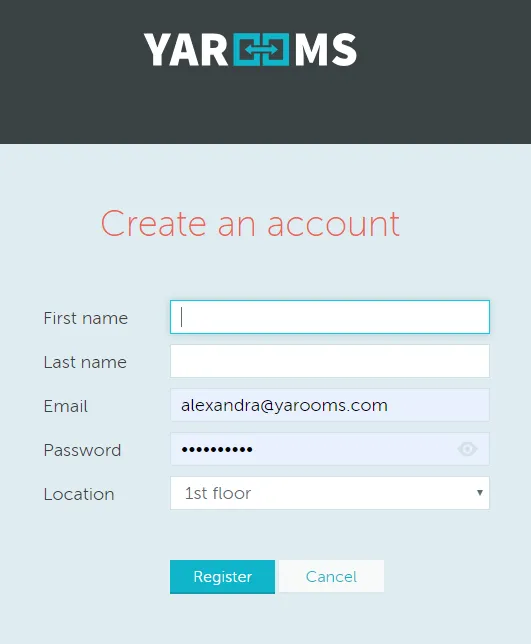
User activation - Registration page

User activation - Create account form

Can't find what you're looking for?

Our support team is here to help. Reach out and we'll get back to you quickly.

Contact Support
YAROOMS

Become a partner

Join our growing network of partners worldwide

Application received!

We'll review your details and get back to you soon.

We use cookies to analyze traffic and improve your experience.

Cookie preferences

Essential

Required for the site to function

Always on
Analytics

Help us understand how visitors use the site

Marketing

Used to deliver relevant ads

Talk to Sales or Support