
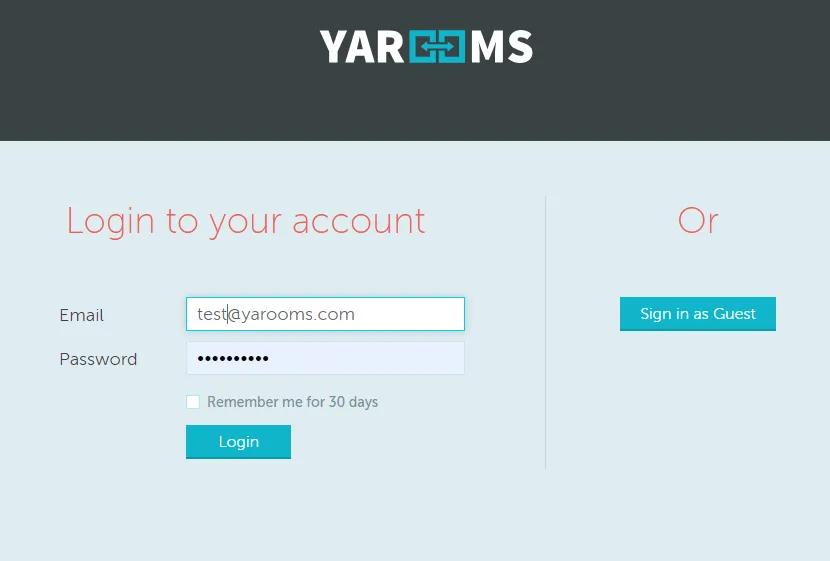
The Public access feature enables users to connect to your YAROOMS account without registration. It’s found in the Manage > Integrations menu. When activated, a “Sign in as a guest” button appears on the login page, providing direct access to the schedule.
Setup Instructions
Create a user in Manage → Users section. Guest users will inherit this account’s access rights.
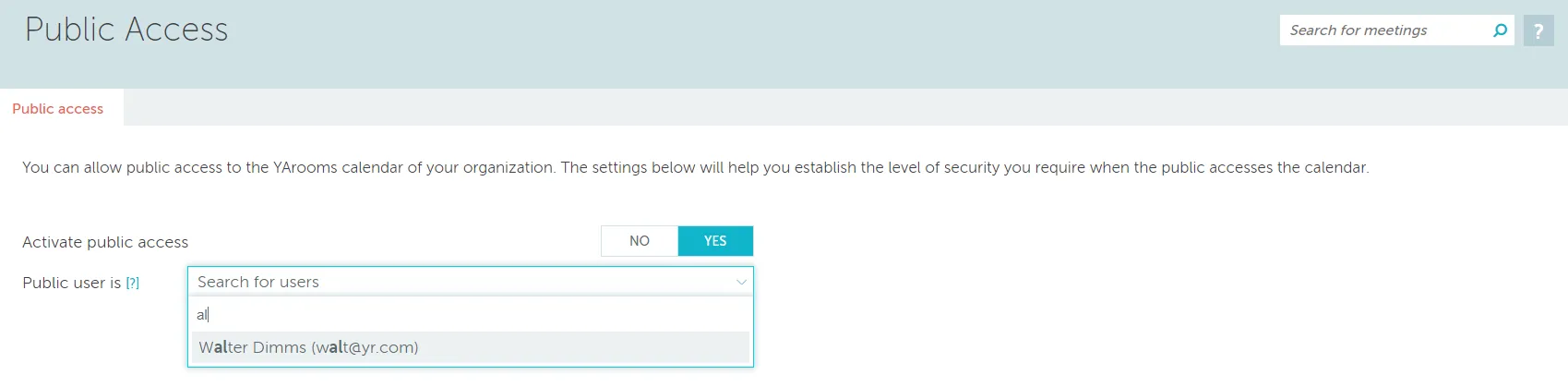
Configure settings in Manage > Integrations:
- Click the “Manage settings” button
- Set “Activate public access” to “Yes”
- Select the newly created user in the “Public user is” selector
- Save your changes
The guest login button will then appear on your login page.
Important: Guests cannot delete their own bookings. Only administrators or room owners (for their assigned rooms) can remove meetings booked through the guest account.