
Users should be aware of the fact that their access rights will be those of the user group to which they have been assigned.
The system provides three default user groups that administrators cannot modify.
Administrator
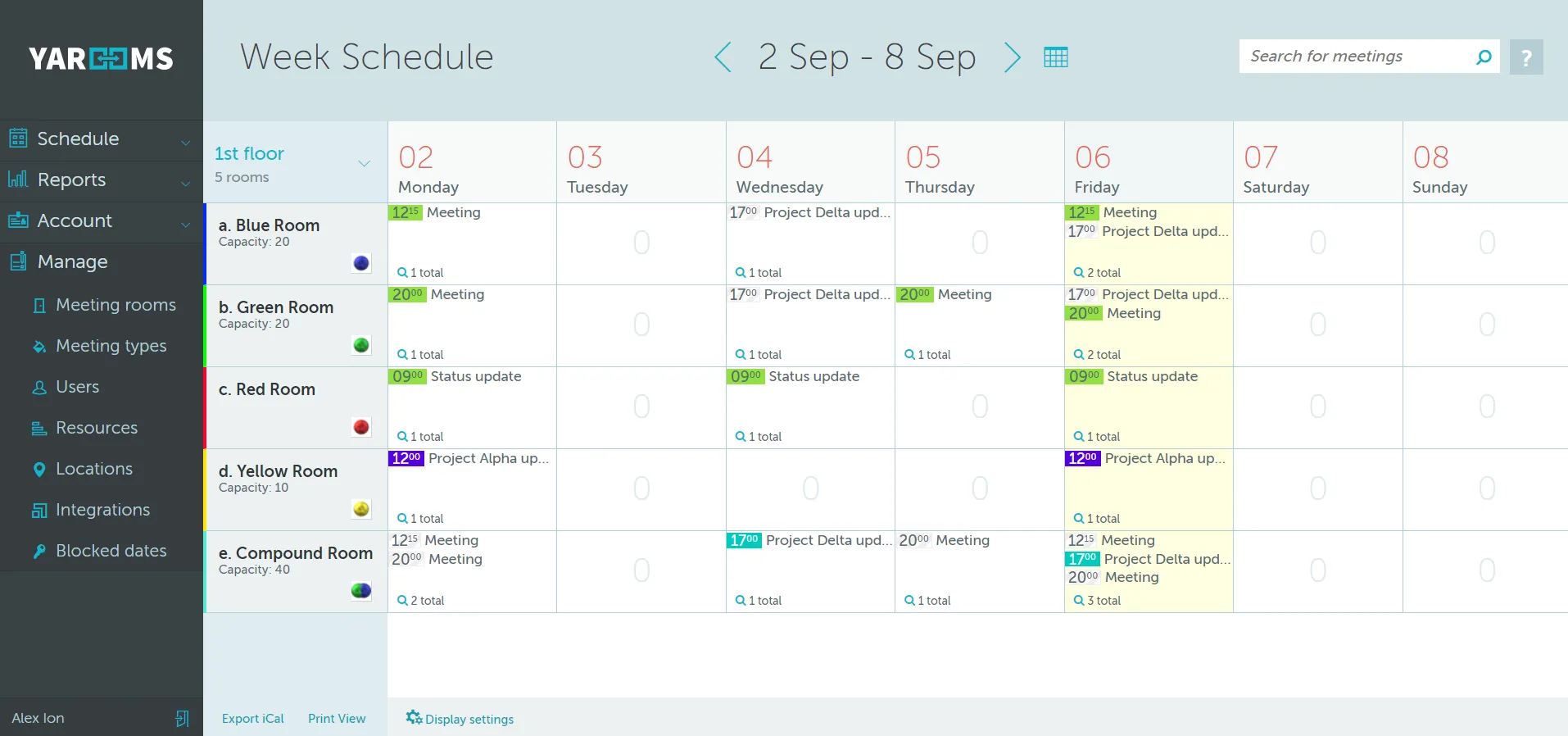
The Administrator group has access to all menu features. They are able to create / edit / delete any type of information (such as rooms / users / resources / meetings). They can also edit or cancel bookings made by other users. An Administrator has unrestricted access to all rooms.
Supervisor
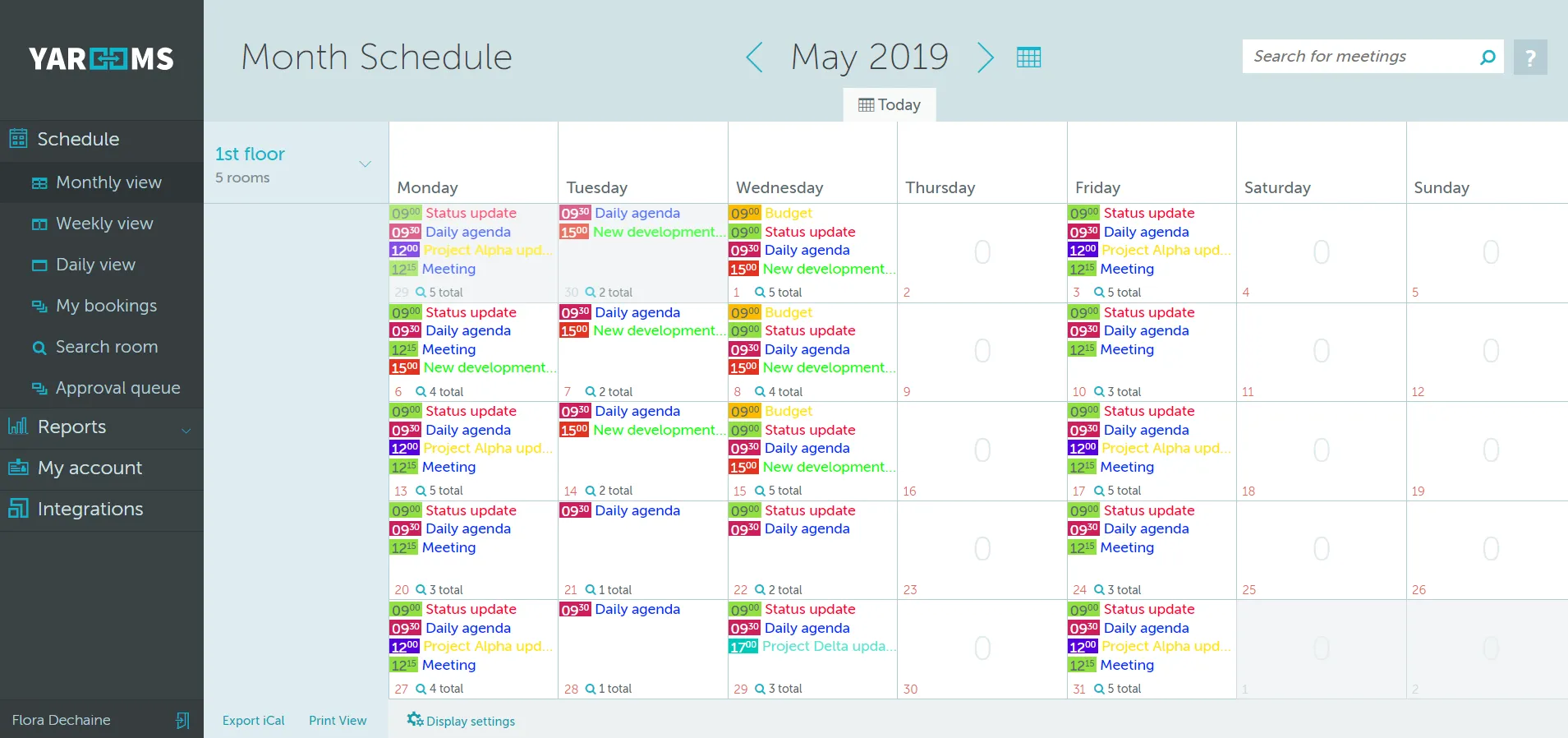
The Supervisor group is similar to a regular user group, but will have the additional menu options of Approval queue and Reports. They can approve or decline meetings and pull reports on platform activity. A Supervisor has unrestricted access to all rooms, like Administrators.
Tablet Service Account
The Tablet Service Account is a specialized type of user that only has access to the tablet app paired with a rooms signage tablet. They cannot access the browser version. A Tablet Service Account has unrestricted access to all rooms.
Custom User Groups
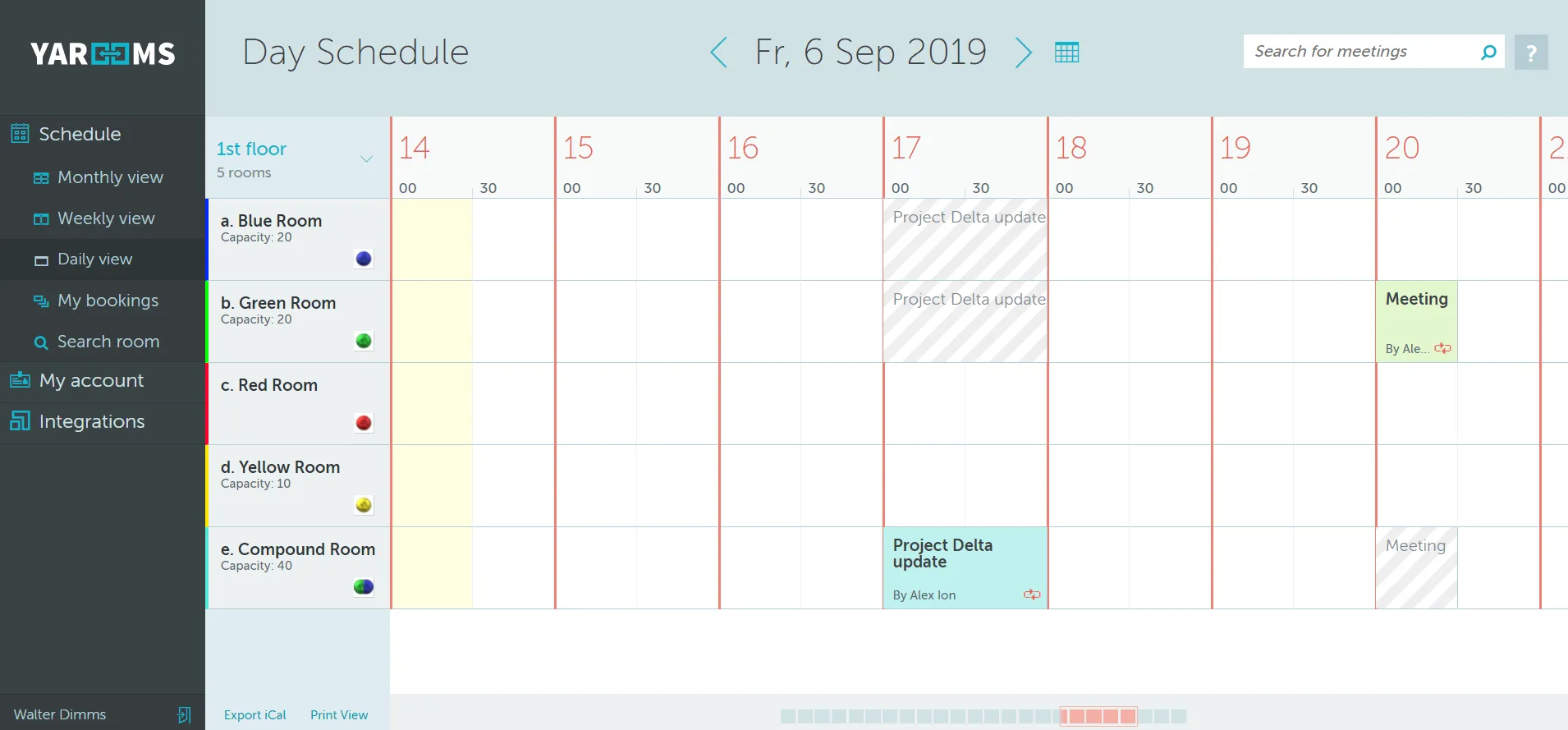
Any other User Group created by an administrator will have a limited view of the menu, without access to the Reports and Management features. They will only have access to the rooms that have been specifically assigned to them, with restricted booking permissions based on the permission type: direct booking, booking after approval, or view-only.
Use Case Scenario
For a university type client we can make sure that the professors, students and administrative staff all have different degrees of access. Professors can book departmental rooms directly. Students have view-only access to classrooms but may book study rooms with approval. Administrative staff manage permissions and can edit bookings as needed.