
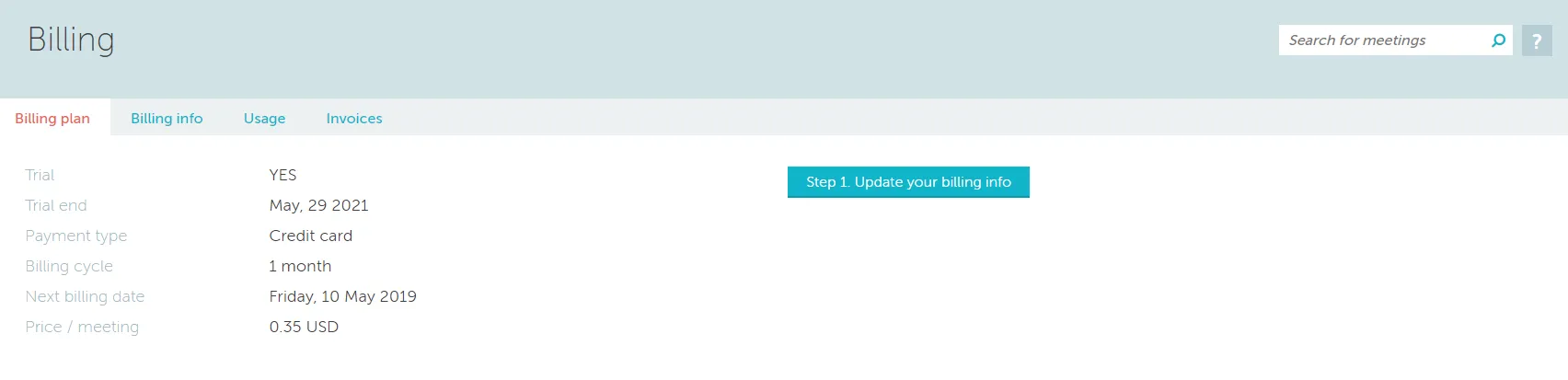
The billing section is where all the account’s financial details can be changed and where the billing history can be found. This feature is restricted to administrators and displays the organization’s current billing plan and monthly fees.
Setup Process
When no billing details exist, the system cannot process charges. Following your trial period, you’ll need to complete these sequential steps:
- Choose your plan — Select desired plan via button in lower left
- Update billing info — Enter company details in second tab
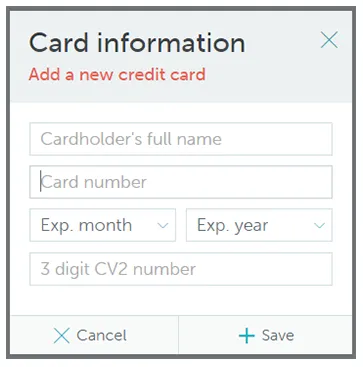
- Enter credit card — Provide payment card information
Once completed, the system charges your card for outstanding monthly usage amounts.
Usage and Invoices
The Usage tab displays consumption data from your previous billing period, which directly impacts your monthly charges. The Invoices tab lists historical invoices, with new ones generated monthly, one day before card charges occur.