
Attendees will receive a notification informing them about the meeting to which they were invited. These can be either YAROOMS users or people without a YAROOMS account.
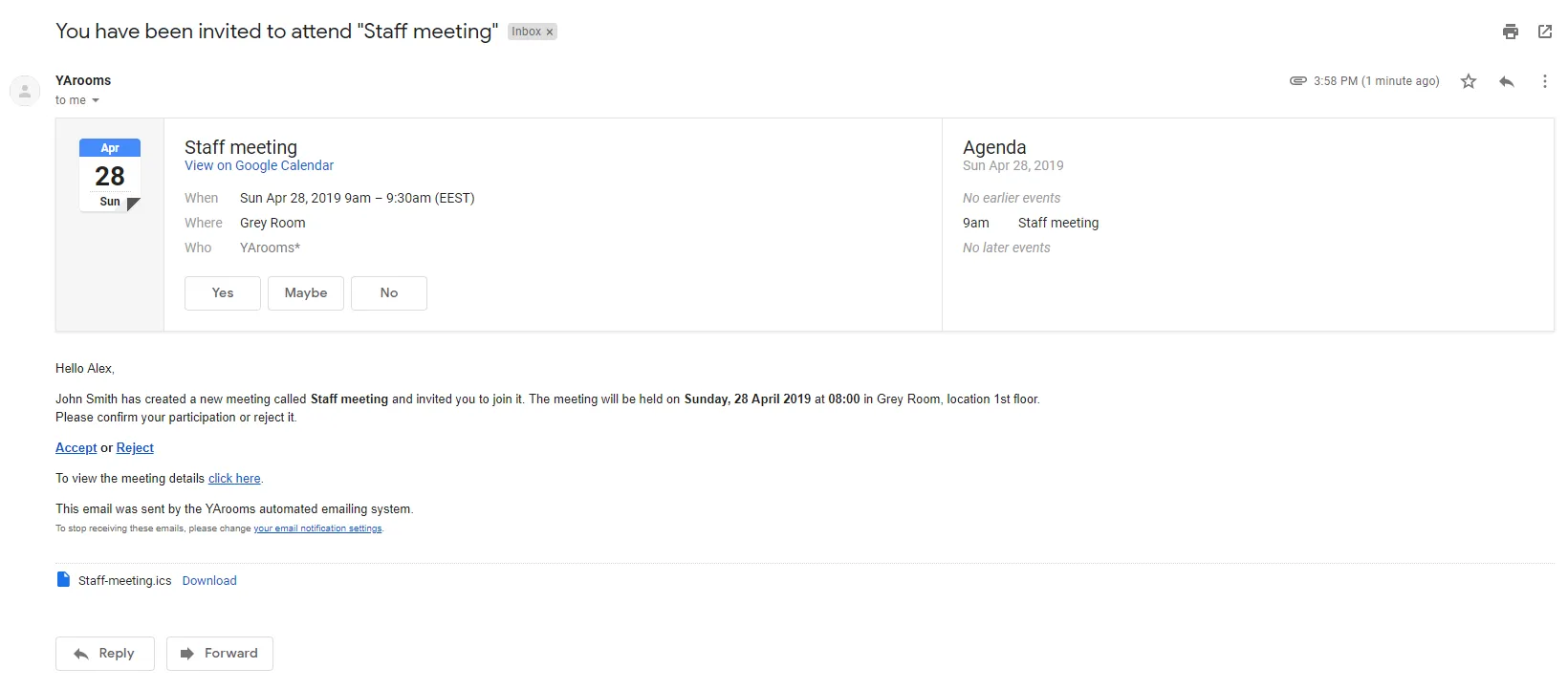
They have the option to add this to their Google Calendar as well, by clicking the YES/NO buttons. The notification is also accompanied by an .ics file which can be used to add the meeting to other external calendars.
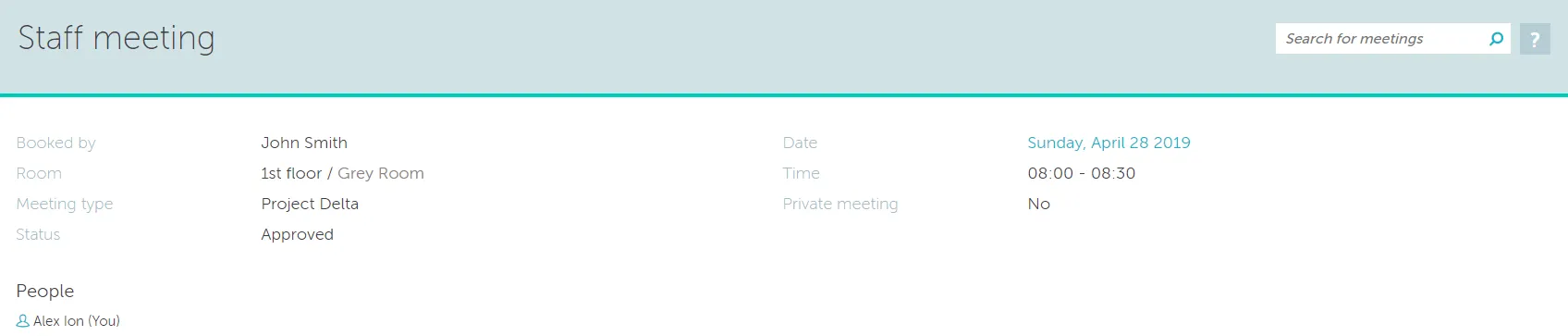
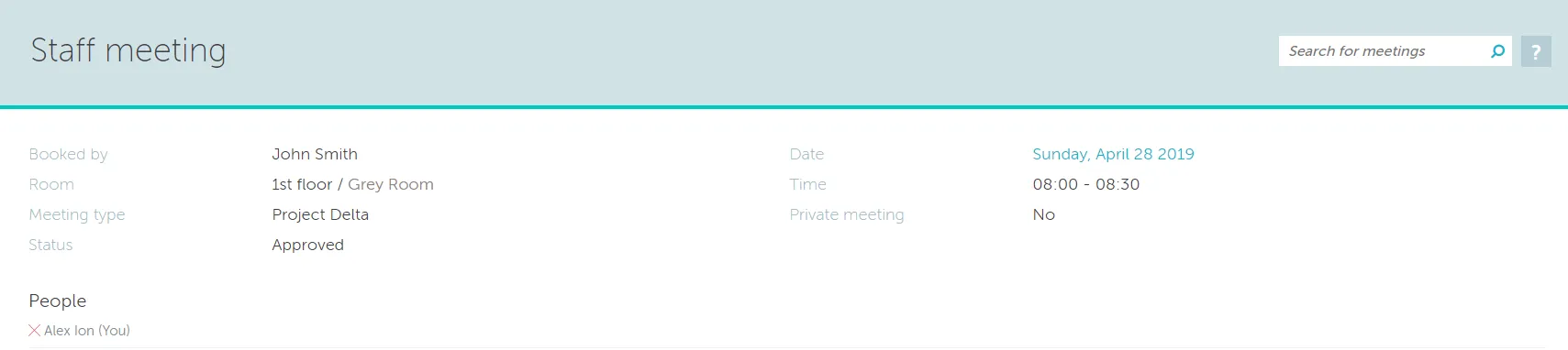
In addition, attendees have the option to accept or decline the invitation, which will be reflected in the meeting details.
If the attendee has accepted a colorful “person” icon will appear in front of their name.
If they reject it, a red X will appear in front of their name.
If they neither accept or decline, then the name and icon will remain in a grey font.