
A gray space marked Unavailable cannot be booked for the selected date or time. This does not always mean that someone else has booked it. Possible reasons include:
- Access rights: Your administrator may restrict certain locations or spaces to specific users or teams.
- Booking rules: You may have reached your booking limit, or the selected date or time may fall outside the allowed booking window or schedule.
- Capacity limits: A location or floor may have reached its optional limit on simultaneous bookings, even if some spaces are still unbooked.
- Temporary restrictions: A space may be unavailable because of maintenance or other restrictions configured by your administrator.
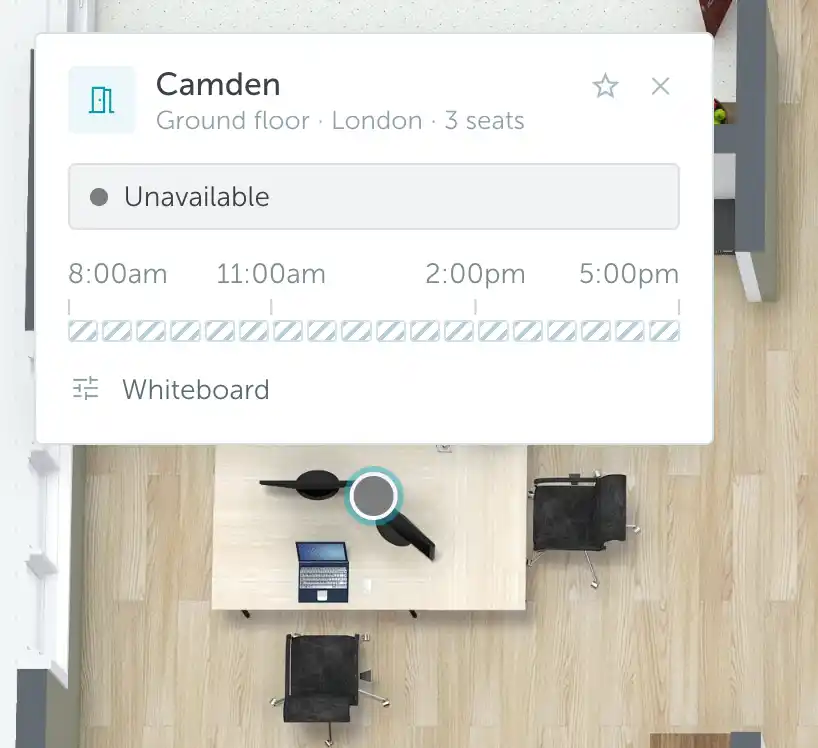
Check the selected date, time, and your existing bookings. If the reason is unclear, ask your administrator to check the rules and access settings that apply to you.
Include the space name, location, and date and time you tried to book when asking for help. See Finding an Admin if you are not sure whom to contact.