Jump to:
Note: The “Report a problem” feature works if the “Ticketing” module is activated on the location level. To activate it, read how Administrators can activate it in this article.
How to report a problem
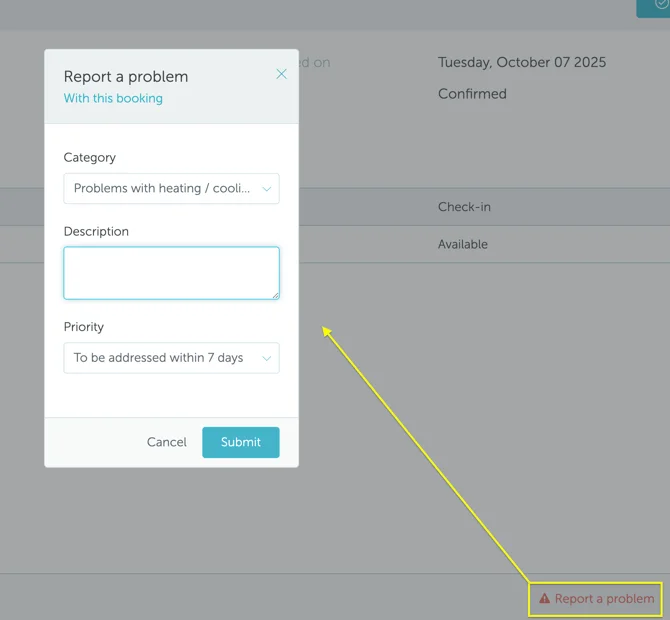
To report a problem, go to Workplace → Bookings, and click on the booking you had a problem with (desk not clean, broken equipment, etc.). Press the “Report a problem” button and describe your issue. The information will be delivered to the Ticket Manager.