Jump to:
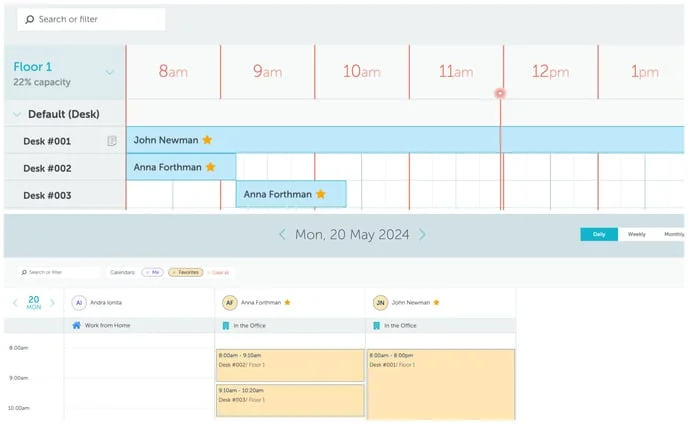
All users can select their favorite users from any other user group to see their work status calendars and have their bookings highlighted on the Calendar view.
Choosing your favorite users:
- Open your Map, Timeline, or Calendar view.
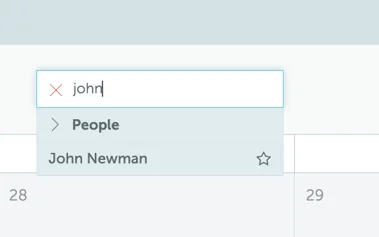
- Use the search bar to look up the user you want to favorite.
- When you find the user in the search results, hover your mouse over their name.
- A star icon will appear next to their name. Click on the star to add them to your favorites:
The Favorites group will appear under the “People” category in the search or filter options in the Calendar view. When this filter is selected:
- The favorite user’s bookings will be shown in the Calendar - Bookings view.
- The favorite user’s work statuses will be shown in the Calendar - Work statuses view.