
Getting Started
To book a service, you need to start by booking a room, desk, or other space.
In the “New booking” window, activate the “Services” option.
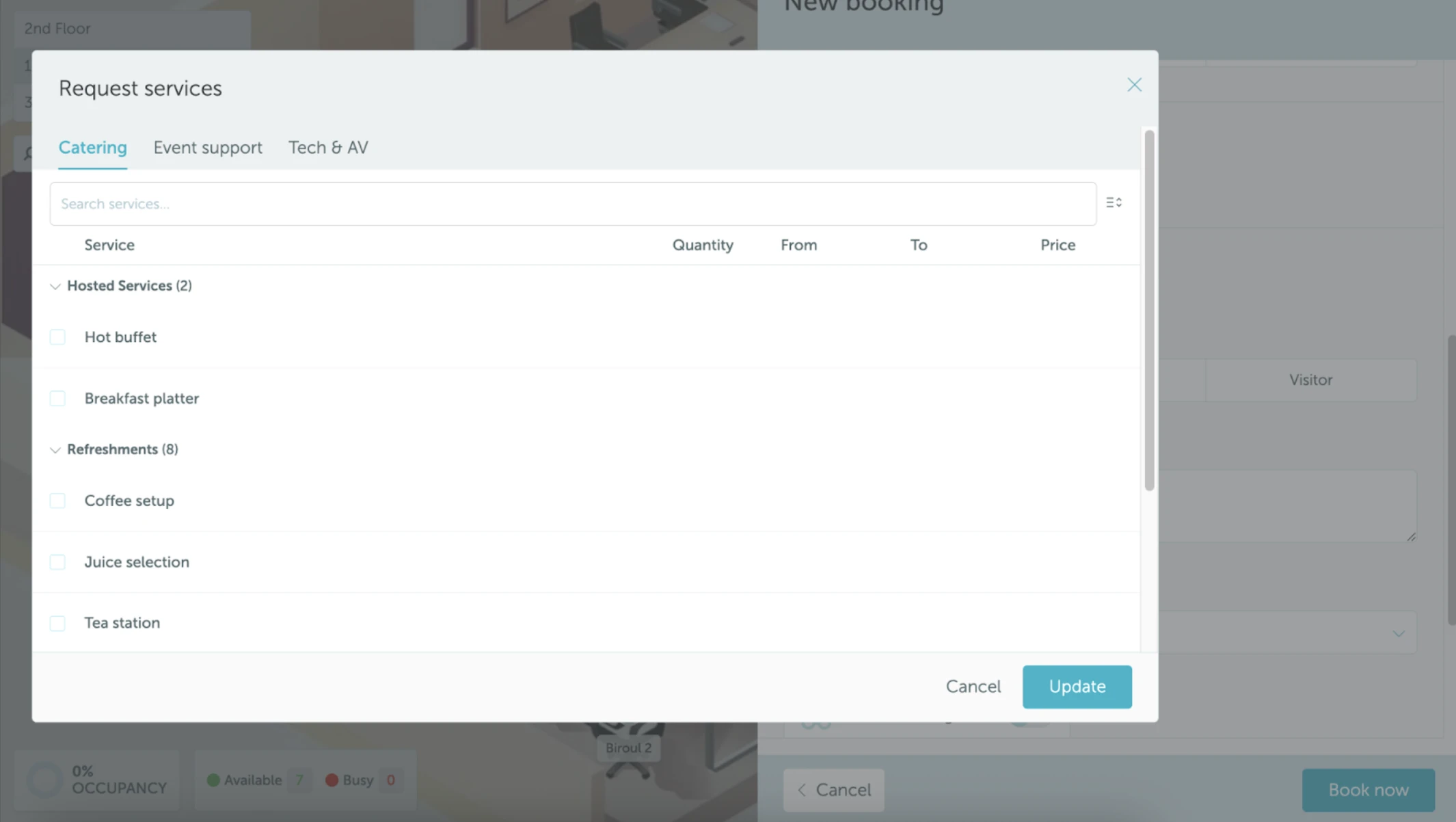
A “Request services” popup will appear.
Available Service Details
Here, you can review and request available services. For each service, you’ll see:
- Service category and subcategory
- Quantity
- From / To times (when the service should be delivered)
- Price (calculated automatically)
Note: The time fields default to match your room or desk booking but can be adjusted as needed.
Adding Additional Services
Each category shows up to 5 services, listed alphabetically. If more than 5 services are available in your organization, you’ll see an “Add more services” dropdown. Press it to search for additional services and add them to your booking. Newly added services will appear in the list and be selected automatically.
Completing Your Request
After choosing services, save your selection and complete the space booking. Your requests will be sent to the appropriate team for delivery.