Press “Book a space” option and follow the steps below:
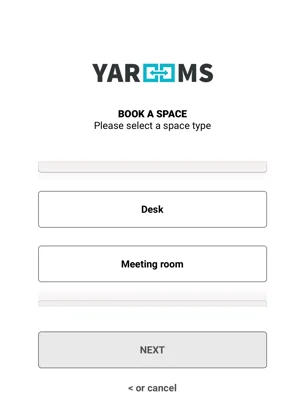
- Select a space type and specify other requirements (booking time/space features)
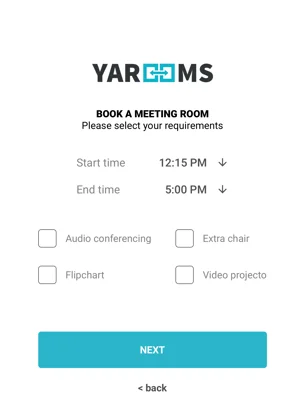
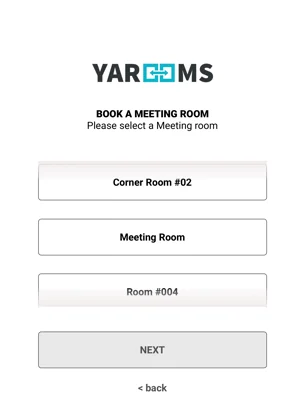
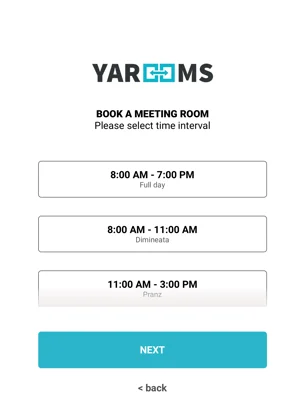
- Select the space you want to book, then select the booking interval.
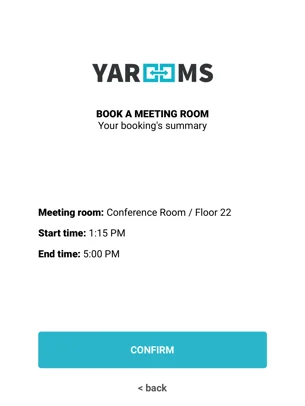
- Review your booking’s summary
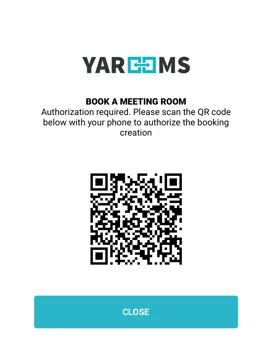
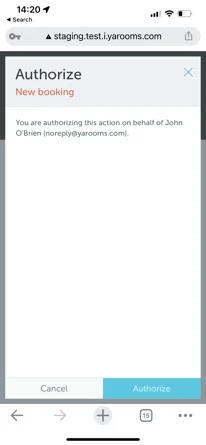
- Authorize your booking (scan the provided QR code with your phone’s camera, authorize the action)
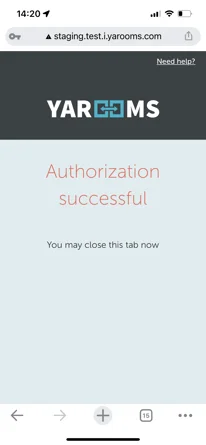
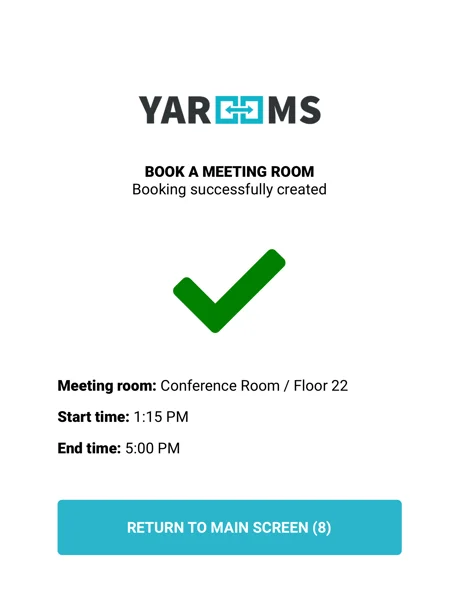
- Once authorized, the booking is created and you will see a confirmation screen on the reception device.