Jump to:
1. Understanding the Visitor Registration Process: Key Insights
If you have not received an invitation email with a QR code for building check-in, you will need to Register as a Visitor.
This process can be very straightforward, requiring only basic details like name, email, and company, or it can be more complex, depending on the steps set by the account administrators for visitor registration.
Based on the Visitor Management workflow in place, you may need to complete the following actions:
2. Visitor Registration Process: Steps at the Reception
Here are the steps that visitors might have to go through during the registration process at the Reception (we call this Visitor Management Workflow):
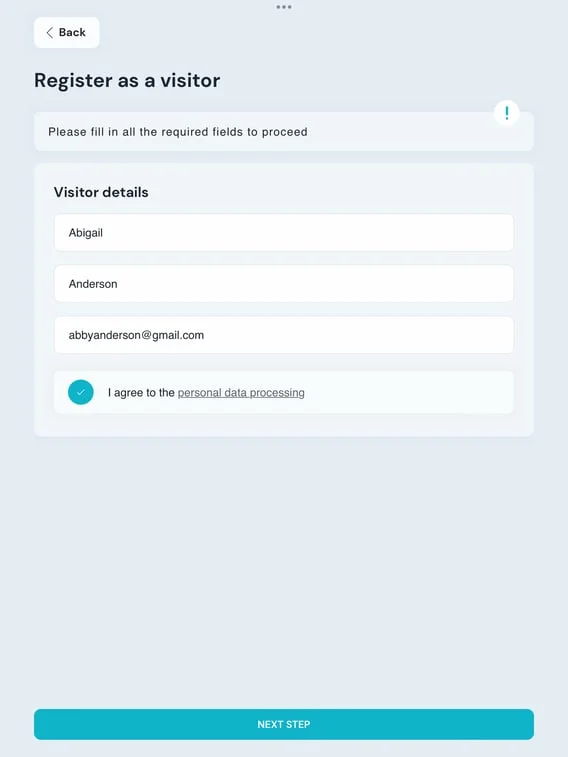
→ VISITOR DETAILS
Typically, this is the initial step in the majority of Visitor Workflows. As a visitor, you may be asked to supply one or more of the following information*:
- First name
- Last Name
- Company
- Phone number
- Job title
- Car plate
*Some of these may be required, while others may be optional.
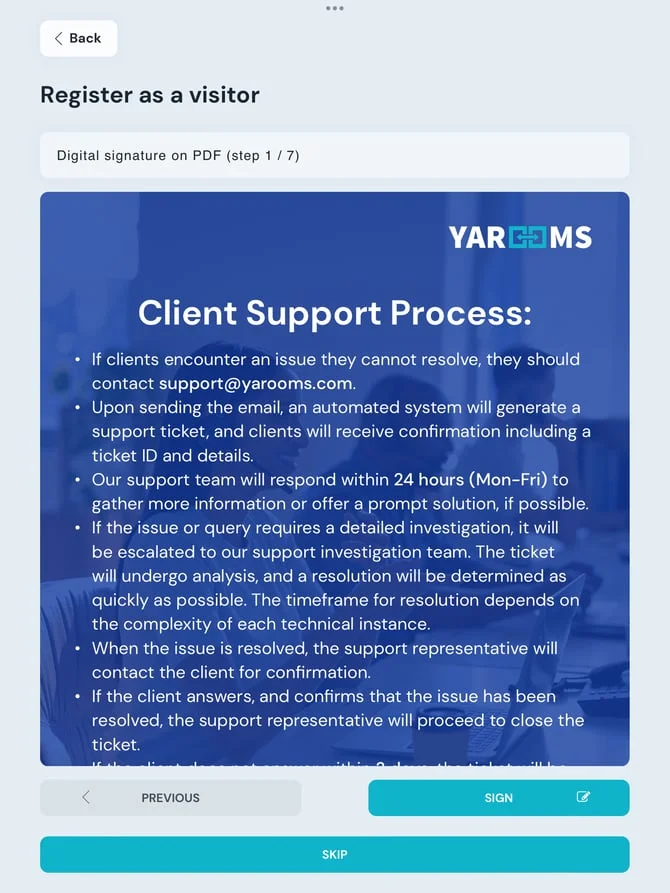
→ DIGITAL SIGNATURE ON PDF
Administrators may request visitors to sign a specific document that has been uploaded to the Visitor Management workflow prior to their arrival.
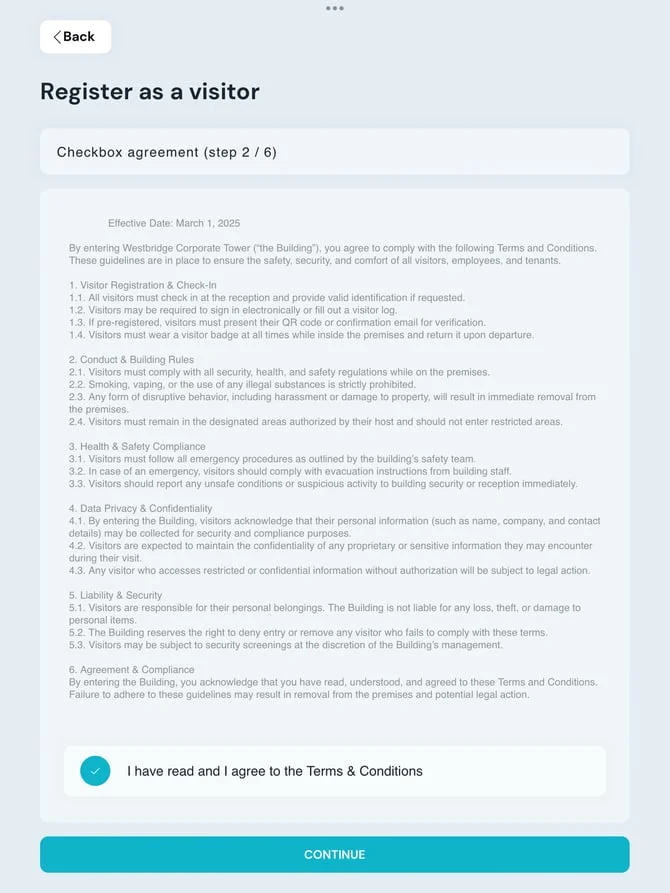
→ CHECKBOX AGREEMENT
Visitors will need to provide their consent to specific terms and conditions. This step ensures that visitors are informed about key information and confirms that they have reviewed and accepted the details presented in the document.
→ UPLOAD DOCUMENTS (photos, files)
Visitors may be asked to upload certain documents, such as identification or other relevant materials.
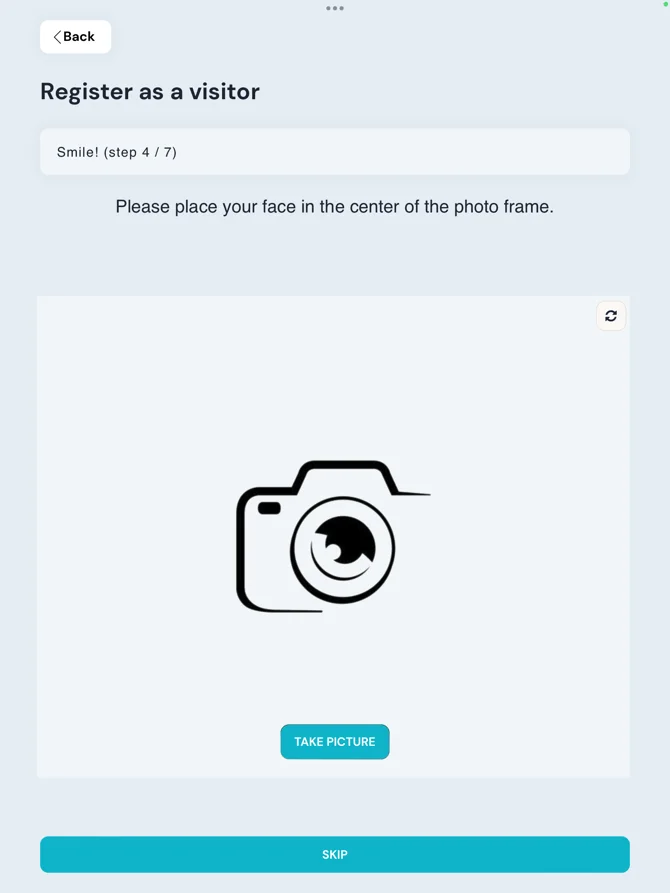
→ TAKE PHOTO
Visitors may be prompted to take a selfie during the registration process, either through the registration link sent to their email or directly on the reception device.
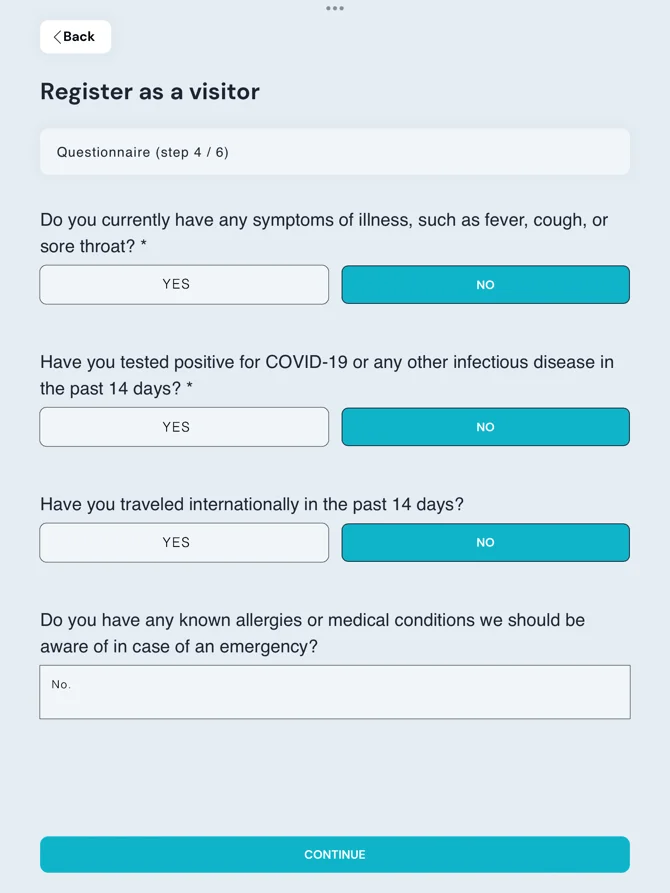
→ QUESTIONNAIRE
If this step is enabled, visitors will be required to go through a series of questions, primarily consisting of Yes/No responses. This process is typically utilized for health screening purposes.
→ PLAY VIDEO
Administrators may choose to include a video for visitors to view during the registration process, providing essential information or guidance relevant to their visit.

At some stage in the Registration Process, visitors might receive a notification indicating that an email will be sent to them. This email usually contains important information and serve as a confirmation of their registration. Additionally, this notification can be shared with others in the company to inform them of the visitor’s arrival.
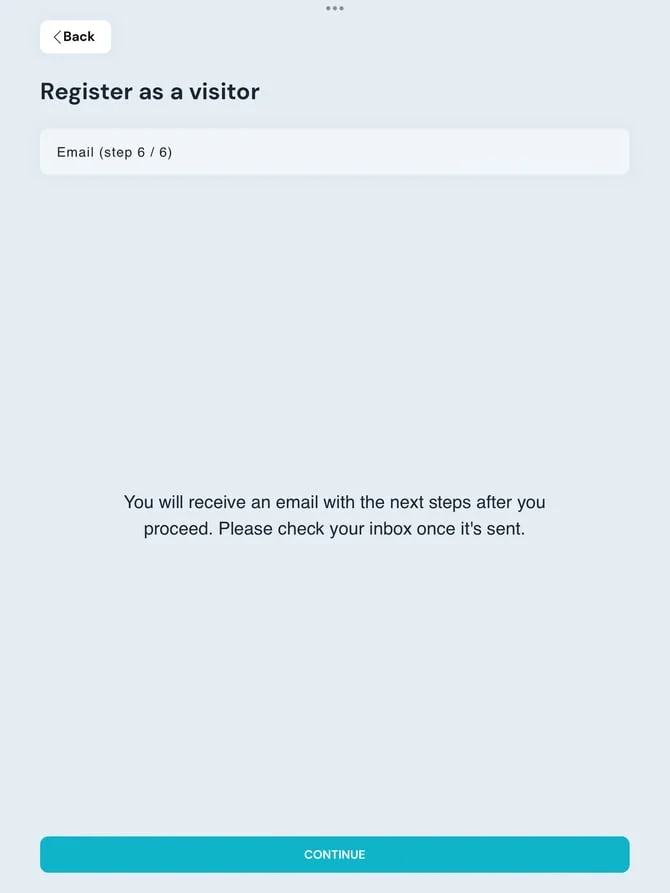
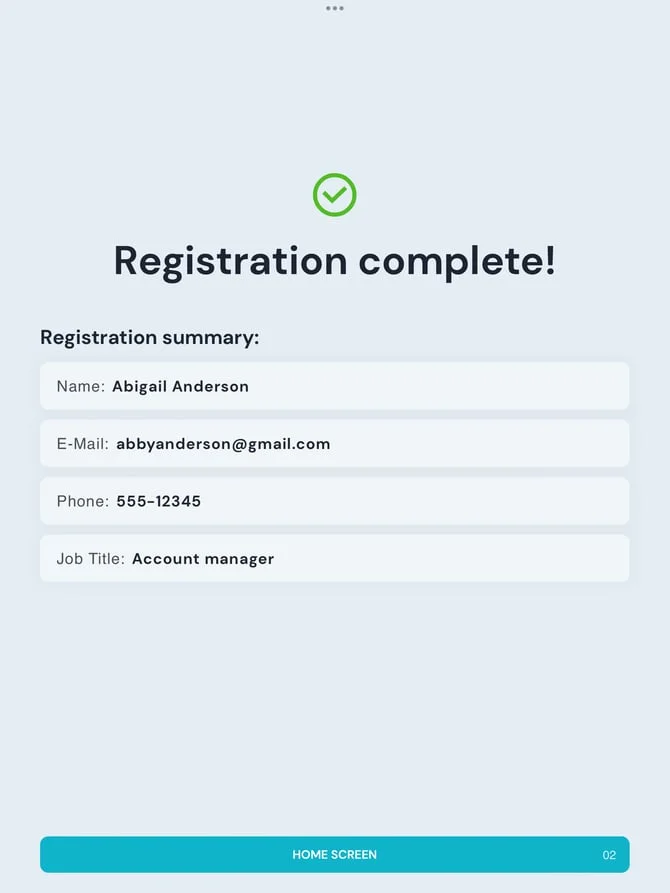
Upon completion of all the registration steps, a confirmation message will be displayed on the screen, indicating that the process has been successfully finalized.