
Prerequisites
To check-in at Reception, you must have received an email invitation containing your booking details and a QR code. This email confirms your expected arrival for an event.
If you lack this email, you’ll need to Register as a Visitor.
Check-In Steps
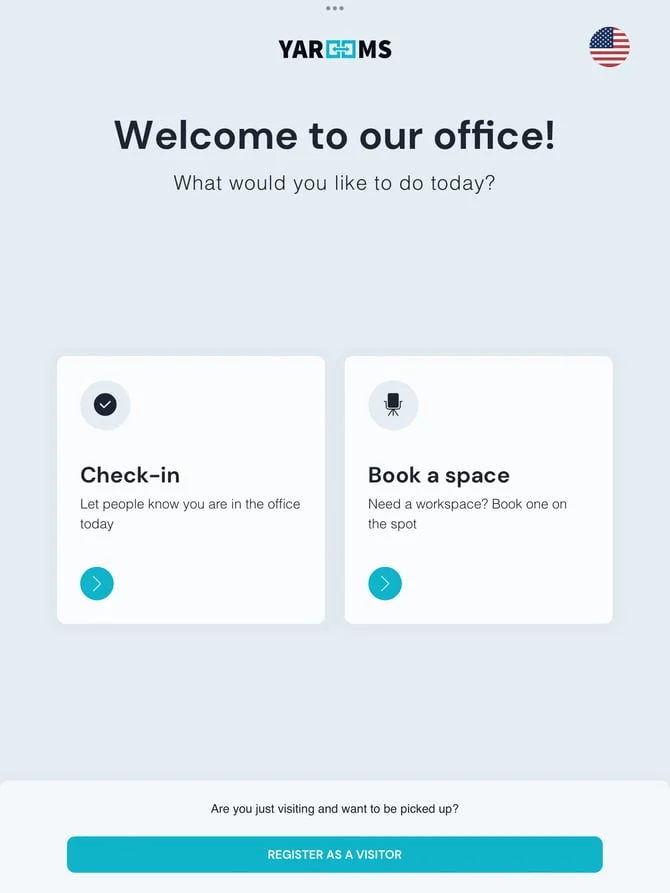
Click the “Check-in” button on the reception tablet or lobby kiosk.
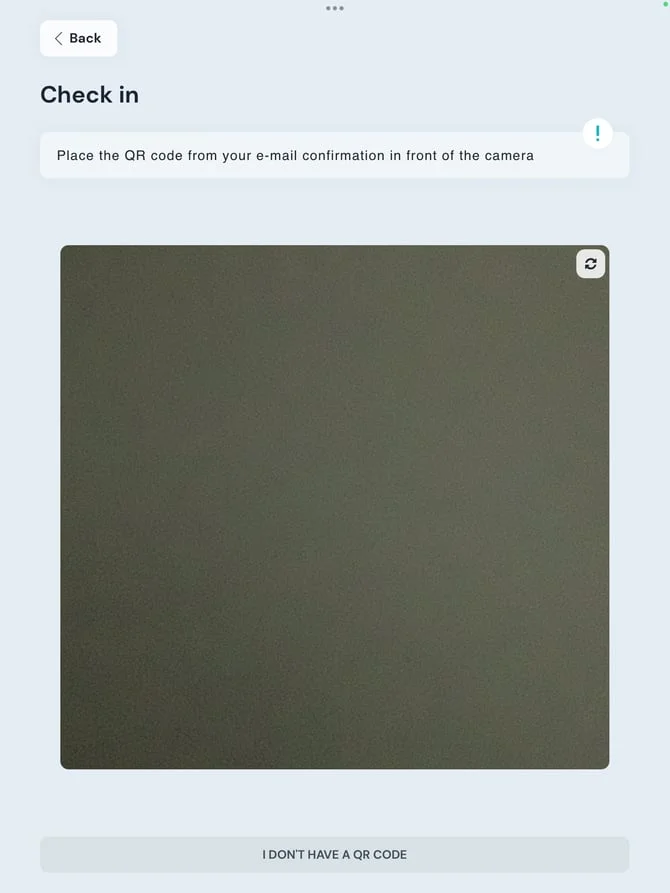
Scan the QR code from your invitation email at the reception device. If you lack the email, select “I don’t have a QR code” and register as a visitor.
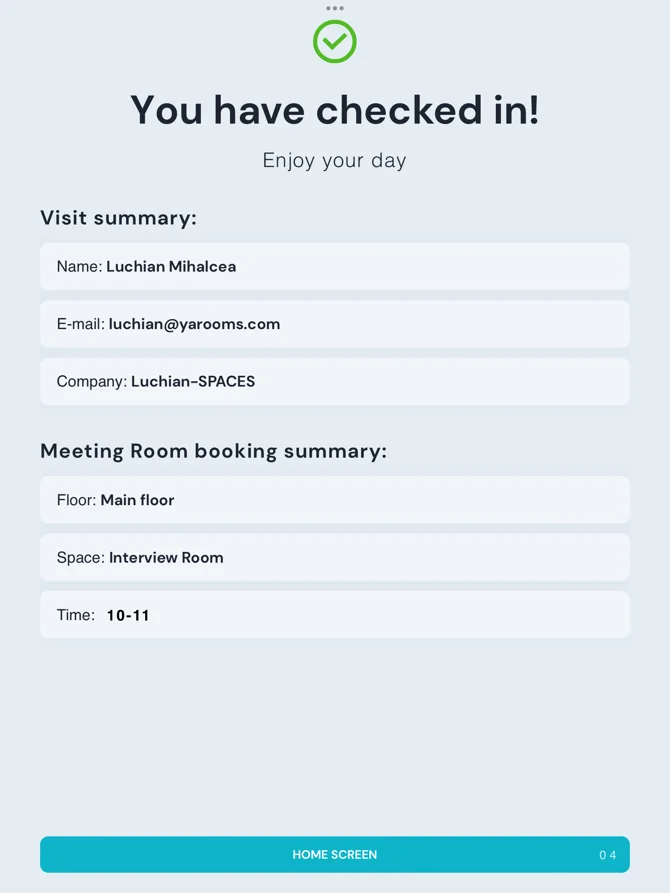
The screen displays your visit details, event information, and booking confirmation.
Important Note
Visitor Management (VM) check-in is separate from booking check-in. VM check-in marks arrival at the building location. If you have multiple daily bookings, perform one VM check-in upon building arrival.