
Teams Bot is actually a chat bot inside the Teams Sidebar Application. It has multiple roles:
- Conversational Bot
- Notification Bot
- Full Bot (conversational + notification)
The bot can be added/configured from Settings → Integrations → Microsoft Teams → Application.
The Greeting Message
After completing the guide to add and configure the bot and right after you install the new application, the bot will greet you with a message.
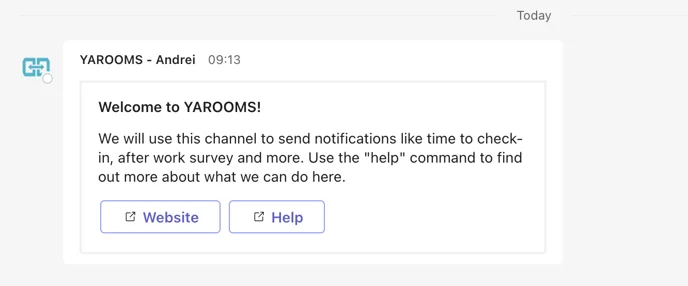
The greet card contains a small set of instructions and 2 links that will redirect the user to the website or the help page.
Conversational Bot
When opening the bot you can choose between 2 commands:
- Help
- Book my desk
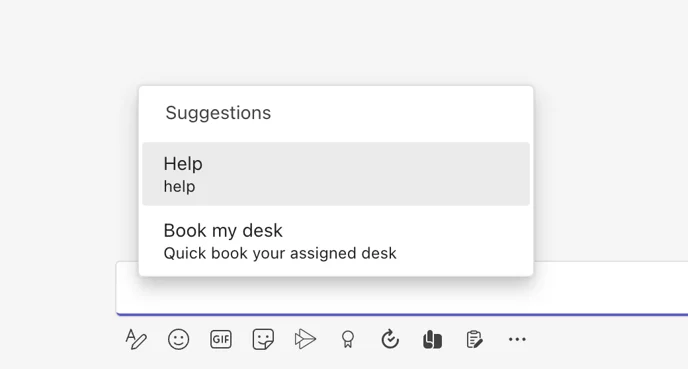
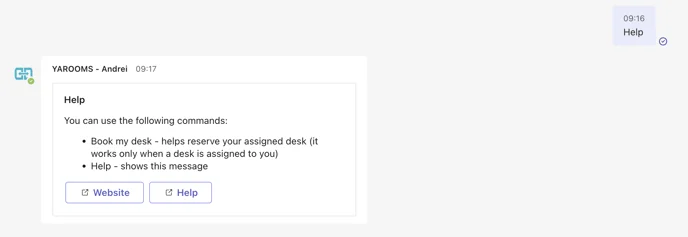
Help will return a card that will list 2 commands.
Book my desk will start a conversation that will take the user throughout the booking process.

If you don’t have any assigned desks for that user a message will be returned.

Notification Bot
This bot will only send notifications to the user. The users can not access the 2 commands specified above or send any kind of message to the bot.
The notifications are:
- Booking created
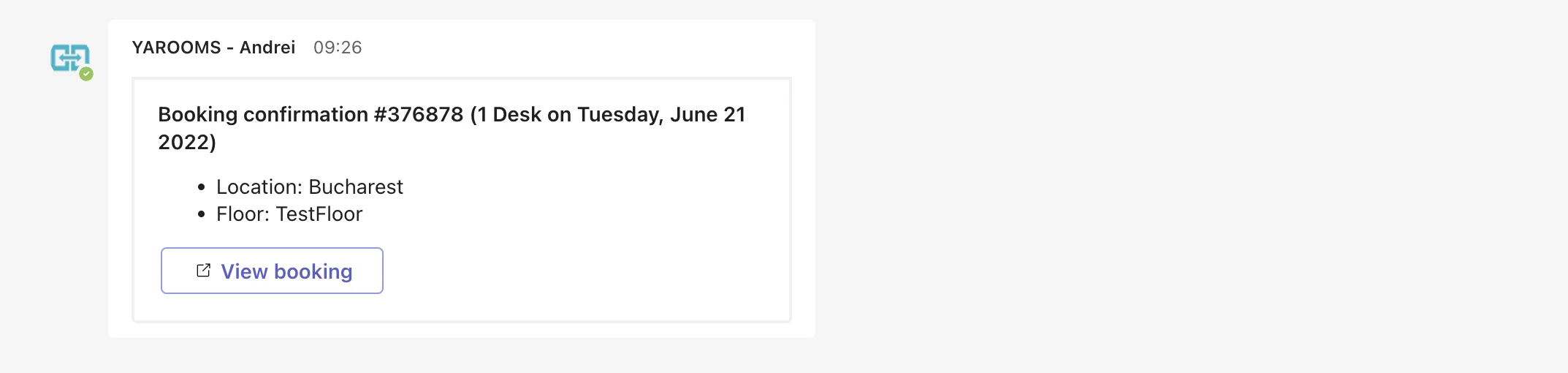
- Booking updated
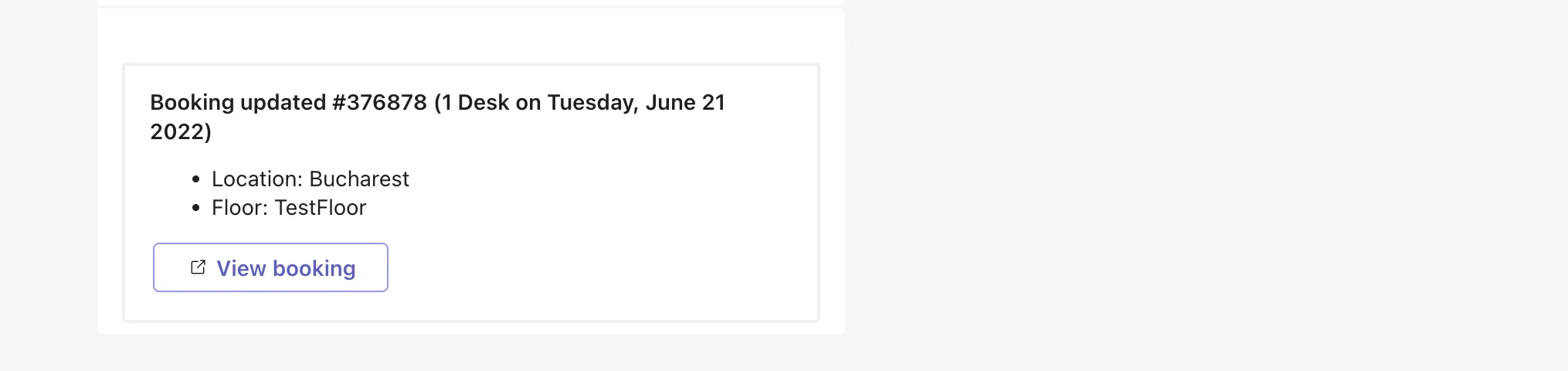
- Booking canceled

- Check-in started
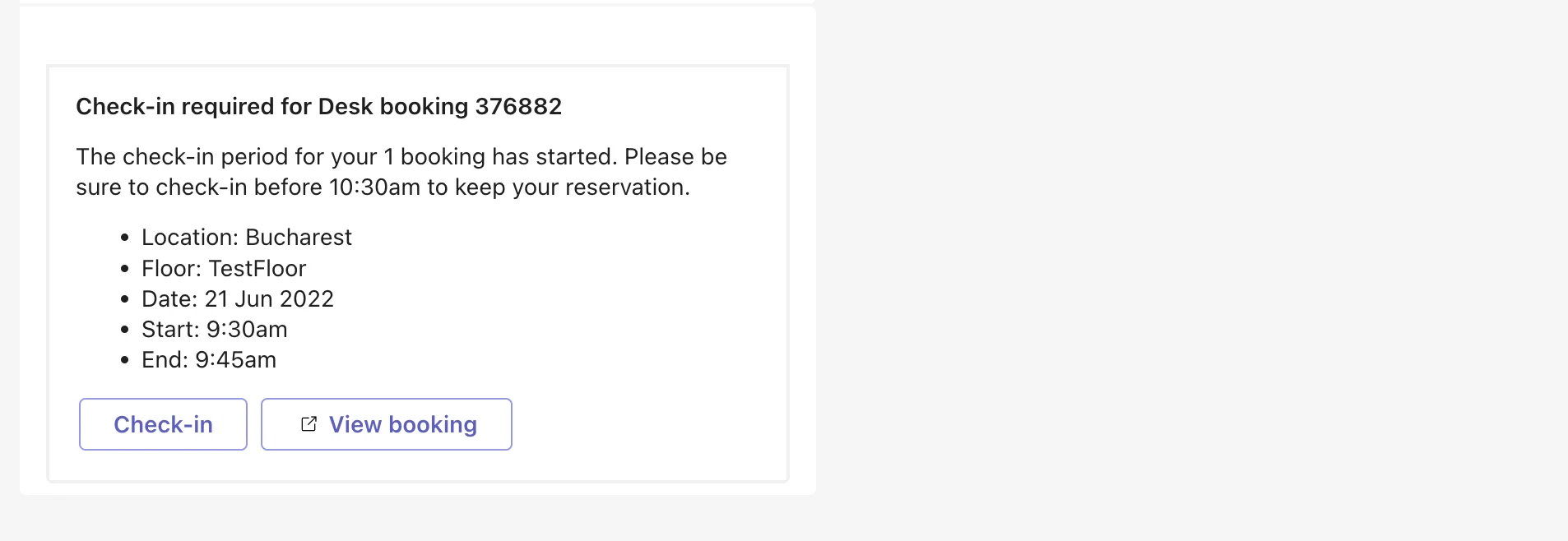
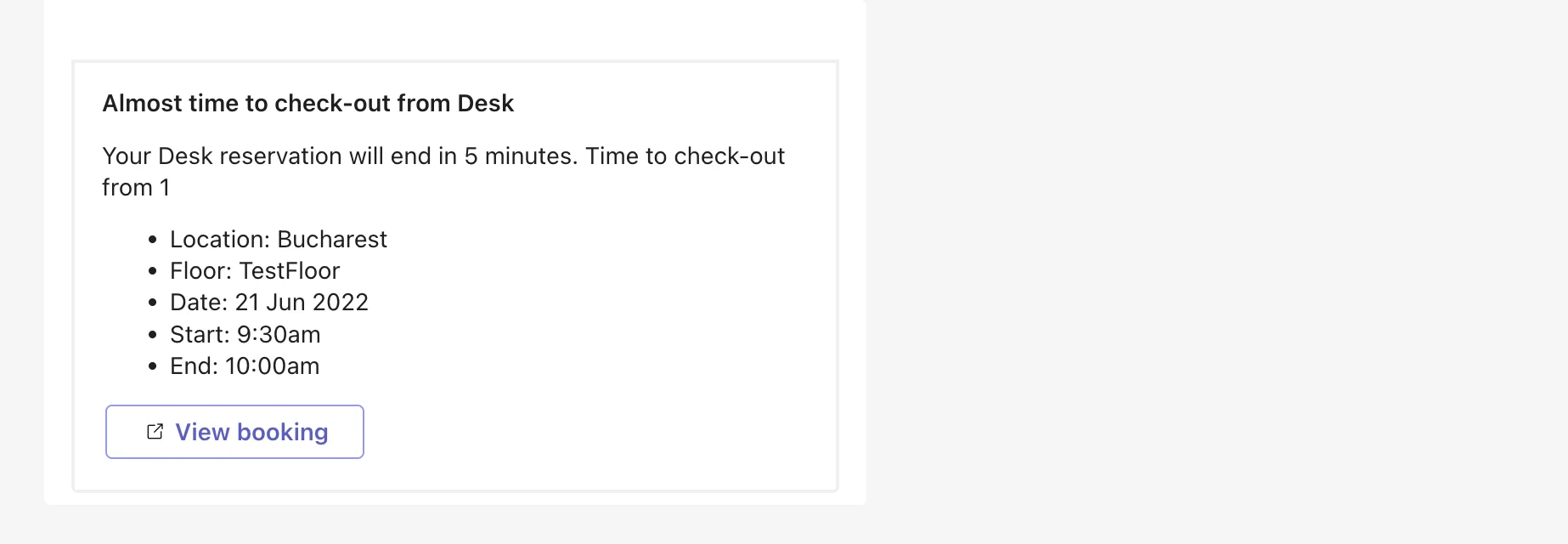
- Check-out reminder
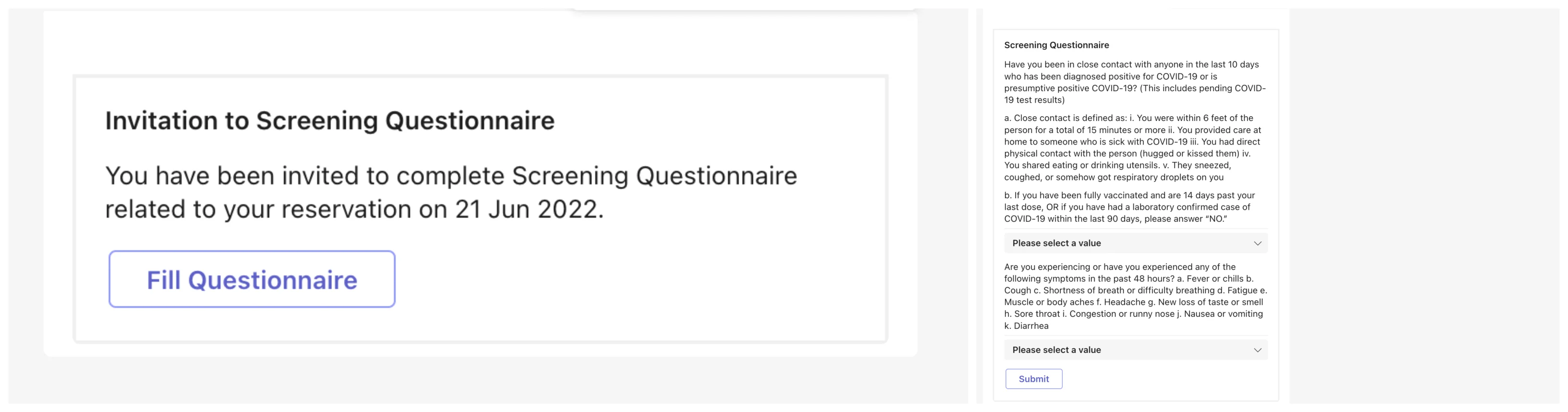
- Questionnaire
- Booking no-show
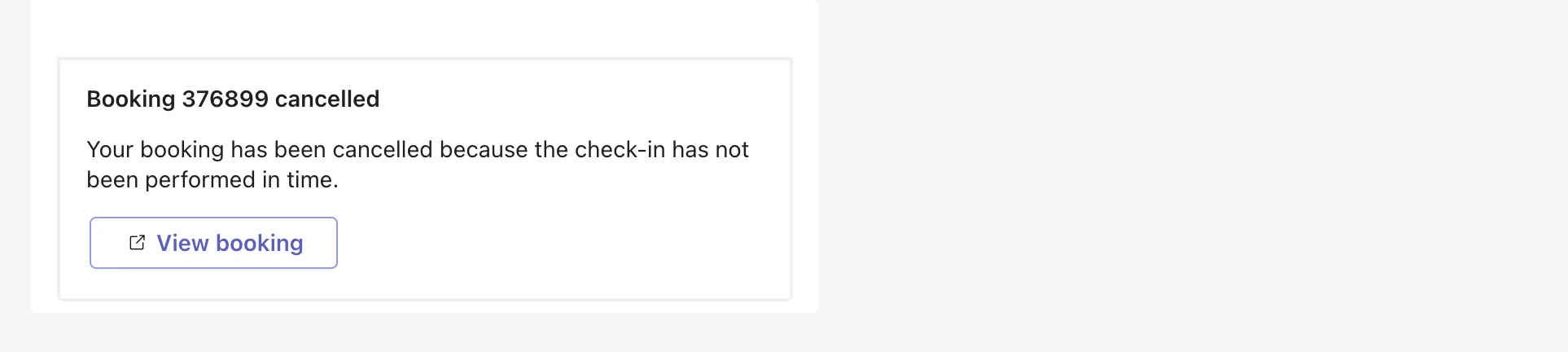
- Planning not settled
- Planning missing
- Planning for next workdays
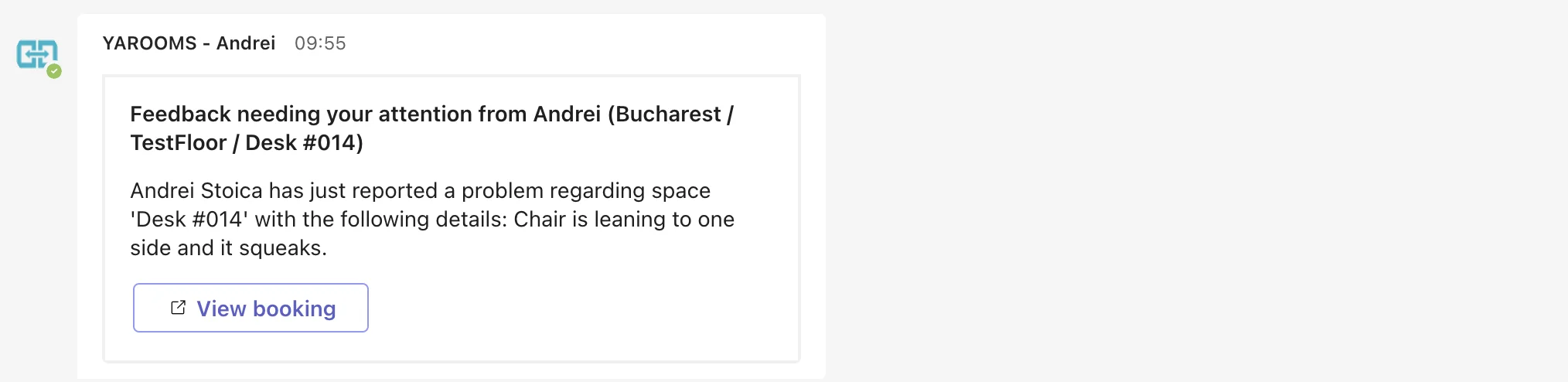
- Report a problem
- Reception check-in
- Rate office experience
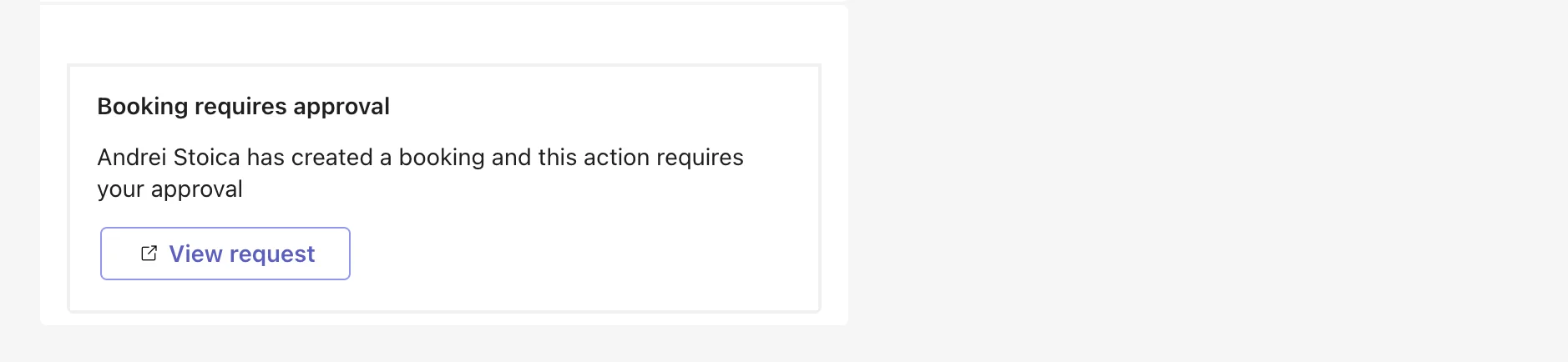
- Pending approval
Full Bot
Contains the features of both the notification and the conversational bot.