
Jump to:
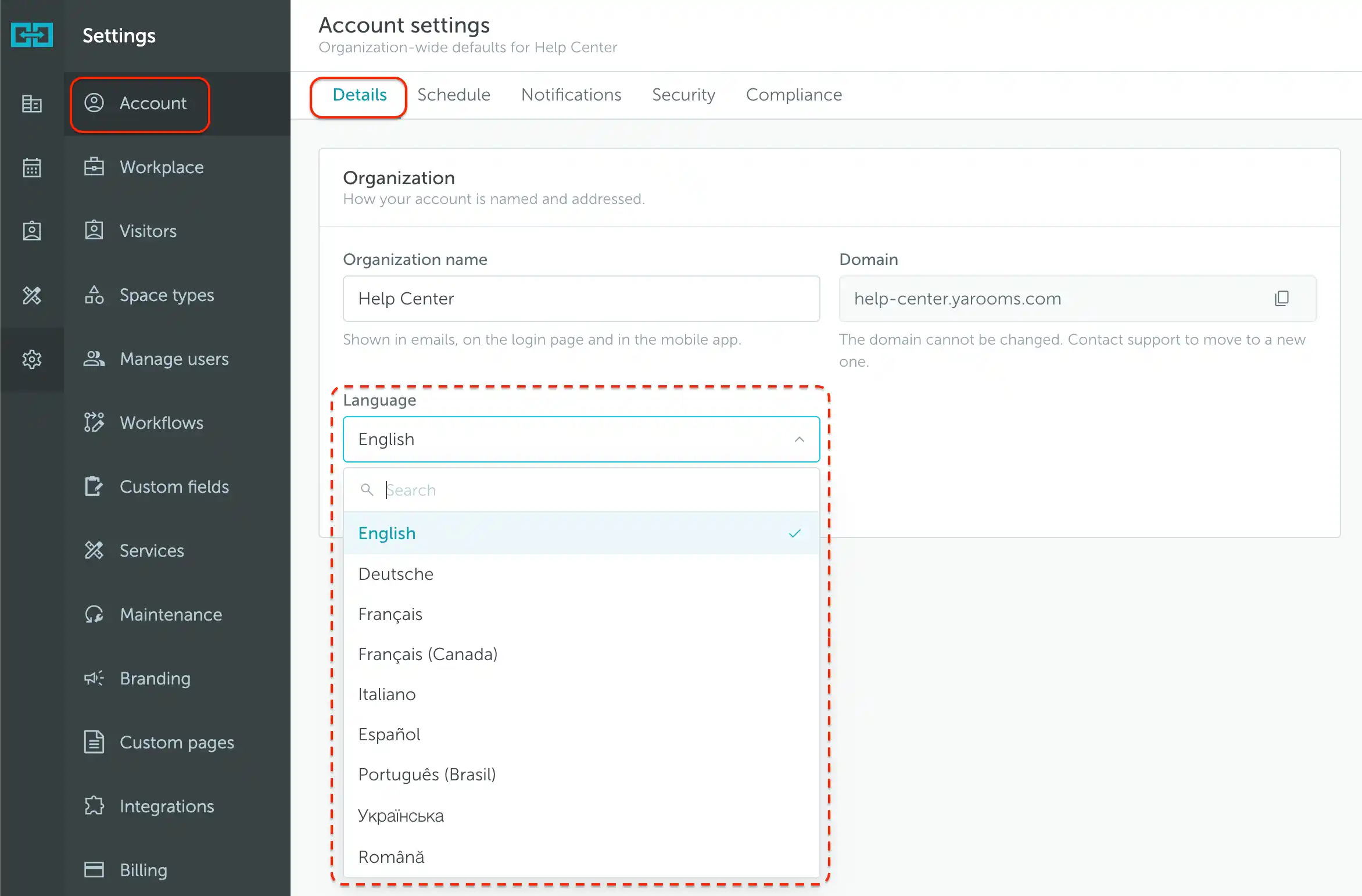
YAROOMS is available in English, German, French, French (Canada), Italian, Spanish, Portuguese (Brazil), Ukrainian, and Romanian. Administrators choose the account’s default language, while users can select their own preference.
Note: To change only your own interface language, follow How to manage your details.
How to set the default language
Go to Settings → Account → Details. Under Organization, open Language, search for or select the language you want, and save your changes.
For the other account-wide controls, see Managing global account settings.