Account Details
In the “Details” tab, you can change the name of your organization and the default language of the app.
If you want to change the domain name you were assigned when you created the account, contact us at support@yarooms.com.
Schedule
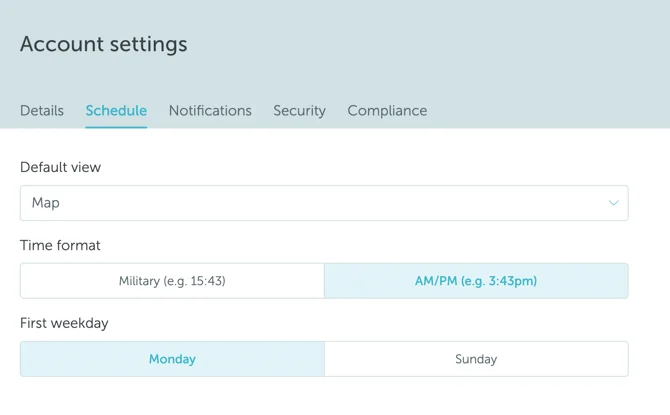
From the “Schedule” tab, you can change the following settings:
- Default view (the screen automatically displayed when a user opens YAROOMS)
- Time format (you can toggle between military time and AM/PM)
- First weekday (you can toggle between Sunday and Monday)
Notifications
Security
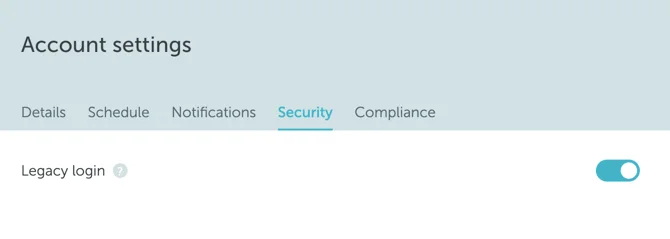
Use the “Security” tab to enable or disable the legacy login.
If legacy login is enabled, users may still be able to use the YAROOMS credential flow, either with a password or with the email-verification alternative tied to legacy login.
If legacy login is disabled:
- Users can no longer use the YAROOMS credential flow, including both password sign-in and the email-verification alternative tied to legacy login
- Password reset options may no longer appear on the sign-in page
- Users must use the configured single sign-on method shown in the unified sign-in portal
For a focused walkthrough of this setting, see How to Disable the Legacy Login.
Compliance
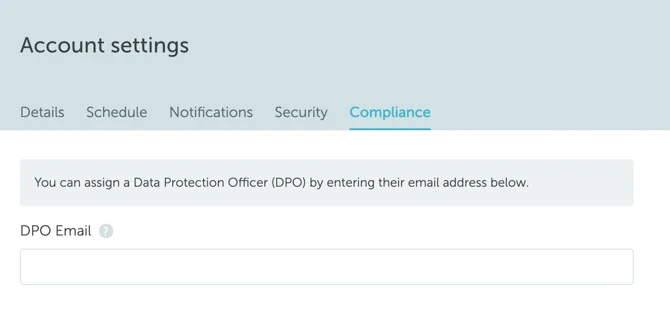
In the “Compliance” tab, you can assign a DPO (Data Protection Officer) who will be notified about all of the data protection related information and queries.