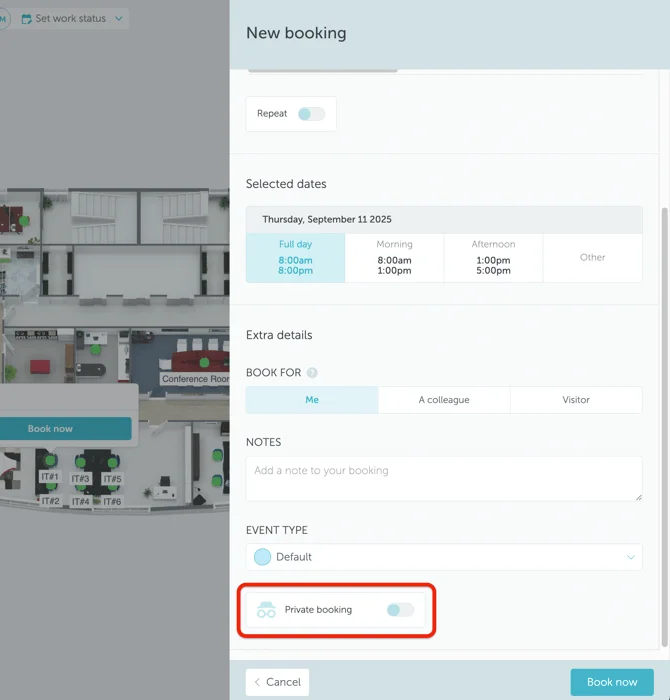
1. What is a Private booking?
With the Private booking feature, users have the ability to make reservations for spaces confidentially. In other words, if the Private mode is activated, the booking details (booker’s name and profile image, meeting title, etc.) will not be visible to other users (except Administrators, Supervisors, and Location Managers). This functionality also applies to Meeting Room Display and Lobby Display.
2. How to activate Private bookings?
To activate Private bookings, go to Settings → Space types → click on type → Groups → click on group → Booking Rules → Allow private bookings.
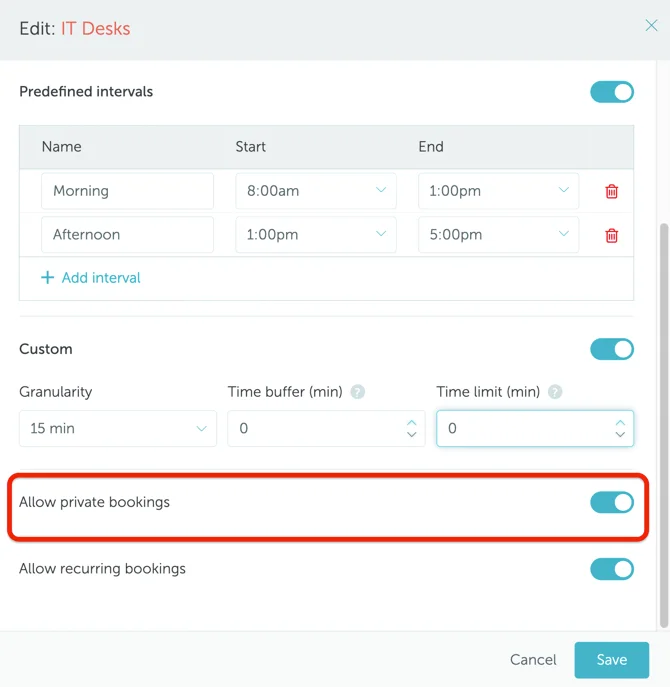
If the field is set to “Yes”, the users will be able to make private space reservations by activating a new toggle when making a booking.