
1. What is public access
The public access feature allows users to connect to your YAROOMS account without having to register as users.
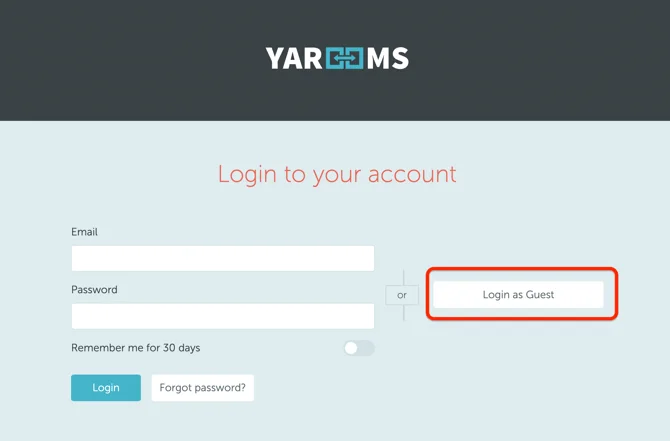
If the feature is activated, a “Login as Guest” button will appear on the login page. It will take users to the booking schedule without registration.
2. How to enable public access
To enable public access, start by creating a new user in Settings → Manage Users section. All users who will log in as a guest will have the new user’s access rights.
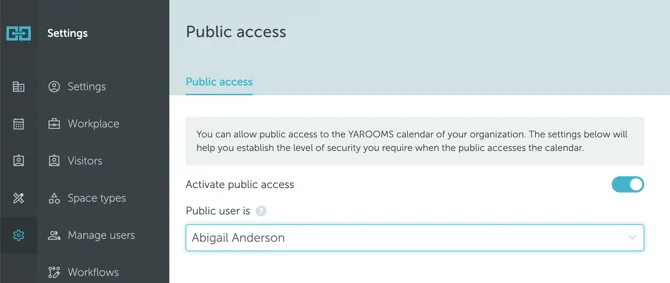
Then, go to Settings → Integrations → Public access. Set the “Activate public access” option on “Yes” and choose the newly created user in the “Public user is” field. Save your selection.
Note: Be aware that “users who make bookings through the Guest user account will not be able to delete their reservations. They can only be deleted by administrators or location managers.”