
Meeting Room Digital Signage: How to Show Room Status and Occupancy in Busy Offices
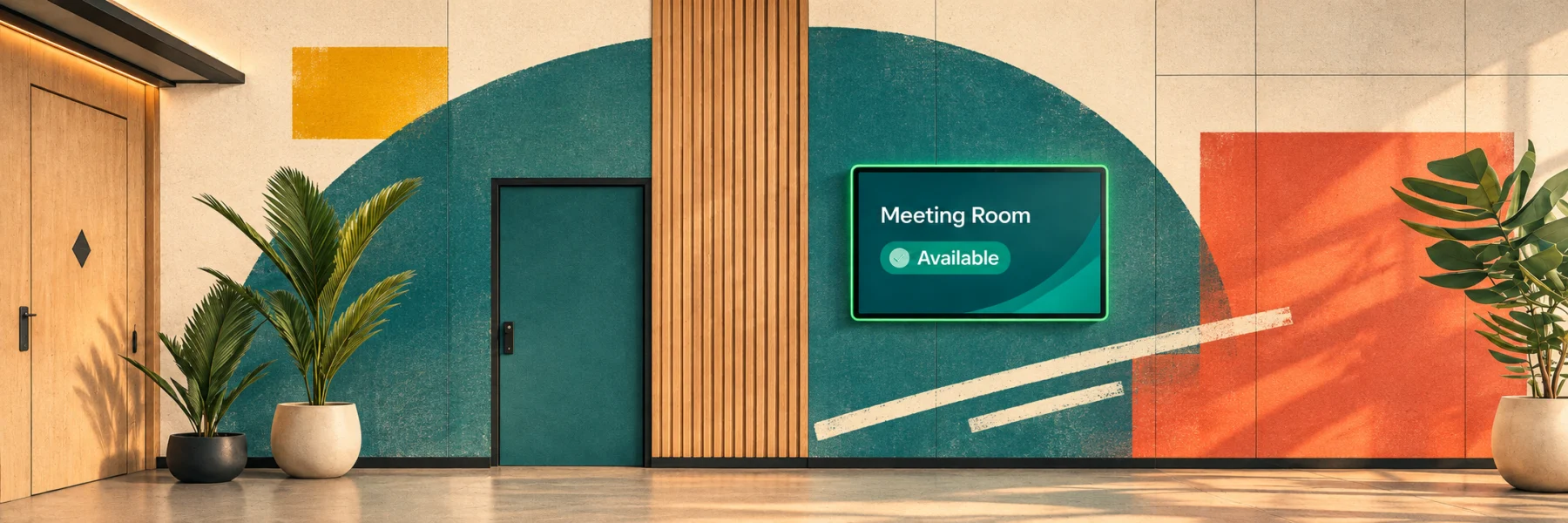
The most effective meeting room digital signage for a busy office is a touchscreen panel at every meeting room door. It runs room display software that syncs with the booking calendar and requires check-in.
Key takeaways:
- A good room sign shows three things: free or occupied status, who booked the room and when it is next free.
- Digital signage for meeting room status only works if the status is true. Without check-in, the sign shows bookings, not real use.
- There are three hardware routes: iPads, Android tablets and dedicated LED room panels such as IAdea XDS-1078, ProDVX APPC-10SLB, Qbic TD-1070 and Neat Pad.
- LED status lights let people see room status from down the corridor.
- YAROOMS Room Panel runs on all of these, so you can start on tablets and upgrade later.
Why Is Meeting Room Occupancy Hard to See in Busy Offices?
Meeting room occupancy is hard to see because the booking calendar records intent, not use. Four trends make the gap worse in busy offices:
- Ghost meetings block rooms. Density sensor data from two US offices found that 24.5% to 28.1% of booked meetings had nobody in the room during the first 15 minutes.
- Offices are fuller. JLL puts global office utilization at 56% in 2026, up from 49% in 2024. CBRE reports an average peak of 80%.
- Rooms are the wrong size. Density found that 6-person rooms were used by one or two people more than 70% of the time.
- There are more small rooms to check. JLL reports organizations adding phone booths (41%), focus rooms (30%) and small meeting rooms (29%).
When every room looks booked on the calendar, people cannot find the empty ones.
What Is Meeting Room Digital Signage?
Meeting room digital signage is a screen at a meeting room, conference room or boardroom door that shows the room’s live status and schedule. It is also called digital room signage or electronic meeting room signage.
- It connects to the room booking system and calendars, such as Microsoft 365.
- It updates the moment a booking changes.
- Boardroom digital signage works the same way, often with meeting titles hidden for privacy.
Static vs. Digital Conference Room Signage
Static conference room signage tells people which room they are looking at. Digital meeting room signage also tells them whether they can use it right now.
| Static room sign | Digital room sign | |
|---|---|---|
| Shows | Room name | Live status, booker and schedule |
| Updates when a meeting ends early or runs over | No | Yes |
| Book or check in at the door | No | Yes |
| Frees no-show rooms | No | Yes, with check-in |
What Does Meeting Room Signage Software Do?
Meeting room signage software decides what people see and do at the door. The panel is only the screen. It is also called a meeting room display app or room scheduling display.
Strong meeting room signage systems cover six jobs:
- Show room status. Color-coded free or occupied status, the current booker, the room schedule for the day and the next free slot.
- Book on the spot. Anyone passing an empty room can reserve it in a few taps, which turns the sign into a digital signage booking system.
- Check in. Attendees confirm the meeting has started, so the status reflects actual occupancy, not just bookings.
- Release no-shows. If nobody checks in within the set window, the booking ends and the room goes back to the pool.
- Extend or end early. People can add time to a meeting that runs over, or end it early to free the room.
- Report usage. Check-in, no-show and walk-up booking data feeds meeting room analytics for space planning.
Interactive conference room signage that covers all six is what separates a room sign from a calendar on a wall.
How Does Meeting Room Digital Signage Fix the Visibility Problem?
Meeting room digital signage fixes visibility in two steps:
- Live status at the door. People see which rooms are free without checking each one.
- Check-in with automatic release. A booking only counts once someone checks in. If nobody does, the room is released, often after 10 to 15 minutes.
A sign that only mirrors the calendar still shows ghost meetings as “occupied”. See the guide to fixing meeting room no-shows for more ways to free up unused rooms.
Which Hardware Works Best for Meeting Room Digital Signage?
The best hardware for meeting room digital signage depends on room count, wall type and how far away people need to read room status. iPads and Android tablets are the fastest, lowest-cost start. Dedicated room panels add LED status lights and single-cable Power over Ethernet (PoE).
Option 1: Meeting Room Digital Signage on an iPad
An iPad running a meeting room display app is the quickest way to add digital door signage. Most IT teams already manage iPads, and many offices have spares.
To work as a permanent door sign, an iPad needs three things:
- Continuous power: a nearby outlet, or a PoE adapter that carries power and network over one Ethernet cable.
- A secure mount: enclosures such as the Heckler Front Mount for iPad fit glass walls and leave room for a PoE adapter.
- Kiosk mode: Apple’s Guided Access, or single-app mode through a mobile device management (MDM) tool, keeps the iPad locked to the display app.
Best for: pilots, small and medium offices, and teams that want to start this week with hardware they already own.
Option 2: Meeting Room Digital Signage on Android Tablets
Android tablets are a low-cost option for meeting room displays, with many screen sizes and price points.
- Install: most meeting room display apps are on Google Play. For devices that install apps outside a store, vendors usually provide an APK file.
- Setup: consumer tablets need the same power, mount and kiosk setup as iPads.
- Watch out for: security update support varies by manufacturer. Check how long a model gets patches before buying in bulk.
Best for: offices equipping many meeting rooms on a tight budget, and IT teams already managing Android devices.
Option 3: Dedicated Conference Room Digital Signage Displays with LED Status Lights
Dedicated room panels are commercial-grade touchscreens built to run on a wall 24/7. They are the most common digital signage for conference rooms with glass walls.
- LED status bars: green for free, red for occupied, visible from down the corridor.
- PoE power: one Ethernet cable carries power and network, so there are no batteries to replace.
- Mounts: most panels ship with glass and mullion mounts.
Some room signage display examples:
- IAdea XDS-1078: 10.1-inch touchscreen, Android 12, PoE+ (802.3at), two LED light bars and a 28 mm profile with a built-in flush mount.
- ProDVX APPC-10SLB: 10.1-inch Android panel PC with a full RGB surround LED bar and PoE+. Optional NFC reader and barcode scanner for badge check-in.
- Qbic TD-1070: 10.1-inch Full HD panel with programmable LED lights on three sides, PoE+ (25 W) and a built-in NFC/RFID card reader for badge check-in.
- Neat Pad and Neat Pad Pro: 8-inch and 10-inch panels with side LED indicators and PoE.
Best for: busy floors, long corridors, glass-walled conference rooms and enterprise rollouts.
Best Digital Signage for Meeting Rooms: YAROOMS vs. Robin Room Display vs. Joan, Plus 5 Displays
The best digital signage for meeting rooms pairs software that handles check-in and auto-release with hardware that fits the wall. This section compares:
- Software: YAROOMS Room Panel, Robin Room Display and Joan digital signage applications
- Hardware: 5 top room signage displays
Data as of November 2026.
Meeting Room Signage Software: YAROOMS vs. Robin Room Display vs. Joan
YAROOMS Room Panel, Robin Room Display and Joan all show live room status, take walk-up bookings and release no-show rooms.
- YAROOMS Room Panel: a meeting room display app that works on a wide range of tablets and signage panels.
- Robin Room Display: a room display app that comes as part of Robin’s workplace platform.
- Joan: a room display system built mainly around Joan’s own e-paper devices.
| Feature | YAROOMS Room Panel | Robin Room Display | Joan |
|---|---|---|---|
| Runs on | iPad, Android tablets, Neat Pad, IAdea, ProDVX, Qbic and other partner panels | iPad, Android tablets, Amazon Fire tablets and certified partner panels | Joan e-paper displays, iPads, Android tablets, TVs and signage players |
| Screen type | Color touchscreen | Color touchscreen | E-paper (Joan devices) or color touchscreen (tablets) |
| Book on the spot | Yes | Yes | Yes |
| Check-in and no-show release | Yes | Yes (“abandoned meeting protection”), 10-minute default | Yes (“check into meetings”), 5, 15 or 30-minute window; not with iCal calendars |
| Secure actions | Optional QR login on a phone before booking, check-in, extending or ending | 4-digit PIN for display admin settings | No login step documented |
| Pricing | Flat subscription, starting at $99/month | Custom quote only | Plans from €49/month with set devices included; each extra device €9.99/month (annual) |
| Platform scope | Room booking, desk booking, visitor management, analytics, Yarvis AI assistant | Room, desk, parking and locker booking, visitor management, maps, analytics | Room, desk and parking booking, visitors, signage, analytics |
| Best for | Offices that want any hardware and one platform for rooms, desks and visitors | Organizations already using Robin for desk and room booking | Offices that want cable-free e-paper signs |
5 Room Signage Display Options, Compared
Meeting room displays range from everyday tablets to commercial panels built for the wall. Here are 5 popular options on the market, from iPads and Android tablets to dedicated room panels:
| Display | Screen | Power | Status visible from afar | Price (2026) | Extra |
|---|---|---|---|---|---|
| iPad | Existing iPad | Outlet or PoE adapter | Screen only | Hardware you already own | Needs an enclosure and Guided Access |
| Android tablet | 8 to 13 inches, by model | Outlet or PoE adapter | Screen only | Low; varies by model | Google Play or APK install |
| IAdea XDS-1078 | 10.1-inch, Android 12 | PoE+ | Two LED light bars | MSRP $599 (Almo) | 28 mm profile, flush mount |
| ProDVX APPC-10SLB | 10.1-inch, Android | PoE+ | Surround RGB LED bar | Reseller quote | Optional NFC reader and barcode scanner |
| Neat Pad | 8-inch (Neat Pad) or 10-inch (Neat Pad Pro) | PoE | Side LED indicators | Neat Pad Pro $1,290 (CDW) | Air quality sensors |
What to Look for in Meeting Room Signage Software
The software matters more than the panel, because it decides whether the status on the door can be trusted. Check these seven points before choosing a meeting room signage system:
- Live calendar sync. The display must update instantly from the calendar people book in, such as Outlook and Microsoft Teams. If the door and the calendar disagree, people stop trusting both.
- Check-in with automatic release. Without check-in, a display shows bookings, not real use. Releasing no-show bookings is what recovers the 24% to 28% of capacity that ghost meetings block in sensor studies.
- Hardware choice. The app should run on iPads, Android tablets and commercial signage panels, so you can start with tablets and move to LED panels later without changing software.
- LED control. On dedicated panels, the software should drive the LED bars (green for free, red for occupied) so status is visible from the corridor.
- Remote setup and branding. Admins should activate, configure and brand every display from one web console, not walk to each door.
- Secure actions. An option to require login before booking, check-in, extending or ending a meeting prevents misuse of panels in open areas.
- Usage data. Check-in, no-show and walk-up booking data should flow into room utilization reports. JLL’s 2026 benchmark notes that judging investments in small meeting rooms and focus rooms requires space-level data, not building-level badge counts.
How YAROOMS Room Panel Works as Meeting Room Digital Signage
YAROOMS Room Panel is a hardware-agnostic meeting room display app. It turns iPads, Android tablets, Neat Pads and commercial signage panels into digital room signs, all managed from the YAROOMS web app.
| YAROOMS Room Panel feature | What it does |
|---|---|
| Real-time availability | Color-coded status (green for free, red for occupied), current booker, room schedule and next free slot |
| Book on the spot | Reserve an empty room from the panel in a few taps |
| Check-in and no-show release | If nobody checks in on time, YAROOMS ends the booking and releases the room |
| Extend or end early | Add time to a running meeting, or end it to free the room |
| Require login actions | A QR code on the panel must be scanned and approved on a phone before booking, check-in, extending or ending |
| Remote design | Colors, date and time format, background image and panel behavior set from the web app |
| Usage data | Room utilization reports in YAROOMS workplace analytics |
| Hardware | iPad (App Store), Android (Google Play or APK), Neat Pad, IAdea, ProDVX, and other certified partner devices. |
Frequently Asked Questions
Better meetings start with the right space
Keep meeting room booking simple with YAROOMS room scheduling software.