
6 Hybrid Work Platforms With Workplace Analytics for Office Optimization

Who This Guide Is for and How We Evaluated the Platforms
Six hybrid work platforms offer workplace analytics detailed enough to guide office optimization decisions: YAROOMS, OfficeSpace, Robin, Envoy, deskbird, and Kadence. This guide is for facilities, workplace, and operations leaders at mid-to-large companies who want to know what each platform actually measures before booking a demo.
I work at YAROOMS, so let me get the obvious out of the way: my company builds one of the platforms on this list. To keep this useful rather than self-serving, I held myself to a simple rule. Every claim comes from a vendor’s own website, checked in October 2026, and is linked so you can check it too. Third-party reviews helped me find gaps, but I didn’t treat them as fact. If I couldn’t verify something, I left it out or flagged it.
What Makes Workplace Analytics Detailed Enough for Office Optimization?
Detailed workplace analytics answer specific space questions: which floors sit empty on Fridays, which teams outgrow their neighborhood, and whether booked desks are actually used. I scored each platform on five criteria.
- Data sources: Does occupancy come from bookings alone, or also from check-ins, badge swipes, Wi-Fi, sensors, or desktop presence? Booking data shows intent; presence data shows attendance.
- Metrics captured: Occupancy and utilization by building, floor, zone, and desk; utilization by team or department; attendance patterns by weekday; no-show rates; and meeting room fit (room capacity versus attendees).
- Reporting cadence: Real-time dashboards, historical trends, data retention limits, and scheduled reports sent to stakeholders.
- Export and integration options: CSV export, analytics APIs, and connections to BI tools or HR systems.
- Setup effort: Whether useful data arrives from booking alone, or requires sensors, network integrations, desktop apps, or paid add-ons.
6 Hybrid Work Platforms With Detailed Workplace Analytics for Office Optimization
| Platform | Occupancy data sources | Utilization breakdown | Attendance and hybrid patterns | Space and room metrics | Cost and real estate metrics | Export and API | Forecasting and scenarios |
|---|---|---|---|---|---|---|---|
| YAROOMS | Bookings; check-ins via QR code, Wi-Fi, geofencing | Desks, rooms, parking, services; by floor and location; heat maps | In-office vs. remote, by team and department | Average usage, booking counts, no-show rates, service utilization | Not listed | CSV on every report; API on Enterprise | Not listed |
| OfficeSpace | Bookings, badge, Wi-Fi, sensors | Site, floor, neighborhood, department | By department, location, and employee type | Room capacity vs. attendance, peak usage, desk sharing ratios | Cost per seat, employee, and square foot; lease reports | CSV and XLSX; API | Forecasting and scenario planning |
| Robin | Calendars, access control, sensors, HRIS, communication tools, API | Building, floor, space, desk | Office presence; collaboration patterns | Most-used resources, when, and by whom | Not listed | Data exports; analytics API (add-on) | AI predictions; scenario planning |
| Envoy | Bookings, badge, Wi-Fi, sensors | Global and per location | Attendance trends vs. onsite policy | Unused spaces; occupancy vs. capacity | Recommendations based on real estate costs | Not listed | Space forecasting |
| deskbird | Wi-Fi, monitors, docking stations, room hardware, bookings | Location, floor, zone, desk | Office and workforce analytics | Zone use by team, least-used desks, room no-shows, oversized rooms | Not listed | Custom exports and public API (Professional plan) | Lease scenario modeling with benchmarks |
| Kadence | Bookings, check-ins, badges, Wi-Fi, desktop agent | Across locations; heatmaps | Actual vs. expected attendance by team, department, location | Check-ins vs. bookings, underused areas, peak days, no-shows | Cost of office space per employee | CSV export; public REST API | Scenario planning (SpaceOps) |
YAROOMS: Best Value for All-in-One Workplace Analytics
YAROOMS reports occupancy, utilization, and attendance from booking and check-in data across desks, rooms, parking, and services, and every report can be easily exported.
Analytics it offers: YAROOMS includes six report sets:
- Office utilization: average space usage, booking counts, and no-show rates
- Office heat maps: which zones fill up and which stay empty
- Hybrid work: in-office versus remote time, compared across teams and departments
- Service utilization: catering, equipment, and cleaning by service type and location
- Visitor analytics: visits, no-show rate, repeat visitors, and peak arrival times per location
- Employee satisfaction: survey-based scores, comparable across individuals, groups, and locations
YAROOMS separates bookings (intent) from check-ins (attendance), with check-in by QR code, Wi-Fi presence, or geofencing. Utilization views aggregate across teams, floors, and locations rather than tracking individual activity.
Who it suits: YAROOMS suits organizations that want analytics produced by the same system that runs desk, room, visitor, and service booking, and that model the data further in Excel or a BI tool. Dedalus, for example, runs two employees per desk at its Vienna site after growing from 200 to 300 people, using YAROOMS attendance data to keep that ratio workable.
Honest limits: YAROOMS measures booked space, so it does not capture areas nobody books, such as breakout zones; YAROOMS itself points buyers who need that to sensor platforms. Analytics history is 90 days on the Business plan, starting at $399 per month, and unlimited on Enterprise, starting at $899 per month, as listed on the YAROOMS pricing page on October 22, 2026; the Starter plan does not include analytics.
OfficeSpace: Best for Real Estate and Space Planning Teams
OfficeSpace pairs workplace analytics with space planning, so utilization data can feed directly into stack plans, moves, and scenario models.
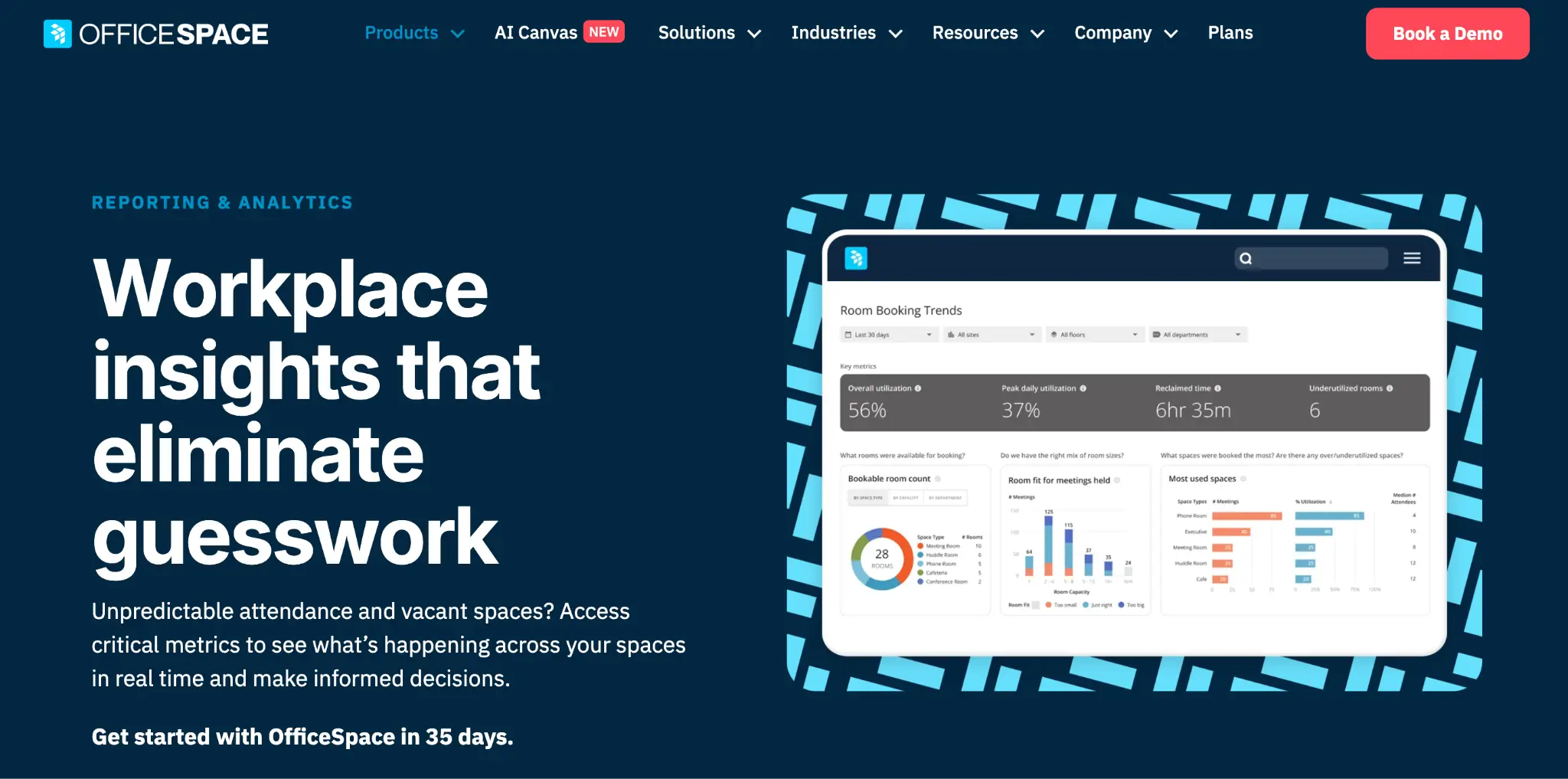
Analytics it offers: OfficeSpace provides real-time dashboards and heat maps of workplace trends, desk and room booking trends, meeting room capacity compared with actual attendance, and peak usage times. Cost reports break spending down per seat, per employee, and per square foot, and real estate reports combine lease and operating costs. Forecasting tools project space needs from historical data and hiring forecasts, and an AI Insights Agent answers utilization and occupancy questions in plain language.
Who it suits: Real estate and space planning teams managing multi-floor or multi-site portfolios. Third-party reviewers often describe OfficeSpace as strong on utilization analytics and scenario planning.
Honest limits: Pricing is quote-only, and real-time utilization and badge, Wi-Fi, and IoT connectors are listed under the higher Pro Plus plan, along with the Insights Agent. Some G2 reviewers report limited reporting below higher tiers.
Robin: Best for Long-Term Workplace Strategy
Robin breaks utilization down by building, floor, space, desk, and resource, and shows which are used most, when, and by whom.
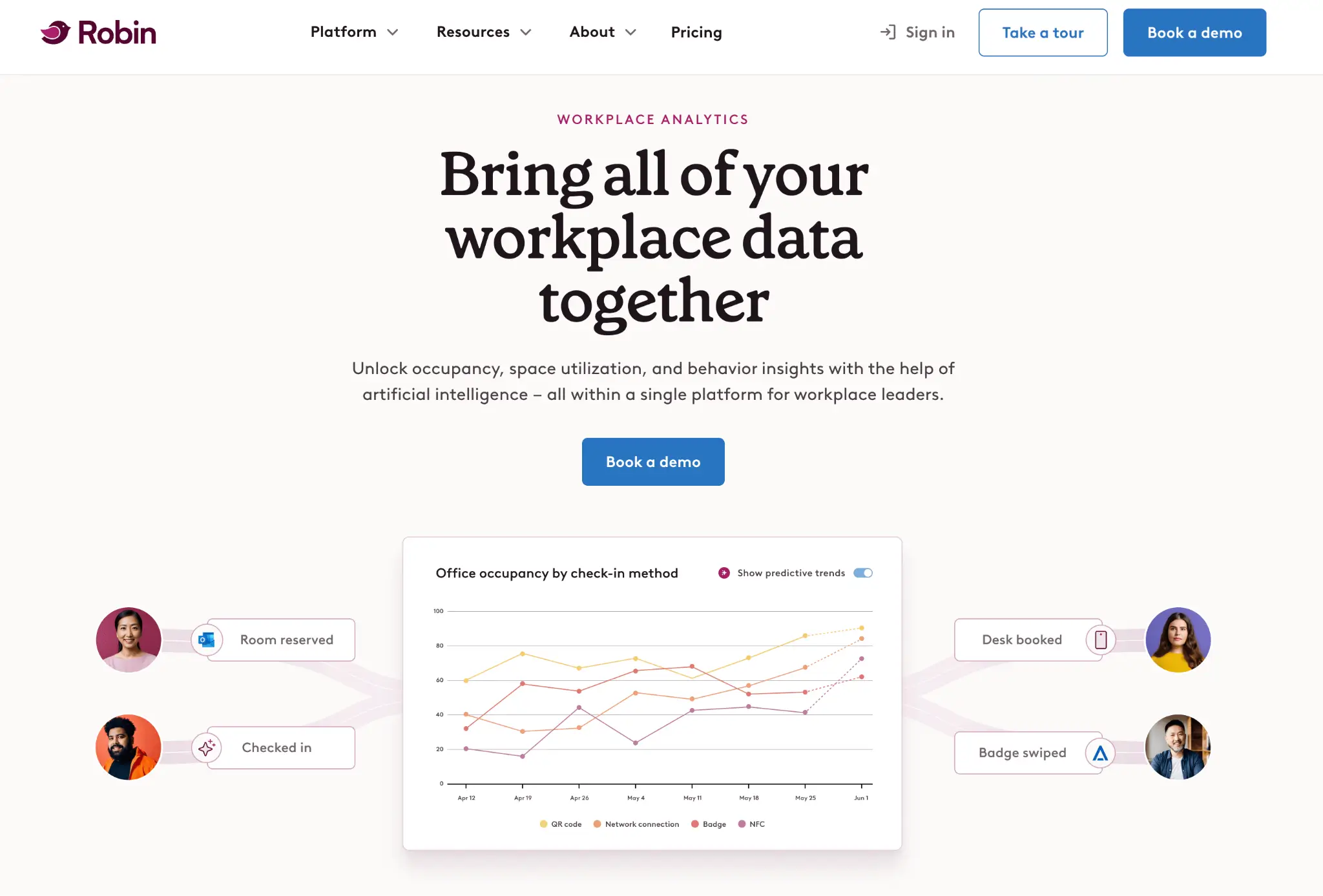
Analytics it offers: Robin shows which buildings, floors, spaces, desks, and other resources are used most, when, and by whom. It combines data from calendars, communication tools, access control systems, occupancy sensors, and HR systems to track who is in the office, and measures collaboration through planned meetings, desk proximity, and occupancy trends. Teams can build custom reports and share them automatically, use AI to predict future space needs, and draw on historical data that Robin keeps for the lifetime of the account.
Who it suits: Workplace strategy teams that blend booking, badge, and sensor data and want long historical trends for lease decisions. Third-party reviewers often describe Robin as having a strong analytics layer for space utilization.
Honest limits: Robin doesn’t publish prices, so you won’t know the cost until you’ve spoken to sales. Every quote is custom, which makes early budgeting hard. Robin’s pricing page also says the platform is designed for companies with 500 or more employees, so smaller teams may find it a stretch.
Envoy: Best for Visitor-Heavy Workplaces
Envoy combines space bookings with badge swipes, Wi-Fi connections, and sensor data to show who is onsite, when, and how they use the workplace, at a global or single-location level.
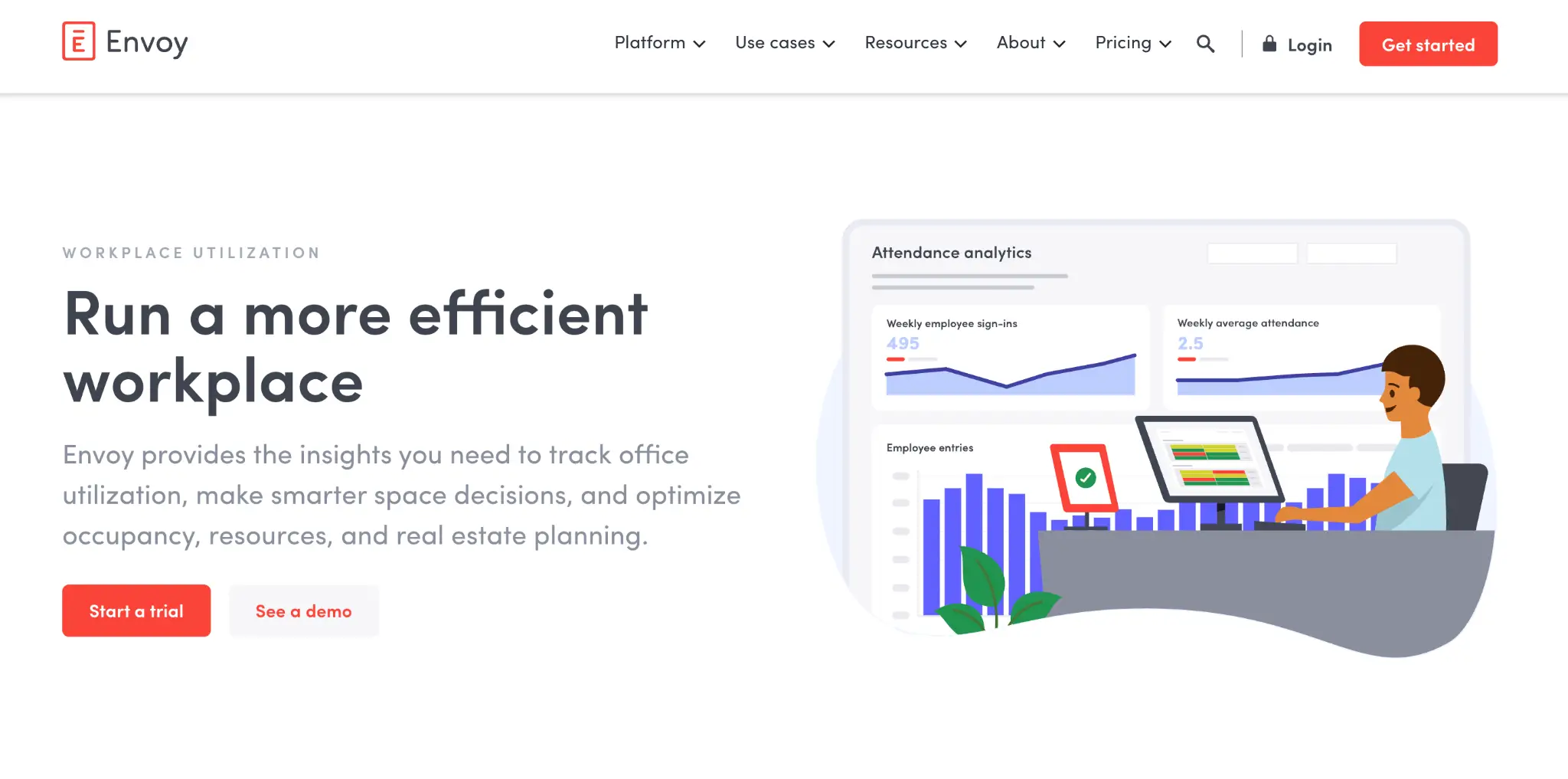
Analytics it offers: Envoy combines occupancy and space usage data to show who is onsite, when, and how they use the workplace, in a global view or by location. It can bring in badge swipes, Wi-Fi connections, sensors, and bookings to track attendance trends and measure onsite policies. Its reports flag spaces that often go unused, compare occupancy against capacity to guide downsizing, subleasing, or expansion, and give recommendations based on real estate costs.
Who it suits: Companies that already run Envoy for visitors or deliveries, and teams that want badge or Wi-Fi data to measure attendance against an in-office policy.
Honest limits: Envoy’s depth is in visitor, delivery, and security workflows, and analytics is one part of a modular, per-product price list.
deskbird: Best for Privacy-Conscious Organizations
deskbird measures occupancy from real presence rather than bookings alone, cross-checking Wi-Fi access points, monitors, and docking stations, and breaks utilization down by location, floor, zone, and desk.
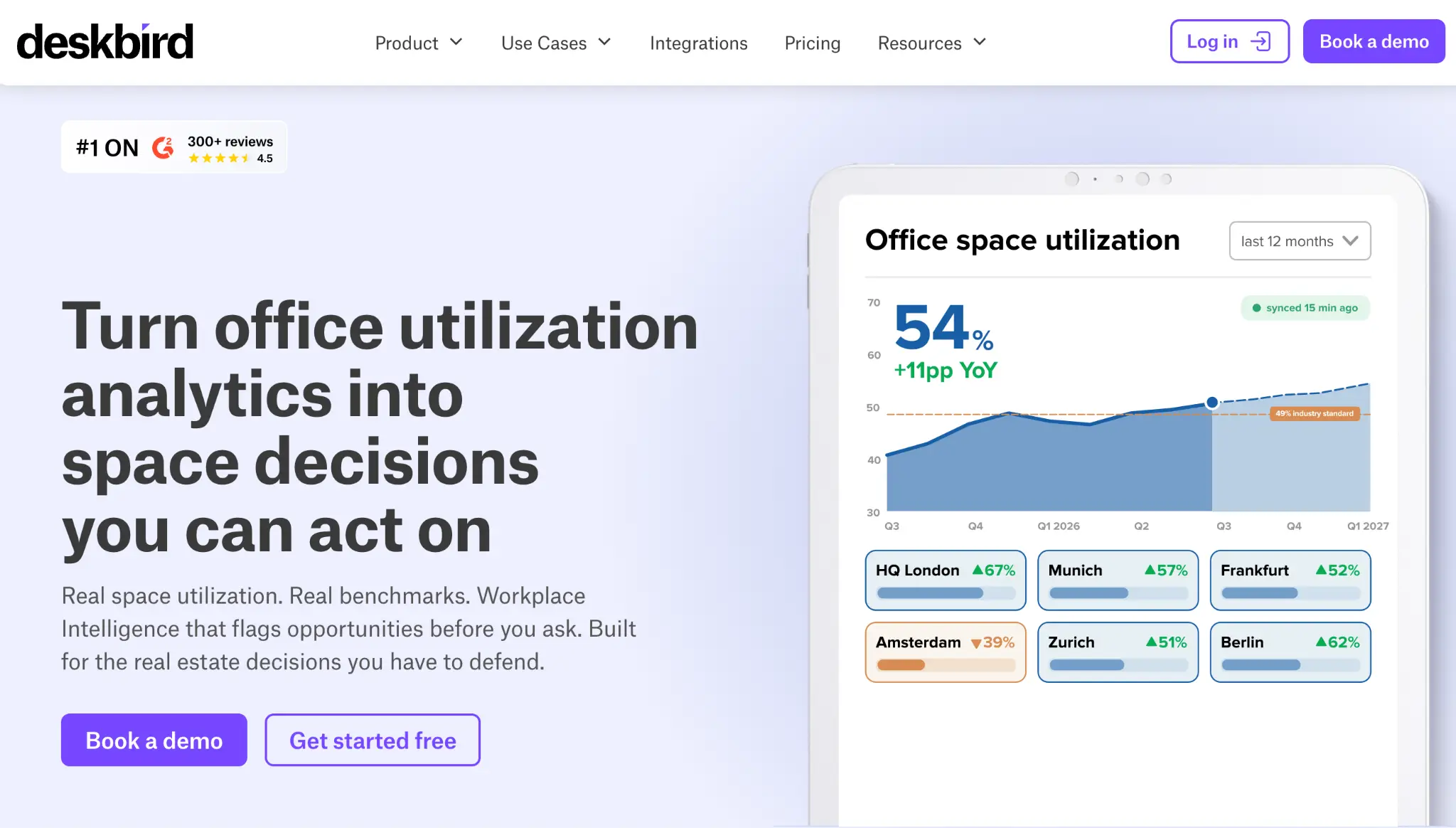
Analytics it offers: deskbird measures utilization without sensors, cross-checking Wi-Fi, monitor, and docking station signals, and breaks it down by location, floor, zone, and desk (deskbird workplace analytics). Its reports show how each team’s zone is used, rank the least-used desks, flag meeting room no-shows and oversized rooms, and model lease scenarios against industry benchmarks.
Who it suits: European organizations that need works-council-friendly data: deskbird states all utilization data is aggregated and anonymous.
Honest limits: One G2 reviewer described deskbird as less deep for strategic reporting, though the features above suggest that view may be dated. Basic office and workforce analytics are in the Business plan, but advanced analytics and custom data exports require the custom-priced Professional plan.
Kadence: Best for Tracking Hybrid Work Policies
Kadence focuses its analytics on hybrid policy: it compares actual attendance with expected presence and reports by team, department, or location.
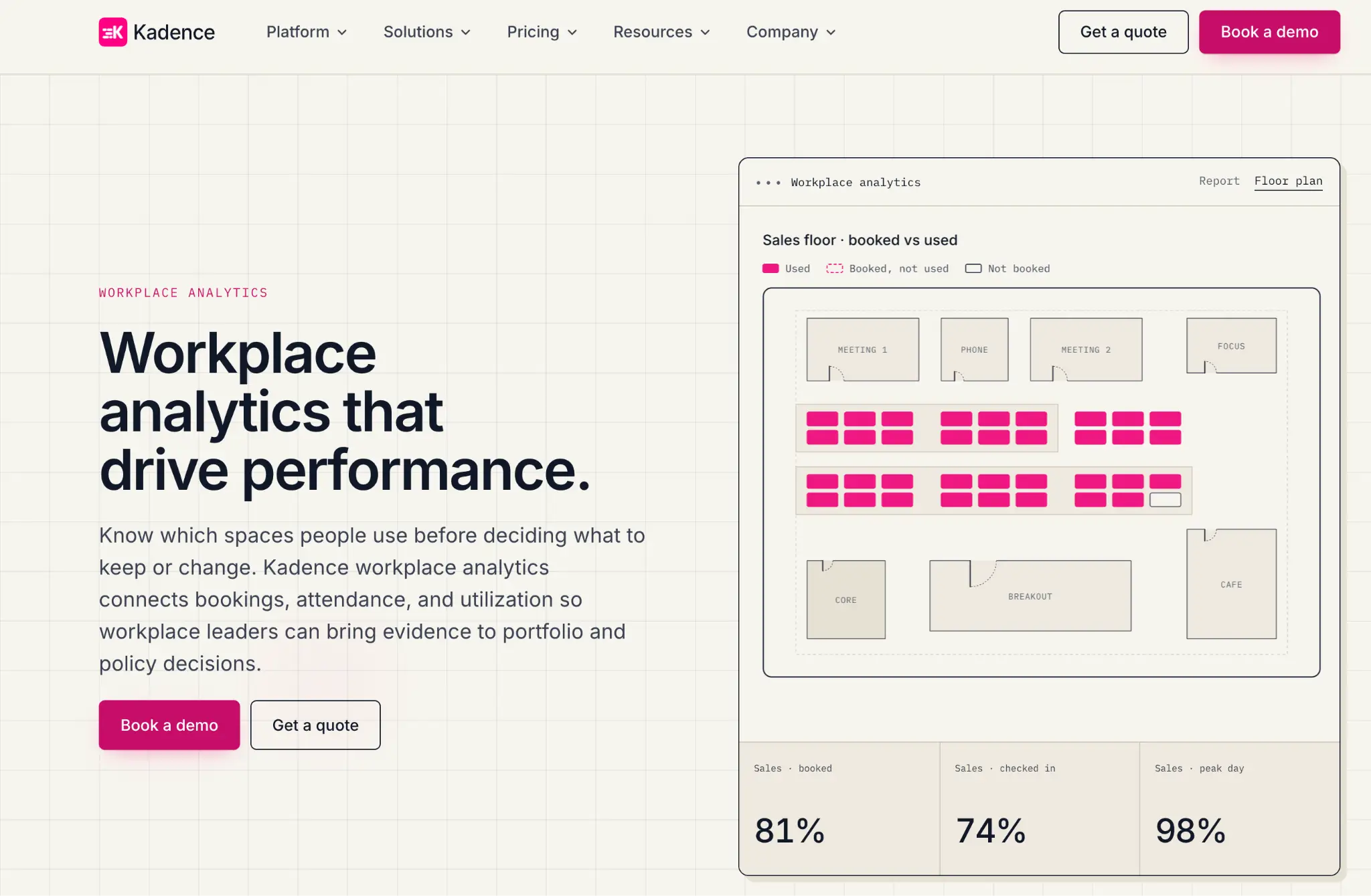
Analytics it offers: Kadence tracks occupancy trends, check-in rates against bookings, underused areas, and peak office days across locations. Attendance reports compare actual attendance with expected presence by team, department, or location and show preferred in-office days. Collaboration reports cover meeting frequency, booking overlaps, and which departments work together onsite. Data can be exported, and Insights Plus adds custom dashboards built with Kadence’s hybrid work experts.
Who it suits: HR and workplace teams who need to show whether a hybrid policy is working, team by team.
Honest limits: Custom dashboards come through Insights Plus, included in WorkOps Pro and a paid add-on for WorkOps Team. Scenario planning sits in the separate SpaceOps product, and pricing is quote-only. Reviewers note a learning curve for the advanced analytics.
How to Choose a Workplace Analytics Platform by the Decision You Need to Make
Start with the decision the data has to support, then ask for the report that answers it. The table maps common office decisions to the report, the metric, and the platforms whose own pages list it.
| Decision | Report to ask for | Metric that answers it | Platforms that list it |
|---|---|---|---|
| Renew or shrink a lease | Peak-day occupancy by weekday | Busiest-day attendance vs. desk count | YAROOMS, deskbird, Kadence, OfficeSpace |
| Set a desk sharing ratio | Bookings vs. check-ins | No-show rate, check-in rate | YAROOMS, Kadence, Robin |
| Check a hybrid policy | Attendance by team or department | Actual vs. expected office days | Kadence, YAROOMS, Robin, Envoy |
| Reconfigure floors or zones | Heat maps, zone or floor utilization | Low-use zones and desks | deskbird, YAROOMS, Robin, OfficeSpace |
| Right-size meeting rooms | Room capacity vs. attendees | Attendees per room size | OfficeSpace, deskbird, Robin |
| Plan services and visitors | Visitor and service analytics | Peak arrival times, service demand by location | YAROOMS, Envoy |
For a lease decision specifically, YAROOMS adds peak-day attendance and booking-versus-check-in data to set a desk sharing ratio, while OfficeSpace, Kadence SpaceOps, deskbird, and Envoy add cost, scenario, or consolidation modeling. If analytics must live in the same system as booking, visitors, and services, YAROOMS covers all four.
Before any demo, ask each vendor four questions: which data sources feed occupancy, how long history is kept on your plan, whether analytics needs an add-on, and whether reports can be scheduled or pulled by API.
Workplace of the future. Today.
See how YAROOMS integrates with Microsoft 365 to create a seamless workspace booking experience.