
What Are the Best Skedda Alternatives in 2026?

Skedda is well-rated and easy to set up. On G2 and Capterra it sits around 4.8 out of 5, with reviewers consistently praising how fast it is to onboard and how flexible its booking rules engine is. That’s the honest starting point: this isn’t a “Skedda is bad, switch now” piece. It’s a breakdown of the specific situations where a hybrid office outgrows what Skedda was built for, and which tool fits each situation.
We checked different sources before writing this: Skedda’s own published pricing and feature pages, its G2 and Capterra review data, competitor comparison pages already ranking for this exact query, and the pricing and review pages for every tool listed below.
The alternatives listed below aren’t a random top-5 list. Each one answers a different reason teams give for leaving Skedda, based on what shows up most in that review data (and our own insight of talking to prospects too). Where two tools solved the same problem, we kept the stronger one and left the other out, rather than listing all possible options just to look more thorough.
What Is Skedda?
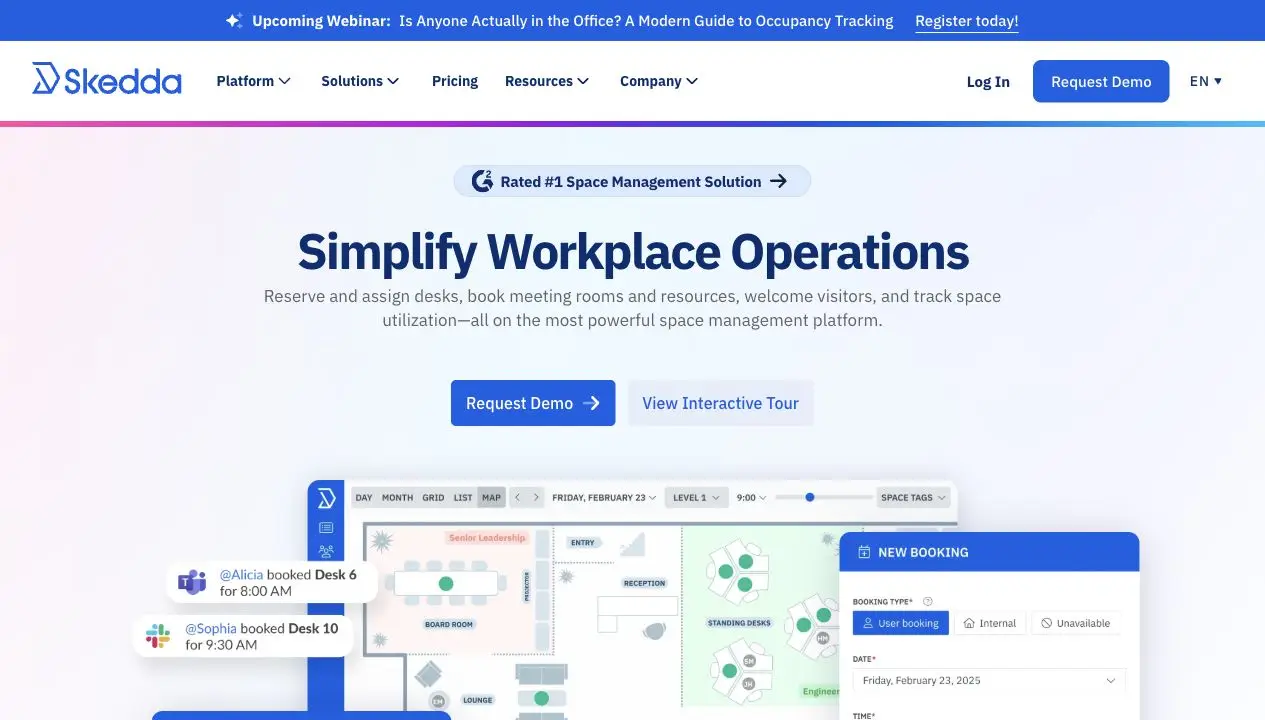
Skedda is a space booking and scheduling platform used for desks, meeting rooms, and other shared resources, including studios, sports courts, and other venue-style spaces. It’s used by more than 8,000 organizations and around 3 million users, including IBM, Siemens, and Harvard University.
Skedda’s core product covers interactive floor plans, desk and room booking, a customizable rules and permissions engine, and integrations with Microsoft 365, Google Workspace, Microsoft Teams, and Slack. Visitor management and workplace analytics are available as add-ons rather than built into the base plan.
Pricing is per bookable space rather than per user, starting at $99 a month. Unlimited users are included on every tier, so the cost is driven by how many desks, rooms, or other spaces you need to manage, not by headcount.
What Does Skedda Do Well?
Skedda’s main strengths are fast setup, a flexible booking rules engine, useful interactive floor plans, check-in with auto-release, and responsive customer support. On top of that, per-space pricing makes it a particularly strong fit for high-headcount offices.
Fast to Set Up and Easy to Adopt
Most reviewers report getting Skedda running with little to no training. The booking interface is consistently described as clean, and employees tend to use it without onboarding.
A Genuinely Flexible Booking Rules Engine
Admins can set booking windows, quotas, buffer times, cancellation policies, and eligibility rules independently of each other. For organizations with real policy complexity, this depth is a common reason they pick Skedda over lighter tools.
Per-Space Pricing Is a Real Product Decision, Not Just a Number
Skedda charges per bookable space, not per user. What you pay for is the number of desks and rooms in the system - not the number of people who might book them. That’s a better fit for offices with uneven attendance : you’re not paying extra just because more people show up to book the same fixed set of spaces.
Interactive Floor Plans Most Reviewers Find Genuinely Useful
Instead of scanning a list of bookable spaces, employees pick a desk or room directly from a visual layout of the office . It’s consistently one of the most praised parts of the product, even in comparison pages written to argue another platform is the better overall choice.
Check-In and Auto-Release Solve the Most Common Booking Failure
Skedda can require users to check in to confirm they’ve shown up, and automatically free the space if they don’t. That keeps a desk that’s reserved but empty all day from blocking everyone else who could have used it.
Highly Regarded Support and Onboarding Team
Reviewers consistently single out Skedda’s support team as responsive and knowledgeable, not just present. That reputation is a real reason some buyers choose Skedda over a tool with a stronger feature list but a thinner support experience.
Why Look for a Skedda Alternative?
Skedda’s main gaps are limited hybrid work coordination, visitor management you can’t buy on its own, no AI features, pricing that can get expensive at scale, and a few recurring UX complaints.
Skedda Is Primarily a Space Booking Platform
If your team chooses in-office days based on who else will be there, you need visibility into who’s coming in, like hybrid work statuses or a shared team calendar . Skedda doesn’t have that layer on top of booking, so you’d need to add a separate tool just to get it.
Visitor Management Can’t Be Bought on Its Own
At the moment of writing (June 2026), visitor management is only available as an add-on to an existing Skedda subscription. If visitor check-in is the only thing you actually need, Skedda isn’t an option, because there’s no standalone version of it.
Skedda Isn’t Built for AI-First Organizations
There’s no AI assistant , no MCP server, and no other AI features in the product. If you’re looking for an AI-powered tool that simplifies adoption, makes the workplace smoother to run, and brings more innovation into how people use the office, or simply want an AI-savvy vendor, Skedda isn’t that choice yet.
Per-Space Pricing Can Work Against You as Your Office Grows
Skedda’s pricing model works best for offices with high headcount relative to desk count . It scales the other way for organizations with many individual desks or rooms: add enough bookable spaces, and the per-space cost can exceed what a per-user or flat-rate model would charge.
A Few Recurring UX Gaps
In Skedda’s reviews available online, admins call out the backend as complex once you start setting advanced rules. Several users want finer control, like restricting who can book specific spaces on specific days, or simple touches like labels on seating charts. The interface also gets described as a bit dated in places.
The 5 Best Skedda Alternatives for 2026
Each entry names who the tool is actually for, not just what it does. Read the “best for” line first. If it doesn’t sound like your situation, the rest of the entry probably won’t change that.
| Skedda alternative | Pricing model | Starting price | Best for |
|---|---|---|---|
| YAROOMS | Flat-rate tiers | $99/month | All-in-one workplace management |
| deskbird | Per user | ~$3.75/user/month | Microsoft 365-native teams that need HRIS provisioning |
| Robin | Custom quote | Quote-only | Enterprise analytics and AI scheduling at scale |
| Envoy | Per resource + add-ons | $5/resource/month | Offices where visitor management is the primary problem |
| Officely | Per user | $2.50/user/month | Small teams that want booking inside Slack or Teams |
1. YAROOMS - Best for Complete Workplace Management
YAROOMS covers the same desk and room booking ground as Skedda, then adds a layer Skedda doesn’t have: hybrid work status calendar and an AI assistant called Yarvis that handles booking requests in plain language inside Microsoft Teams and email. It also ships an MCP server , so AI agents like Claude or ChatGPT can interact with the workplace directly, something that very few workplace management tools currently offer.
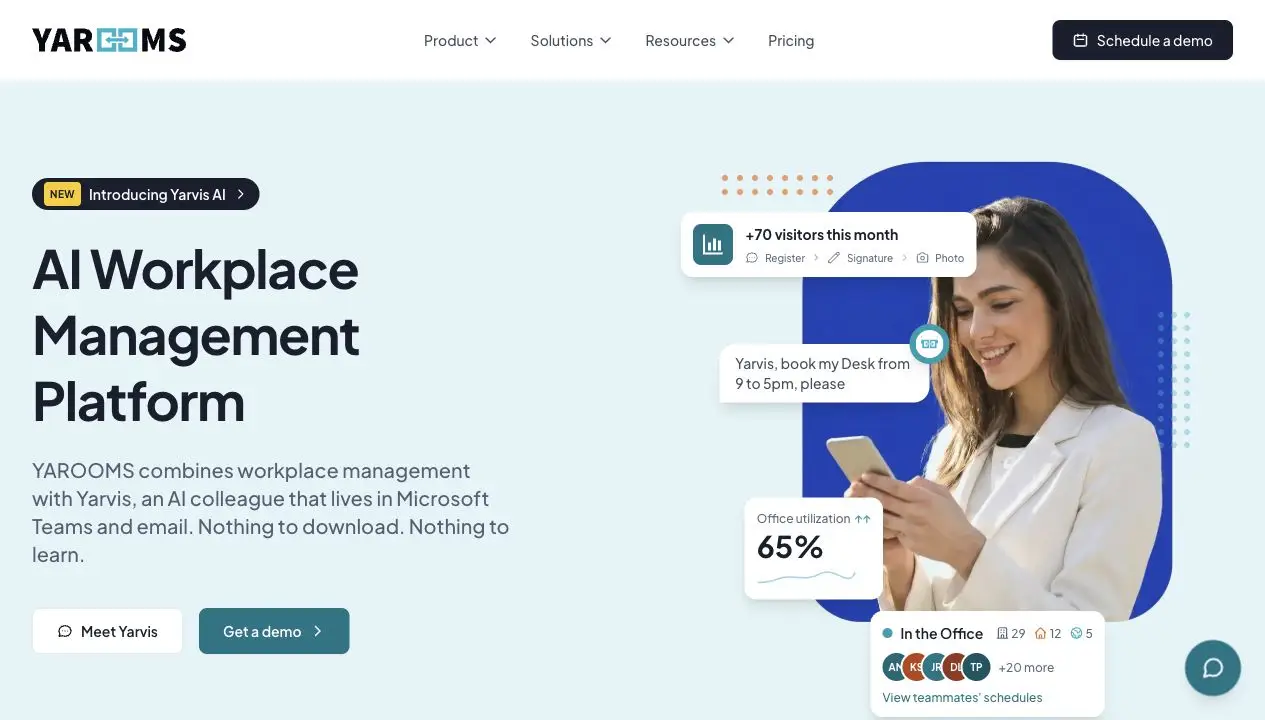
YAROOMS pricing is flat-rate by tier rather than per space or per user, which makes costs predictable as a team grows. Teams of 10 to 20 users do well on Starter, starting at $99 a month for one location. Offices in the 50 to 200 user range fit Business, starting at $399 a month. Organizations with more than 300 users move to Enterprise, starting at $899 a month, with API access and custom integrations.
Visitor management system can be bought entirely on its own, without a full platform subscription, for $99 per location. That’s a real point of difference from Skedda, where it’s only available bundled with a booking subscription.
If you want the full side-by-side breakdown against Skedda, including feature tables and pricing at different headcounts, see our detailed Skedda vs YAROOMS comparison .
| YAROOMS | Skedda | |
|---|---|---|
| What it's really for | Complete workplace management | Booking itself, done well |
| Pricing structure | Flat-rate tiers, cost holds steady within a tier as headcount grows | Per bookable space, cost grows as you add desks and rooms |
| Hybrid work visibility | Built in, with statuses and a shared team calendar | Not part of the product |
| AI booking | Yarvis assistant in Teams and email, plus an MCP server for AI agents | None |
| Visitor management | Can be bought standalone, without a full subscription | Add-on only, tied to a booking subscription |
2. deskbird - Best for Microsoft 365-Native Teams on a Per-User Model
deskbird is built for mid-market teams already living inside Microsoft 365. It handles desk and room booking, plus AI-based desk recommendations and HRIS-driven user provisioning that connects to over a dozen systems including Workday, BambooHR, and Rippling.
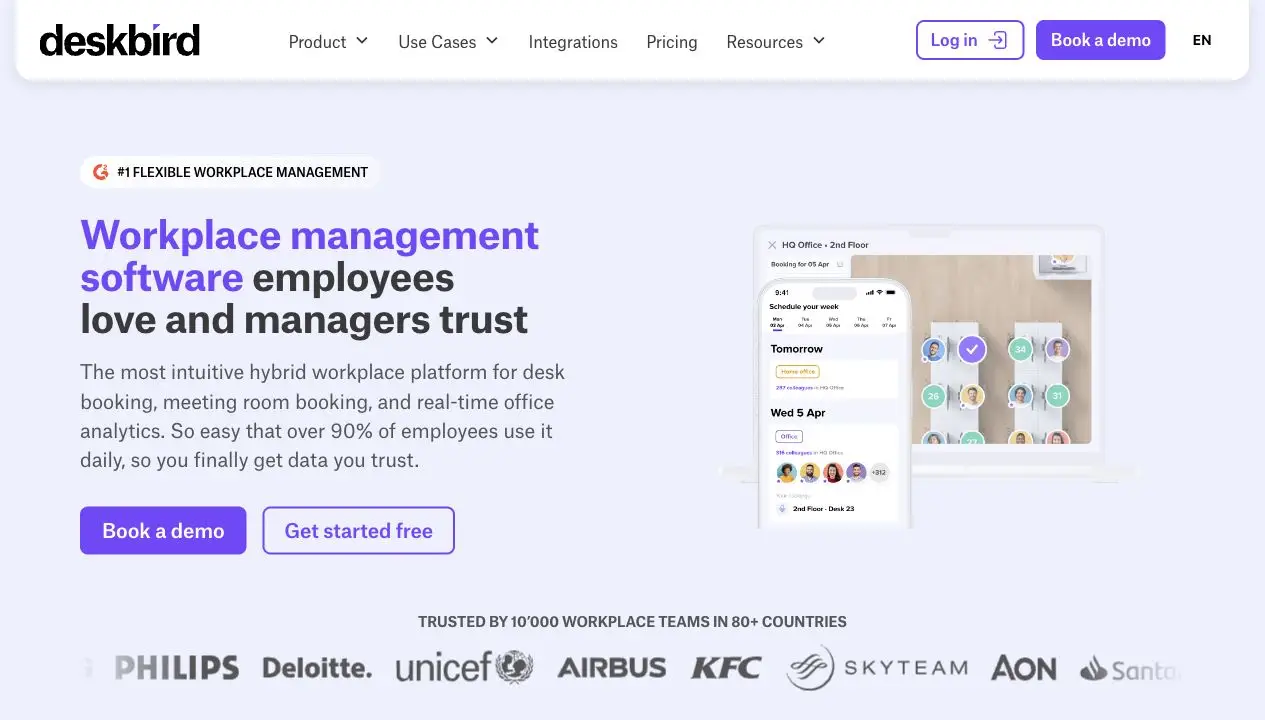
deskbird’s pricing starts around 2.75 euros per user per month billed annually. That’s straightforward to forecast, but it charges for every employee whether they book a desk or not. For a 300-person office where only half the team is in on a given day, that adds up faster than a per-space or flat-rate model would.
Pros:
- The deepest HRIS integration roster in this category, with automated provisioning and deprovisioning.
- The interface is also consistently rated as intuitive, with most reviewers reporting little to no training needed to get started.
- Reviewers also point to the floor plan and colleague visibility features as genuinely useful day to day, since they make it easy to see who’s coming into the office before you decide to go in yourself.
Cons:
- Per-user pricing means cost doesn’t shrink even if in-office attendance drops, and recurring bookings are described by reviewers as difficult to set up reliably.
- Analytics are also a recurring complaint, with reporting described as too basic for teams that want to break utilization down by department or individual, and the deeper reporting options sit behind higher-tier plans.
3. Robin - Best for Enterprise Analytics and AI-Driven Scheduling
Robin is built for large organizations , typically 1,000 or more employees, that want deep workplace analytics alongside booking. Its AI Scheduling Agent handles meeting conflicts and predictive desk booking based on past behavior, and its dashboards pull attendance, visits, and service requests into one view.
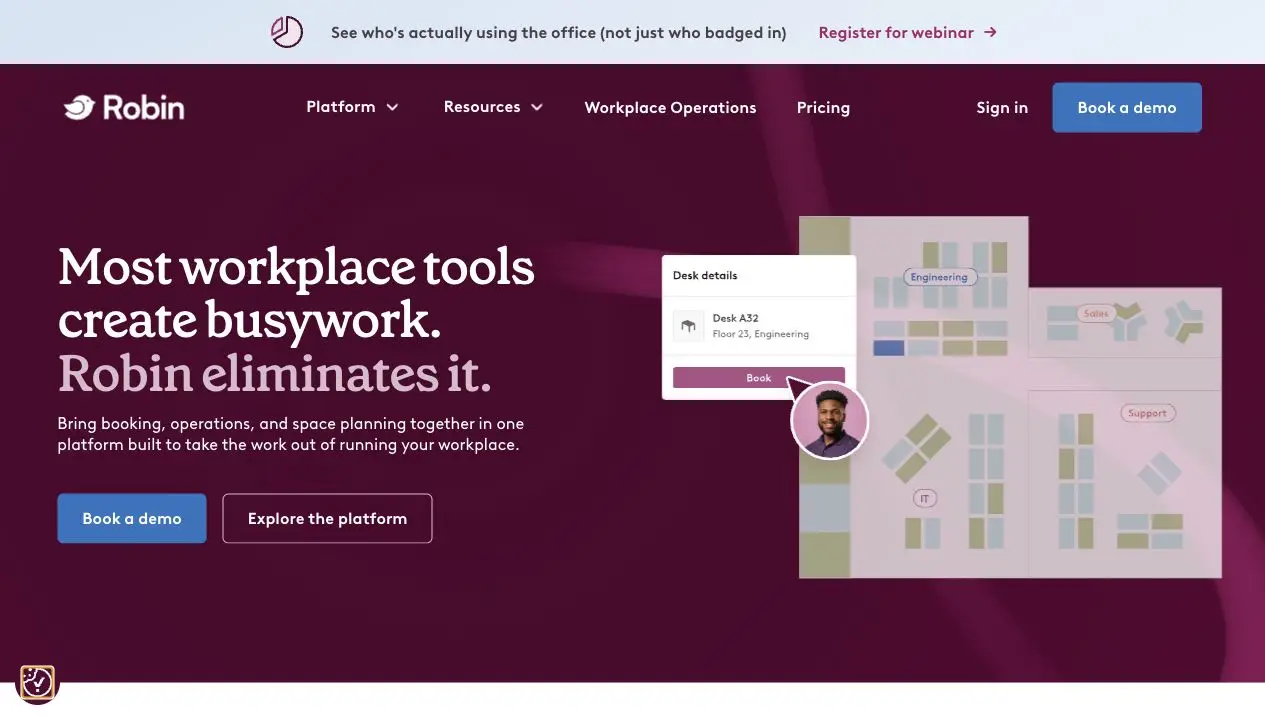
Pricing isn’t published. Robin requires a custom quote and bills annually, which makes upfront budgeting harder than with vendors who publish their rates.
Pros:
- Mature analytics and AI scheduling tooling.
- Reviewers consistently call out the calendar integrations with Outlook and Google as some of the smoothest in the category.
- Robin’s interface is frequently described as easy to use even for non-technical staff.
Cons:
- Pricing isn’t published, which makes upfront budgeting harder than with vendors who post their rates.
- A missed check-in can cancel the reservation outright, which some reviewers have lost a booked room or desk to.
- Editing or importing floor plans is slow, and several reviewers say it often needs help from Robin’s own team to get right.
4. Envoy - Best for Visitor-Management-First Offices
Envoy’s reputation is built on the front desk, not the desk booking floor. Badge printing, photo capture, watchlists, and emergency alerts are genuinely strong here, with desk and room booking layered on as an additional feature rather than the main product.
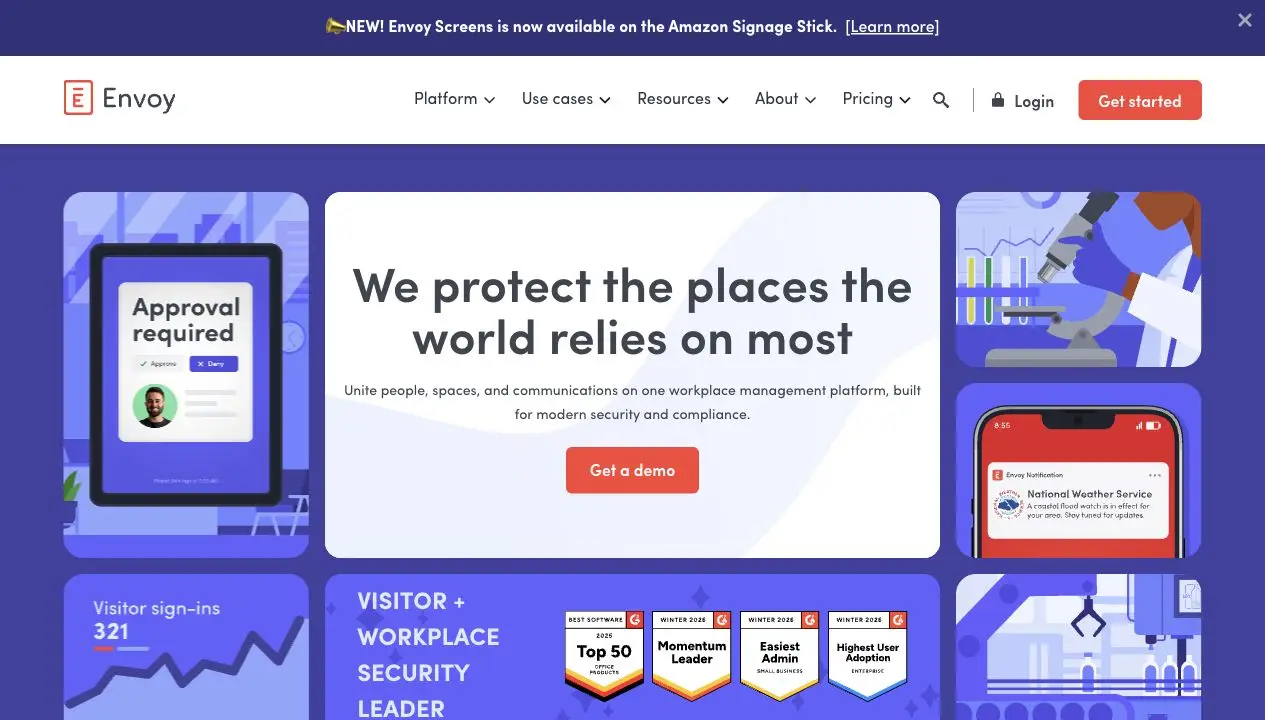
As for pricing, the base Reservations plan starts at 5 dollars per bookable resource per month (billed annually), but that doesn’t include visitor management, which is priced separately and can add several hundred dollars a month once you’re managing multiple locations.
Pros:
- Visitor management and front-desk compliance tooling are the strongest in this list, by a clear margin.
- The interface is consistently rated as intuitive, and reviewers regularly say the front-desk sign-in experience leaves visitors with a strong first impression.
- Real-time occupancy data makes it easy to see who’s actually in the office, which helps with planning meetings and visits around who’s there.
Cons:
- Pricing adds up in pieces. Things like emergency notifications and access control cost extra on top of the base plan.
- The app can lag. Reviewers report slow taps and delays specifically when booking a desk.
- Setup takes real effort. Uploading floor plans and configuring policies across locations takes longer than reviewers expect going in.
5. Officely - Best for Lightweight Slack and Teams-First Booking
Officely is the most lightweight tool on this list. It lives entirely inside Slack and Teams, so there’s no separate app for employees to learn. You see who’s coming in and book a desk in a couple of clicks, without leaving the chat tool you already use every day.
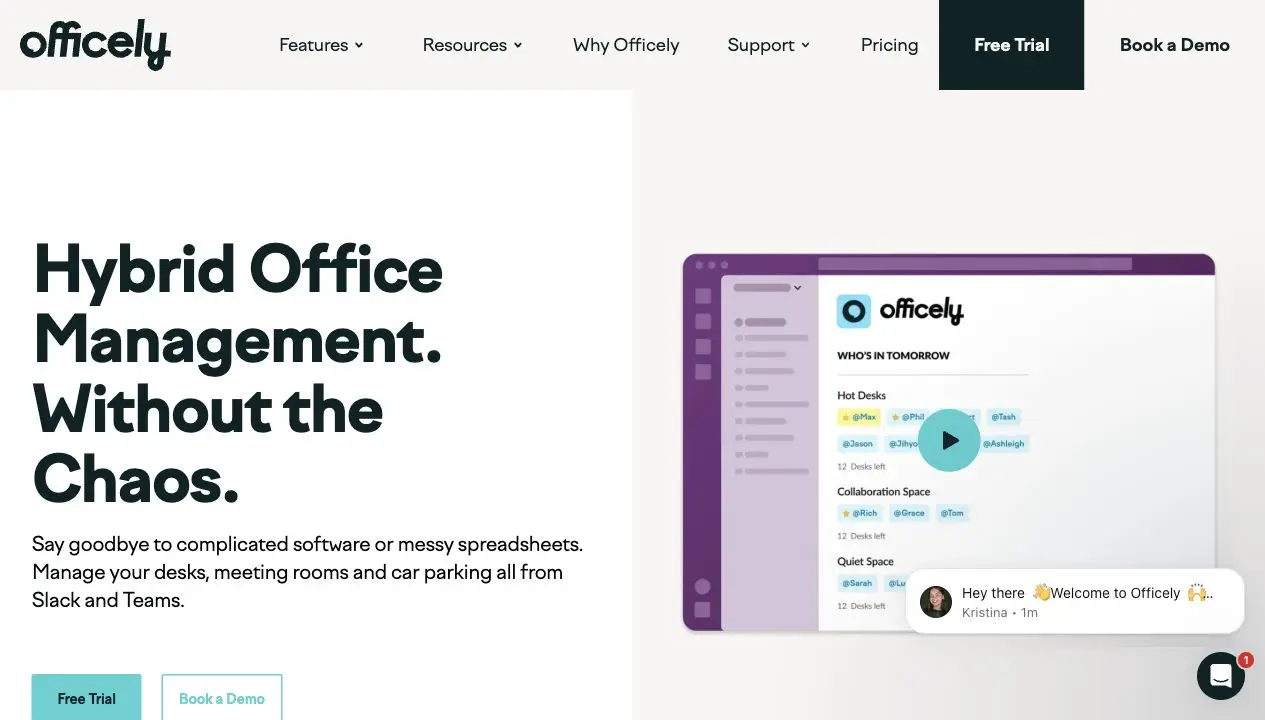
Pricing runs from about 2.50 to 3.50 dollars per user per month, with a free tier for teams of five or fewer.
Pros:
- The lowest implementation overhead of any tool here. The setup inside Slack or Teams is consistently described as quick.
- Colleague visibility is genuinely useful. People can see who’s coming in before deciding whether to go in themselves, which helps teams plan in-office days around each other.
- Customer support gets called out specifically and often. Reviewers single out the support team by name as a reason the experience feels better than the product alone would suggest.
Cons:
- Reviewers describe the Microsoft Teams version as less comprehensive than the Slack version.
- Customization is limited across the board, since the product is built around defaults rather than configuration.
- The floor plan isn’t interactive. Officely lets you upload a static image of your office, but it doesn’t build or update the map for you, and you can’t click a desk on it to book that exact spot the way you can in Skedda or YAROOMS.
Our Scorecard: How the Five Stack Up Overall
Beyond the public ratings, here’s how we scored each tool across the five dimensions this comparison has actually been judging them on, each out of 5. The score reflects how each tool performed on that specific dimension based on the research in this article, not a popularity contest. No tool is built to win every category, and the scores below reflect that.
| Tool | Ease of use | Pricing transparency | Hybrid work & AI | Visitor management | Setup overhead | Total |
|---|---|---|---|---|---|---|
| YAROOMS | 4.5 | 4.5 | 5 | 4 | 5 | 23 |
| deskbird | 4.5 | 4.5 | 3.5 | 2.5 | 3 | 18 |
| Robin | 4 | 2.5 | 4 | 2.5 | 1.5 | 14.5 |
| Envoy | 4 | 3 | 1.5 | 5 | 2 | 15.5 |
| Officely | 4.5 | 4.5 | 1.5 | 1 | 5 | 16.5 |
For setup overhead, a higher score means less overhead, so YAROOMS and Officely lead here for the lowest friction to get running, while Robin and Envoy trail because of longer sales cycles, custom configuration, and hardware setup.
Why YAROOMS Comes Out Ahead
YAROOMS leads on total mainly on the strength of one category: hybrid work and AI, where Yarvis, the MCP server, and native hybrid statuses put it clearly ahead of everything else on this list. It also holds up on ease of use, pricing transparency, and setup, where a flat-rate plan with published pricing rolls out about as fast as Officely’s Slack-native model. On the visitor management side, Envoy is the clear specialist.
The bottom line: if your office has one dominant need, match to the specialist. If you need more than booking, an all-in-one platform that’s still easy to set up and quick for employees to actually adopt, YAROOMS is the strongest fit in this list.
FAQ: Skedda Alternatives
What Are the Best Skedda Alternatives for Office Hot Desk Scheduling?
For hot desk scheduling specifically, YAROOMS, deskbird, and Officely are the strongest fits, since all three are built around the day-to-day mechanics of choosing a desk rather than the broader space-booking use cases Skedda also serves. YAROOMS fits teams that also want hybrid work visibility and AI-assisted booking. deskbird fits Microsoft 365-native teams. Officely fits small teams that want the lightest possible rollout inside Slack or Teams.
What Is the Best Alternative to Skedda?
It depends on which gap you’re trying to close. YAROOMS is the strongest fit for teams that want hybrid work coordination and AI-assisted booking alongside space management. deskbird fits Microsoft 365-native teams that need HRIS-driven provisioning. Robin fits enterprise teams that want deep analytics at scale. Envoy fits offices where visitor management is the primary problem. Officely fits small teams that want the lightest possible rollout inside Slack or Teams.
Is Skedda Good for Desk Booking?
Yes. Skedda is well-rated for desk and room booking specifically, with a flexible rules engine and fast setup. The gaps that send people looking elsewhere are usually about what sits around booking, not booking itself: visitor management as an add-on, gated analytics, no hybrid work coordination layer, and no AI-assisted booking.
How Much Does Skedda Cost?
As of June 2026, Skedda’s published pricing starts at $99 a month for its Starter plan, which includes 15 bookable spaces and unlimited users. Cost scales with the number of desks, rooms, or other resources you manage, not with headcount, and plans are billed annually.
Does Skedda Have a Free Plan?
No. There’s a free trial, but no permanent free tier. Of the alternatives in this list, Officely comes closest, with a free tier for teams of five or fewer.
How Does Officespace Compare to Skedda?
OfficeSpace is a full IWMS platform that bundles desk and room booking with space planning, move management, and asset tracking, while Skedda focuses on booking with a deeper rules engine for that specific job. Pricing reflects the gap: OfficeSpace is quote-only and typically runs in the tens of thousands of dollars a year, against Skedda’s published $99-a-month starting rate.
OfficeSpace isn’t one of the five alternatives in this comparison because it solves a different, bigger problem than what most people searching for a Skedda alternative actually need. If desk and room booking is the core use case, Skedda or the tools above are the closer match. OfficeSpace makes sense once space planning, move management, and asset tracking matter as much as booking does.
How Does Deskbird Compare to Skedda?
deskbird charges per user rather than per bookable space, which favors offices where most employees come in most days. Skedda’s per-space pricing tends to win for offices with more employees than desks. deskbird’s strongest advantage is HRIS integration depth; Skedda’s is its rules engine and floor plans.
How Does Robin Compare to Skedda?
Robin is built for much larger organizations, typically 1,000 or more employees, with deeper analytics and AI scheduling than Skedda offers. Pricing is quote-only rather than published, which is the opposite of Skedda’s transparent per-space rates. Robin is the stronger fit at enterprise scale; Skedda is the stronger fit for mid-market teams that want predictable, published pricing.
Which Skedda Alternative Offers the Best Value for Money?
It depends on what “value” means for your office. For cost predictability as headcount grows, YAROOMS’s flat-rate tiers hold steady within a tier. For offices with more employees than desks, Skedda’s own per-space model already does well on value, which is part of why it’s hard to beat on pure cost for that specific situation. For the lowest cost per seat at a small team size, Officely’s per-user pricing starts lower than any other tool in this list.
Does Skedda Integrate With Google Calendar?
Yes. Skedda integrates with Google Workspace, including Google Calendar, alongside Microsoft 365, Microsoft Teams, and Slack.
Which Skedda Alternative Has the Best Visitor Management?
Envoy, with badge printing, photo capture, and watchlists built in from the start. YAROOMS is a strong option too, and it can be bought standalone for $99 per location without a full booking subscription.
Which Skedda Alternative Is Best for AI-Assisted Booking?
YAROOMS and Robin both offer AI features, but for different jobs. YAROOMS’s Yarvis assistant handles natural-language booking requests inside Microsoft Teams and email. Robin’s AI Scheduling Agent focuses on resolving meeting conflicts and predicting desk demand at enterprise scale.
Workplace of the future. Today.
See how YAROOMS integrates with Microsoft 365 to create a seamless workspace booking experience.