
7 Best AI Agents and Assistants for Office Management in 2026
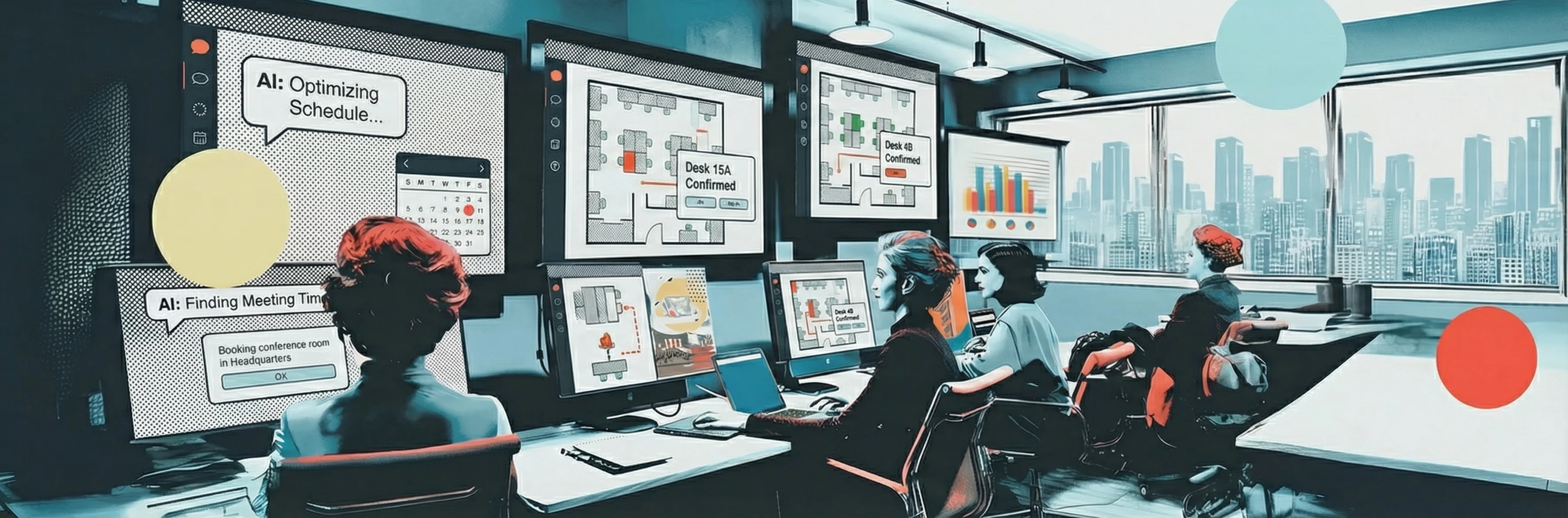
The promise of AI in the office used to be vague – “smarter workplaces” and “digital transformation.” In 2026, it’s concrete. AI agents now book desks, schedule meeting rooms, greet visitors, flag maintenance issues, and answer employee questions. Some even read your calendar and fix scheduling conflicts before you notice them.
The shift is already happening. 45% of U.S. workers now use AI on the job (Gallup, Q3 2025), and Gartner predicts that by 2028, over 20% of workplace apps will use AI-driven personalization to create adaptive experiences. In the office management space specifically, this means tools that learn your booking patterns, anticipate scheduling conflicts, and handle logistics before you ask.
But not every tool calling itself an “AI agent” does the same thing. Some handle space booking. Others focus on IT helpdesk automation or internal communications. And a few try to do everything at once.
This guide covers seven AI agents built for the physical workplace – the tools that help people manage offices, not just documents. We compared them across what actually matters: what they do, where they live, how they integrate, and what they cost.
What Makes a Good AI Office Assistant?
Before diving into the list, here’s what separates the useful AI agents from the ones that just look good in a demo. Context matters: 56% of employees say tool fatigue negatively impacts their work every week (Lokalise/HRD, 2025), and global office utilization averages just 54% (JLL, 2025). AI agents that actually work should make both problems better, not worse.
- Natural language that actually works. Can you ask it something the way you’d ask a colleague? “Book me a desk near the product team on Thursday” should just work.
- Lives where your people already are. Microsoft Teams, Slack, email, SMS. If employees need to open a separate app, adoption drops fast. This is critical – 96% of employees report dissatisfaction with their workplace tools (Strety, 2025), and adding yet another interface makes things worse.
- Takes action, not just answers. The difference between a chatbot and an assistant is that an assistant can book the room, not just tell you which ones are available.
- Understands context. Your calendar, your team’s schedules, your office layout, your booking rules. The best assistants connect these dots automatically.
- Works across locations. Multi-office companies need assistants that know the difference between “HQ” and “the London office.”
1. Yarvis (YAROOMS)
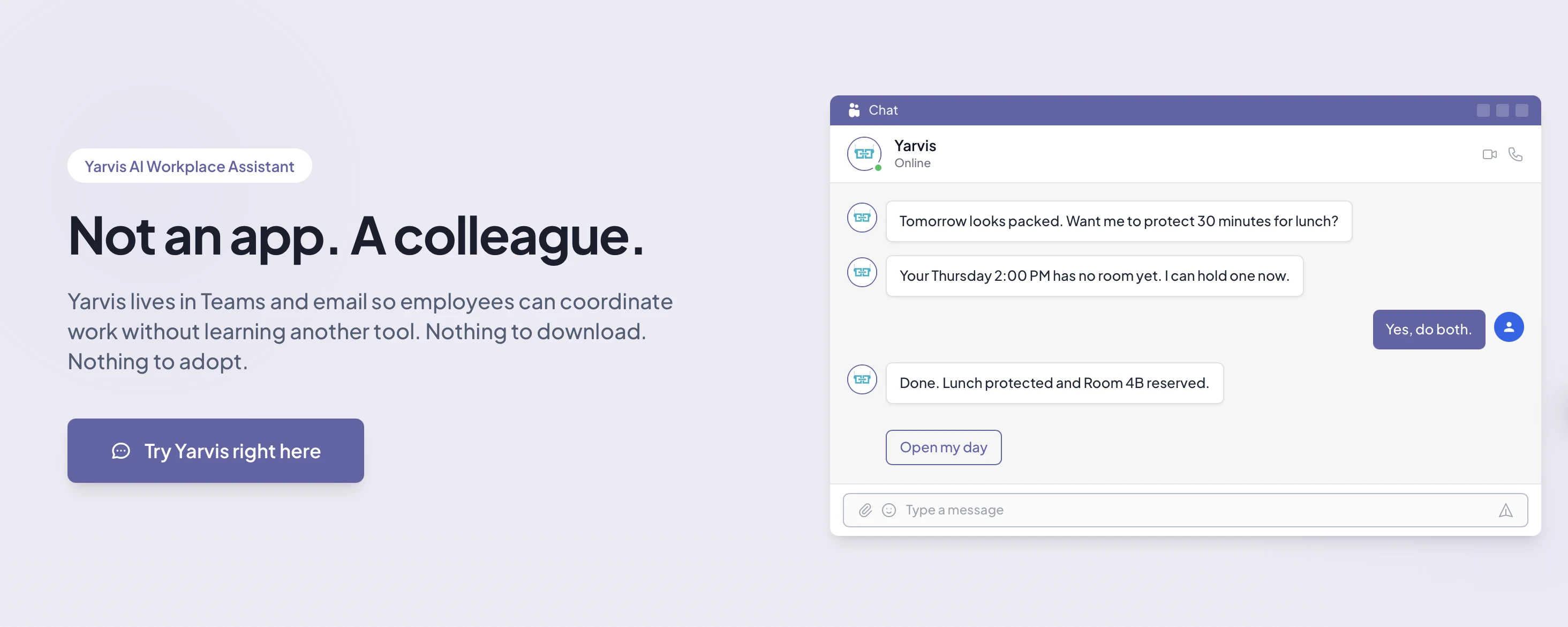
Best for: Organizations that want a single AI interface for all workplace operations – booking, visitors, coordination, and proactive scheduling – without asking employees to learn a new app.
Yarvis is YAROOMS’ AI workplace assistant, available on Microsoft Teams and email. What sets it apart from most workplace AI tools is its scope: it doesn’t just handle desk booking, it acts as the primary interface to the entire workplace management platform.
What It Does
- Complex booking in natural language. “Book 6 desks near the marketing team every other Wednesday for the next month.” Yarvis handles multi-desk bookings, recurring patterns, cross-location parking, and room searches with specific amenity requirements – all from a single message.
- Proactive calendar intelligence. Yarvis scans your calendar, spots conflicts, and suggests fixes. If your 2pm meeting has 8 attendees but you booked a 4-person room, it flags the problem and offers alternatives.
- Team coordination. “Find 30 minutes with Sarah and the design team next week in a room with a whiteboard.” Yarvis checks everyone’s calendar, finds overlapping availability, matches room requirements, and suggests options.
- Email CC workflow. CC yarvis@yourcompany.com on a client email, and it books the room, creates a visitor pass, and sends the visitor directions – without opening the app.
- Zero-friction arrival. Badge in, get auto-checked-in, see where your desk is, check the coffee bar wait time, and get reminded about your first meeting. (Works with the YAROOMS mobile app too.)
- Batch operations. Cancel all your Thursday reservations, reschedule a recurring booking to a different floor, move your whole week to a different office – handled in one request.
Platforms
Microsoft Teams, Email
Pricing
Included with the YAROOMS Business plan. See pricing.
What We Think
Yarvis is the deepest integration on this list – it has access to the full YAROOMS platform (desks, rooms, parking, visitors, workplace analytics), which means it can handle compound requests that other agents would need to break into multiple steps. The bigger story is adoption: because Yarvis lives in Teams and email, there’s nothing new to install or learn. Employees interact with it the same way they’d message a colleague, which removes the biggest barrier most workplace tools face – getting people to actually use them. The email CC workflow is a good example: CC Yarvis on a client email, and it handles the room, the visitor pass, and the parking spot without anyone opening an app.
2. Tessa (Tactic)
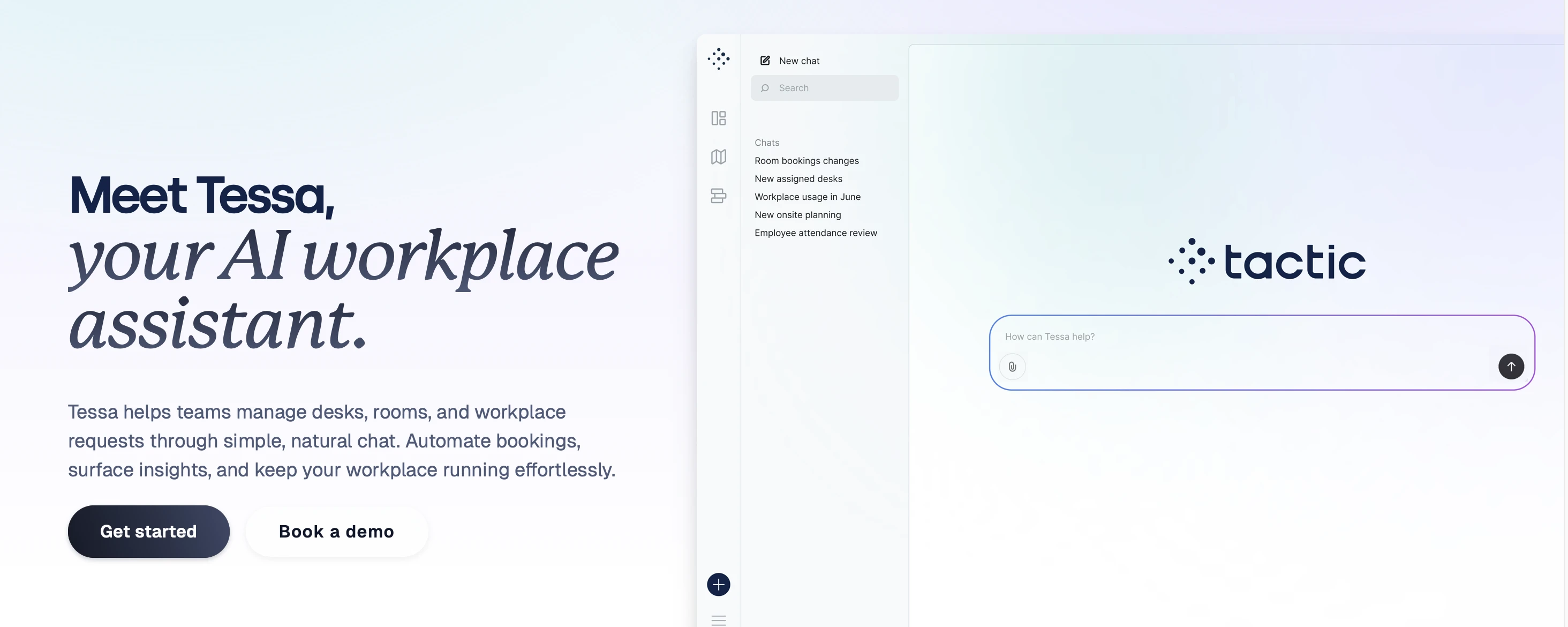
Best for: Teams that want conversational desk and room booking with a clean, modern interface.
Tessa is the AI agent built into Tactic, a hybrid workplace management platform used by companies like Grammarly and NEST. It positions itself as more than a chatbot – it can perform actual actions like booking spaces and answering workplace questions using real data.
What It Does
- Desk and room booking via chat. Ask Tessa to find a spot near a specific coworker, book a room for your standup, or check what’s available on a particular floor.
- Smart recommendations. Learns patterns over time – seats coworkers together, suggests spaces, and improves workflow.
- Real-time answers from data. Tessa responds using live data: usage, availability, bookings, rules, and trends.
- Knowledge and onboarding. New employees get instant answers and workspace guidance from day one.
- Multi-platform availability. Works inside Slack, Microsoft Teams, web, or mobile.
Platforms
Slack, Microsoft Teams, Tactic web and mobile app
Pricing
Contact Tactic for pricing (not publicly listed).
What We Think
Tessa covers the core booking use case well and the smart recommendations feature is a nice touch – it learns patterns and improves over time. The onboarding capability is also useful for growing teams. The feature set is narrower than agents like Yarvis that also handle visitors, parking, and proactive scheduling, but if desk and room booking is your main need, Tessa is a strong option. (See how Tactic compares to YAROOMS.)
3. Kadence AI
Best for: Teams focused on hybrid work coordination – knowing who’s in the office and when.
Kadence is a hybrid work platform, and its AI agent focuses on the coordination problem: helping teams plan their office days together.
What It Does
- Natural language booking. Book desks, reserve rooms, and schedule meetings in seconds through conversational prompts.
- Visitor management. Automate the entire visitor workflow from invite to arrival – AI-assisted invitations, automatic host notifications, and pre-arrival NDA and document signing.
- Schedule coordination. See when your teammates plan to be in the office and align your in-office days accordingly.
- Availability visibility. “Who from my team is in the London office next Tuesday?” is a question Kadence AI can answer.
Platforms
Microsoft Teams, Slack
Pricing
Contact Kadence for pricing (plans vary by team size and features).
What We Think
Kadence’s strongest angle is team coordination for hybrid work. If your biggest problem is that people come to the office on different days and never see each other, Kadence AI addresses that directly. The visitor management automation is a solid addition – handling NDAs and pre-arrival docs through AI is genuinely useful for compliance-heavy industries. (See how Kadence compares to YAROOMS.)
4. Ossie (OfficeSpace)
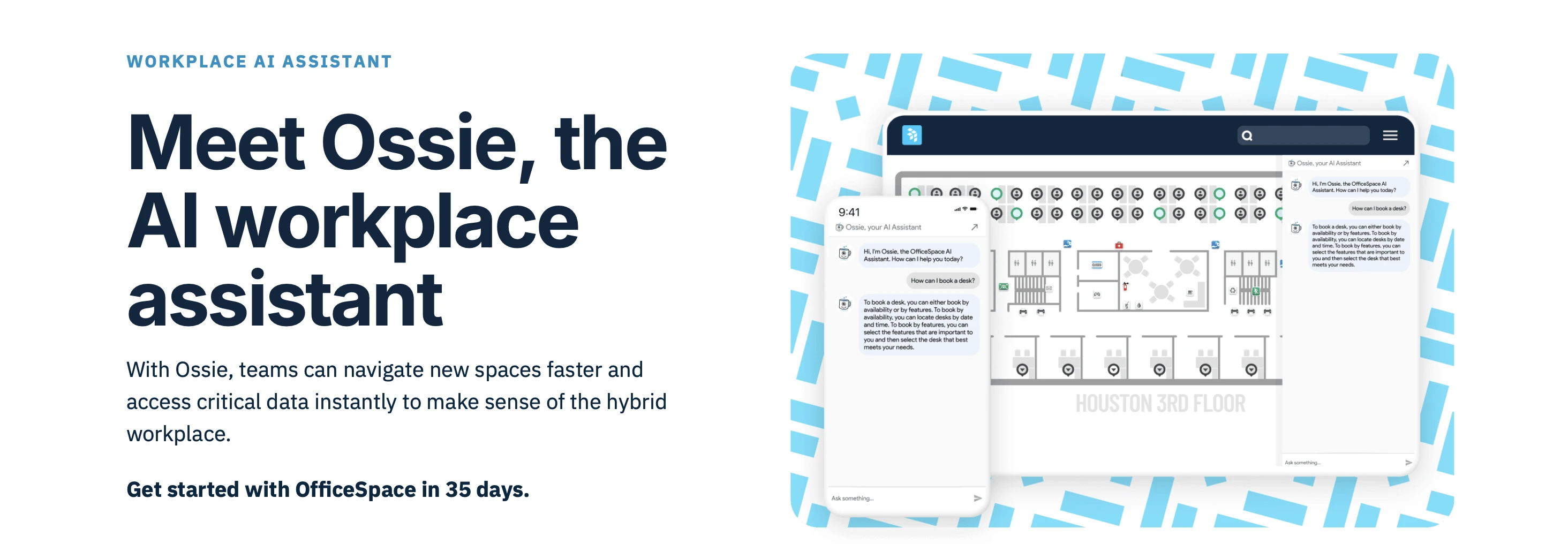
Best for: Large enterprises that need an AI layer across a mature workplace management platform.
Ossie is the AI agent from OfficeSpace Software, a platform that’s been in the workplace management space since 2006. Ossie launched in April 2024 and adds conversational AI to OfficeSpace’s existing desk booking, space planning, and facility management tools.
What It Does
- Wayfinding and people search. “Where does the finance team sit?” or “Where’s the nearest available conference room?” Ossie connects to OfficeSpace’s floor plan data.
- Booking Q&A and availability lookup. Ask booking-related questions and get answers about available spaces and options.
- Workplace analytics queries. Ask Ossie about occupancy trends, space utilization, and usage patterns instead of digging through dashboards.
- Facility data compilation. Pulls together critical facility data quickly – useful for facility managers who need fast answers.
Platforms
OfficeSpace app (OfficeSpace has Slack and Teams integrations for desk/room booking, but Ossie AI agent capabilities within those channels are still evolving)
Pricing
Contact OfficeSpace for pricing (enterprise-focused, not publicly listed).
What We Think
Ossie benefits from sitting on top of a mature platform with deep facility management roots, and the analytics querying is useful for facility managers. But it is better understood as an AI search and answers layer than an action-taking booking agent: it helps people find booking information, rather than completing bookings end-to-end on their behalf. (See how OfficeSpace compares to YAROOMS.)
5. Appspace Intelligence
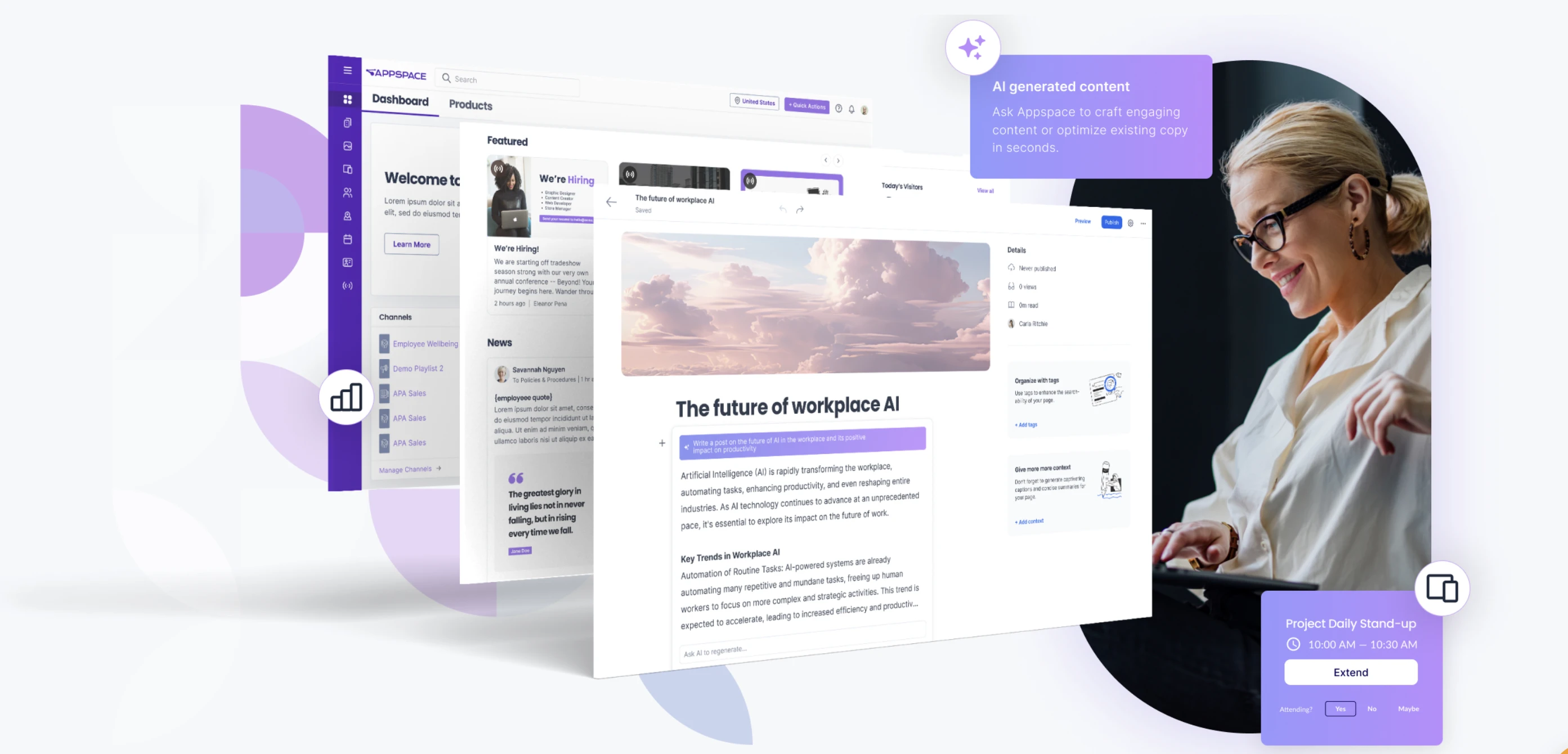
Best for: Organizations that want AI across both digital signage and workplace management in a single platform.
Appspace takes a different approach than most: instead of a single chatbot, it offers AI capabilities across workplace management and communications. On the workplace side, Appspace Intelligence supports conversational workspace recommendations, utilization analytics, and streamlined hot desking. It also includes communication features like content generation and translation.
What It Does
- Conversational workplace recommendations. Uses historical data and preferences to recommend suitable spaces and times.
- Reporting and analytics. Helps facilities teams understand space utilization and employee behavior patterns.
- Streamlined hot desking. Supports low-friction workspace reservations and check-ins.
- Communication AI add-ons. Also includes content generation, translation, narration, and image generation for internal communications.
Platforms
Appspace platform
Pricing
Contact Appspace for pricing (enterprise plans, typically part of their workplace experience suite).
What We Think
Appspace Intelligence is strongest for organizations that want workplace management plus communications in one environment. Its workplace capabilities (recommendations, analytics, and hot desking support) are solid, while communications AI is a broader layer on top. If your primary need is focused operational execution for booking and coordination, evaluate whether the broader platform scope matches your priorities. (See how Appspace compares to YAROOMS.)
6. Microsoft Copilot + Places
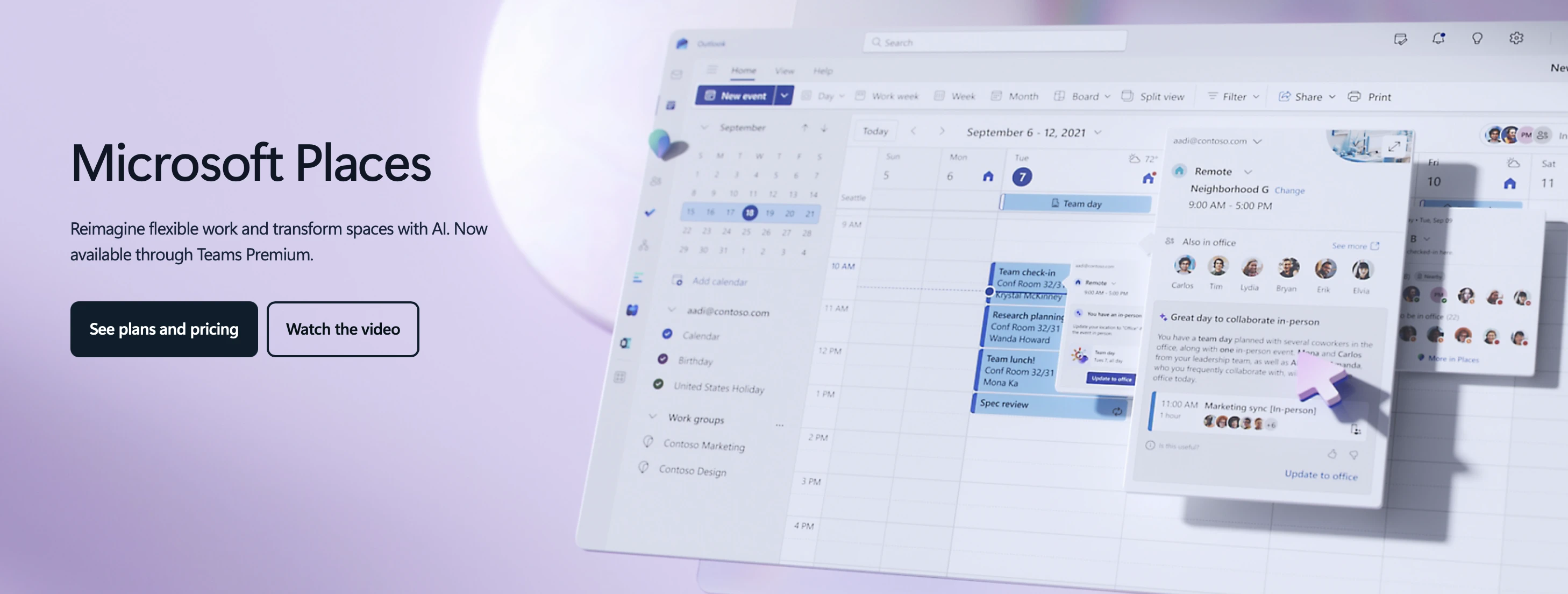
Best for: Organizations fully committed to the Microsoft 365 ecosystem that want AI-powered workspace management without adding another vendor.
Microsoft Places is Microsoft’s hybrid work solution, and when combined with Copilot, it brings AI-assisted workspace management directly into the tools your team already uses.
What It Does
- Copilot-managed room booking. Copilot can find, book, and rebook meeting rooms. If a room declines or a meeting changes, it automatically finds an alternative.
- Desk finder. Places includes a desk booking feature that integrates with Copilot for natural language queries.
- In-office day coordination. See when your team plans to be in the office and plan your days accordingly.
- Workplace analytics. Usage data, occupancy trends, and space insights – all within the Microsoft admin ecosystem.
Platforms
Microsoft Teams, Outlook, Microsoft 365
Pricing
Core Microsoft Places features (work plans, desk booking, in-office day coordination) are included with Microsoft 365 subscriptions starting April 2026. Premium features require a Teams Premium license. AI-driven features (like Copilot-managed room booking) require a Microsoft 365 Copilot license ($30/user/month for Enterprise, $21/user/month for Business at the time of writing).
What We Think
The advantage is clear: if your company is all-in on Microsoft 365, this adds workplace management without a new vendor. Core Places features are now included with most Microsoft 365 licenses (from April 2026), which lowers the barrier to entry significantly. The downside: Microsoft Places is still maturing compared to dedicated workplace platforms. Visitor management, parking, detailed amenity-based room search, and multi-location operations are areas where dedicated tools offer more depth. And the AI-powered features (Copilot-managed room booking, intelligent scheduling) still require the Copilot license, which adds up at scale. Best for organizations that want solid basic workplace management within their existing Microsoft investment, with AI capabilities for those already paying for Copilot.
7. Moveworks
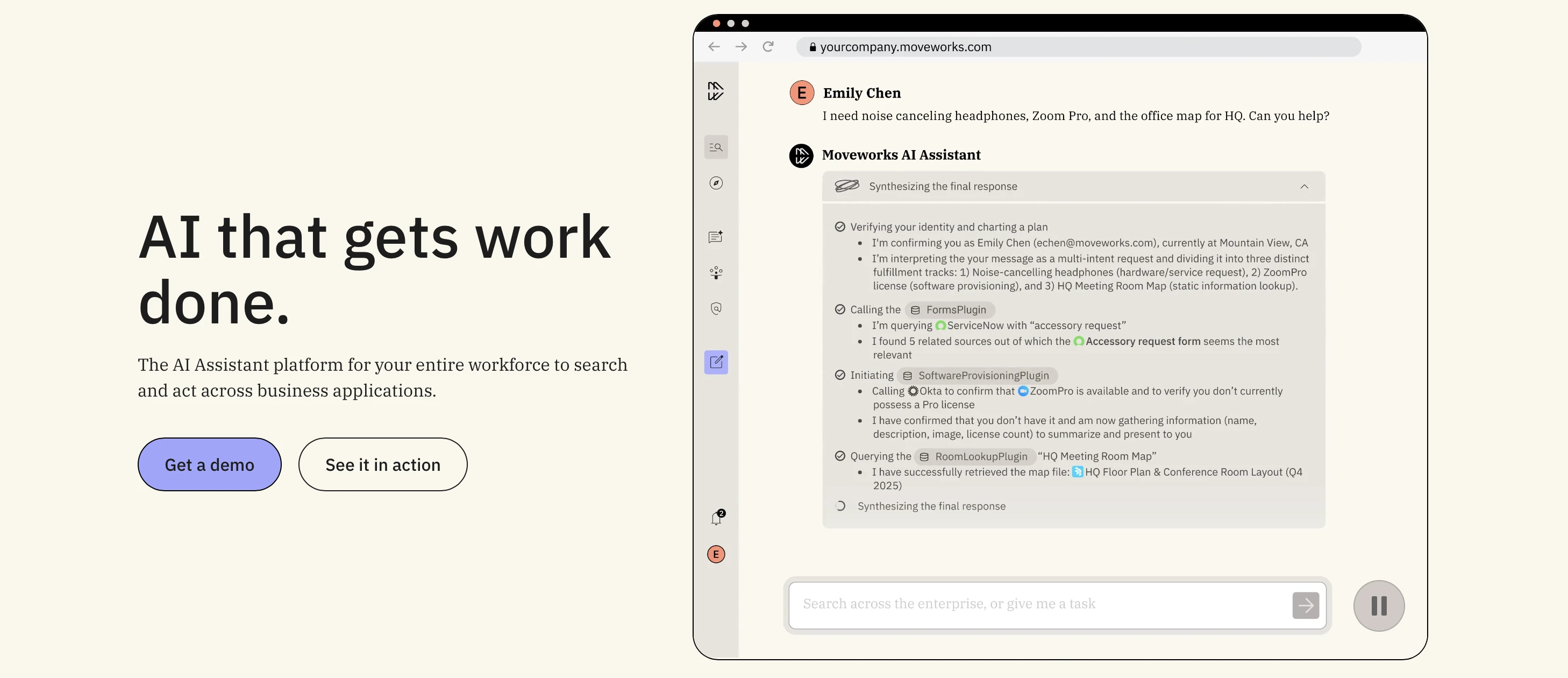
Best for: Large enterprises that need an AI agent for IT support, HR queries, and facility requests – not just space booking.
Moveworks takes a different approach than everyone else on this list. It’s not a workplace management platform – it’s an enterprise AI agent that connects to your existing systems (ServiceNow, Okta, Workday, and more) to automate employee support across IT, HR, and facilities.
What It Does
- IT helpdesk automation. Password resets, software provisioning, ticket creation, and troubleshooting – employees ask in natural language, and Moveworks resolves or routes the request.
- HR query handling. Benefits questions, PTO policies, onboarding guidance. Moveworks pulls from your existing knowledge base.
- Finance and procurement. Automate expenses, purchase requests, and approvals across finance workflows.
- Facility requests. Temperature complaints, maintenance issues, room/equipment problems – routed to the right team automatically.
- Cross-system action. Moveworks connects to hundreds of enterprise systems (ServiceNow, Workday, Salesforce, Coupa, and more) under one intelligent layer.
Platforms
Microsoft Teams, Slack, web portal, with extensibility via Conversations API
Pricing
Enterprise pricing (contact Moveworks; typically six-figure annual contracts for large deployments).
What We Think
Moveworks is the broadest tool here, but it’s also the most expensive and complex to deploy. It shines at large enterprises (1,000+ employees) with mature IT operations and multiple backend systems. It’s not really a desk booking tool – think of it as an AI employee support layer. If your workplace problems are more about IT tickets and HR questions than room scheduling, Moveworks addresses a different (and equally real) pain point.
Quick Comparison
Here’s how these seven assistants stack up across key features:
| Feature | Yarvis | Tessa | Kadence AI | Ossie | Appspace | Copilot + Places | Moveworks |
|---|---|---|---|---|---|---|---|
| Desk booking | Yes | Yes | Yes | No (Q&A only) | Yes | Yes | No |
| Room booking | Yes | Yes | Yes | No (Q&A only) | Yes | Yes | No |
| Visitor management | Yes | No | Yes | No | No | No | No |
| Parking management | Yes | No | Limited | No | No | No | No |
| Proactive scheduling | Yes | No | No | No | No | Limited | No |
| IT helpdesk | No | No | No | No | No | No | Yes |
| Digital signage | No | No | No | No | Yes | No | No |
| Email CC workflow | Yes | No | No | No | No | No | No |
| Microsoft Teams | Yes | Yes | Yes | Yes | No | Yes | Yes |
| Slack | No | Yes | Yes | Yes | No | No | Yes |
| Yes | No | No | No | No | Yes | No | |
| Multi-location | Yes | Yes | Yes | Yes | Yes | Yes | Yes |
| Analytics queries | Yes | Limited | Limited | Yes | Yes | Yes | Limited |
Feature availability may vary by plan and may have changed since publication. Check each vendor’s website for current details.
How to Choose
Gartner found that teams using AI save roughly 5 hours per person per week on non-value-added tasks (Gartner, 2025). But those gains only materialize if people actually use the tool – employee experience depends on it. There’s no single “best” AI office assistant – it depends on what problem you’re solving:
“We need one AI interface for everything workplace.” Look at Yarvis or Ossie. Both sit on comprehensive workplace management platforms, but they operate differently: Yarvis executes booking and coordination tasks end-to-end, while Ossie focuses on search, booking answers, and facility analytics support.
“We just need smarter desk and room booking.” Tessa and Kadence AI are focused and fast to deploy. Kadence is stronger on hybrid team coordination and includes visitor management with NDA workflows; Tessa adds maintenance ticketing and smart recommendations. (See also: 7 things to consider when choosing a desk booking solution.)
“We’re a Microsoft shop and don’t want another vendor.” Copilot + Places keeps everything in-house. Just know its workplace features are still catching up to dedicated platforms. (See also: Microsoft 365 Booking System for Desks and Meeting Rooms.)
“Our problem is IT tickets and HR questions, not room booking.” Moveworks is purpose-built for employee support automation at enterprise scale.
“We need AI for comms and signage, not just booking.” Appspace Intelligence uniquely combines workplace management AI with digital signage and internal communications.
Questions to Ask During Evaluation
- Where do your employees already work? If it’s Teams, make sure the assistant has a real Teams integration (not just a webhook).
- What’s your biggest workplace pain point? Booking conflicts? Adoption? IT tickets? Visitor chaos? Different problems point to different tools.
- How many locations do you manage? Multi-site operations need assistants that understand location context. (See how YAROOMS handles multi-location workplaces.)
- What’s your budget? Ranges from included-in-plan (Yarvis) to six-figure enterprise contracts (Moveworks). Compare YAROOMS pricing to see where we fit.
- Do you need proactive or reactive AI? Some assistants wait for questions. Others scan your calendar and flag problems before they happen.
FAQ
What Is an AI Agent for Office Management?
An AI agent for office management is software that uses natural language processing to help employees manage physical workplace tasks – booking desks and meeting rooms, scheduling around colleagues, managing visitors, filing facility requests, and finding information about their office. Unlike general-purpose AI agents (like ChatGPT or Google Gemini), these tools connect directly to workplace management systems and can take action: booking a room, not just explaining how to book one.
Do AI Office Assistants Replace Workplace Management Software?
No. Every AI agent on this list is either built into a workplace management platform or connects to one. The AI is the interface layer – it makes the underlying system easier to use by letting employees interact through natural language in Teams, Slack, or email instead of navigating dashboards and forms. According to Deloitte’s 2026 State of AI in the Enterprise report, worker access to AI rose by 50% in 2025, but the biggest gains came from AI embedded in existing workflows – not standalone tools.
How Much Do AI Workplace Agents Cost?
Costs vary widely. Some are included with their parent platform (Yarvis is included with the YAROOMS Business plan). Microsoft Copilot + Places requires a $30/user/month Copilot license. Enterprise-focused tools like Moveworks typically run six-figure annual contracts. Most vendors require you to contact sales for a quote.
Can AI Agents Handle Complex Booking Requests?
Yes, but the complexity they can handle varies. Simple agents manage one-at-a-time desk or room bookings. More advanced ones (like Yarvis and Tessa) handle multi-desk bookings with recurrence patterns, cross-location requests, and amenity-specific room searches in a single natural language request. This matters because workplace booking friction is real – up to 22% of meeting room bookings are ghost bookings (MazeMap) where nobody shows up, and 43% of desks are used for less than an hour per day (XY Sense, 2025). Smarter booking tools help close that gap. (For more on tackling these issues, see office automation best practices.)
Which AI Agent Works Best With Microsoft Teams?
Yarvis, Tessa, Kadence AI, and Microsoft Copilot + Places all have Microsoft Teams integrations. Copilot + Places has the deepest native integration since it’s a Microsoft product. For dedicated workplace management with Teams, Yarvis offers the broadest feature set through its Teams app.
Are AI Office Assistants Secure Enough for Enterprise Use?
Enterprise security varies by vendor. Look for SOC 2 Type 2 certification, single-tenant deployment options, SSO/SAML support, and data residency controls. YAROOMS, for example, holds ISO 27001, ISO 27701, SOC 2 Type 2, and offers EU and US data residency options with Microsoft 365 integration and SSO support. See our security and compliance page for details. Always check each vendor’s security documentation for your specific compliance requirements.
Workplace of the future. Today.
See how YAROOMS integrates with Microsoft 365 to create a seamless workspace booking experience.