
AI Workplace Assistant for Microsoft Teams: What It Is and How It Works
Most workplace management tools have the same problem: to book a desk, schedule a hybrid work day, or reserve a meeting room, employees have to open a separate app. The friction is small, but it compounds. People stop booking. Desks sit empty while others hunt for a spot. Meeting rooms get squatted. Office managers spend their mornings untangling conflicts the system should have caught.
An AI workplace assistant built into Microsoft Teams removes that step entirely - employees book a desk, reserve a room, or plan their hybrid week without leaving the app they are already in.
This is not a chatbot bolted onto a booking system. It is a new approach to workplace coordination: ambient, conversational, and connected to every system your office runs on.
In this article, we cover what an AI workplace assistant for Teams actually does, how Yarvis - YAROOMS’s AI workplace assistant built specifically for Microsoft Teams - works in practice, what enterprise organizations should look for when evaluating one, and how it compares to Microsoft Copilot.
TL;DR
- An AI workplace assistant for Microsoft Teams handles desk booking, room scheduling, visitor management, and check-ins directly inside Teams - no extra app or login required.
- The core adoption problem with workplace software is friction. A Teams-native assistant eliminates it: if employees can send a message, they can use it.
- Yarvis by YAROOMS integrates natively with Teams, Outlook, and Azure AD - bookings sync to calendars automatically, users authenticate via SSO, and provisioning is handled via SCIM.
- AI workplace assistants and Microsoft Copilot do different jobs: Copilot handles content and knowledge work; Yarvis handles physical space coordination. They complement each other.
- For enterprise use, look for SOC 2 Type II, ISO 27001, role-based access control, SCIM provisioning, and a native Teams integration (not a redirect).
What Is an AI Workplace Assistant for Microsoft Teams?
An AI workplace assistant for Microsoft Teams is an intelligent agent that handles workplace coordination tasks - booking desks, reserving meeting rooms, managing visitors, and scheduling - directly from within the Teams interface.
The key distinction from a standard booking tool is how interaction works. Instead of opening a floor plan, finding an available desk, clicking through booking options, and confirming - an employee simply messages the assistant:
“Book me a desk on Floor 3 near the product team on Thursday.”
The assistant checks availability, applies the relevant booking rules, confirms the reservation, and syncs it to Outlook - all in seconds, all without the employee leaving Teams.
For organizations already running on Microsoft 365, this is significant. Teams is already open. Azure AD already manages identities. Outlook already owns calendars. An AI workplace assistant that integrates natively with all three removes every friction point that causes low adoption in traditional booking tools. For a deeper look at how the YAROOMS and Teams integration works, see YAROOMS integration with Microsoft Teams .
Why Employees Skip the Booking Tool (and What to Do About It)
Workplace management software often struggles with one persistent challenge: employee adoption.
The booking system gets set up. IT configures the floor plans. HR sends the announcement. And then, three months later, the analytics dashboard shows 30% adoption. The rest of the office is squatting at desks, sending “is this room free?” messages on Teams, and booking rooms by walking in and checking if anyone’s there.
The reason is not that employees don’t want to coordinate - it is that the tool requires effort they didn’t budget for. Opening another app, creating another login, learning another interface. Small frictions compound into avoidance.
A Teams-native AI workplace assistant eliminates this entirely. There is nothing new to download, nothing new to learn. If an employee can send a Teams message, they can use it. Adoption reaches 100% not because the product is better-looking, but because the barrier to use is zero.
What a Teams-Native AI Workplace Assistant Actually Does
A capable AI workplace assistant connected to a full workplace management platform - like Yarvis by YAROOMS - handles:
Desk and Room Booking
The most common use case. Employees book desks and rooms through natural language commands in Teams. The assistant understands context - “near my team,” “with a whiteboard,” “for six people,” “recurring every Tuesday” - and applies it to find the right space.
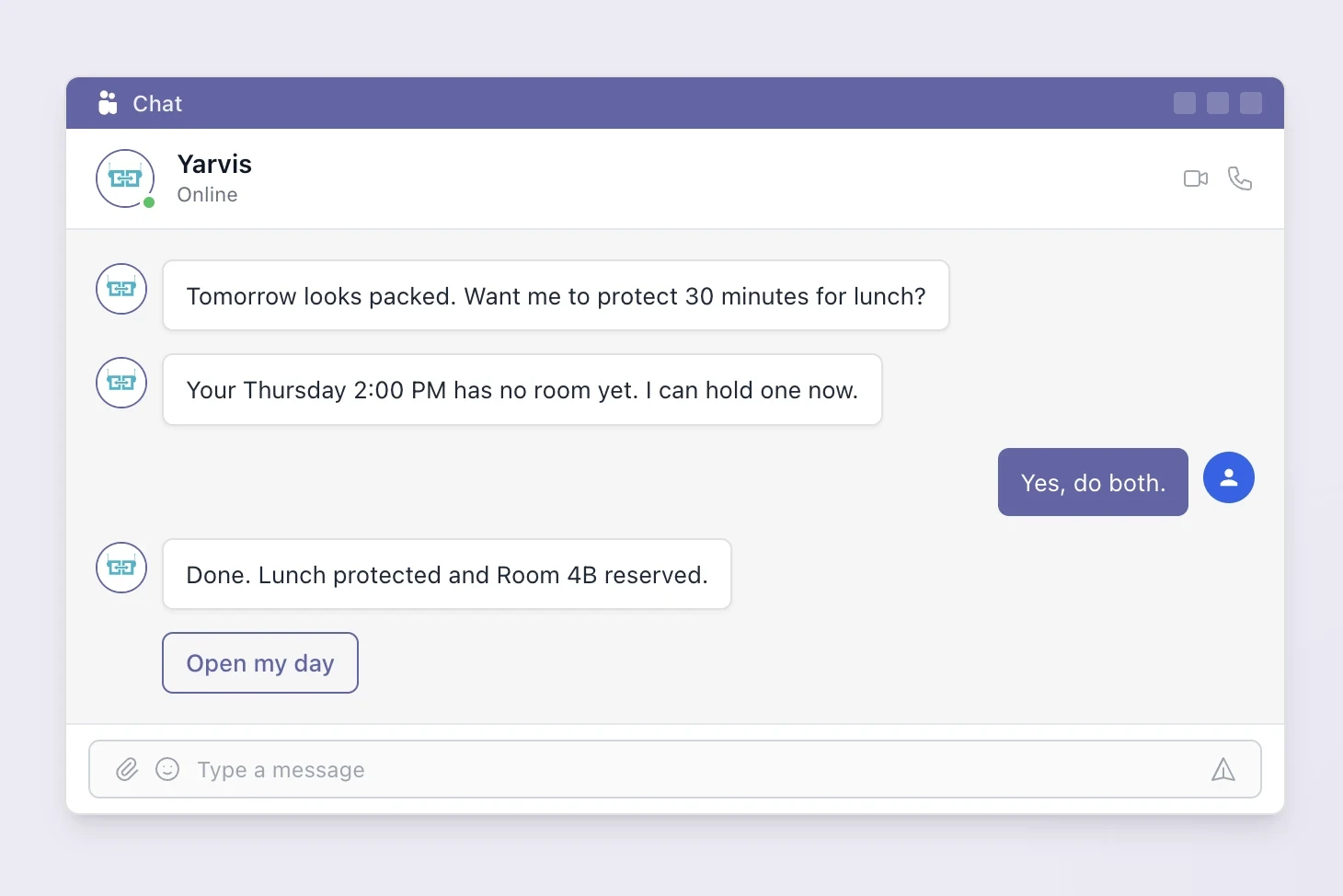
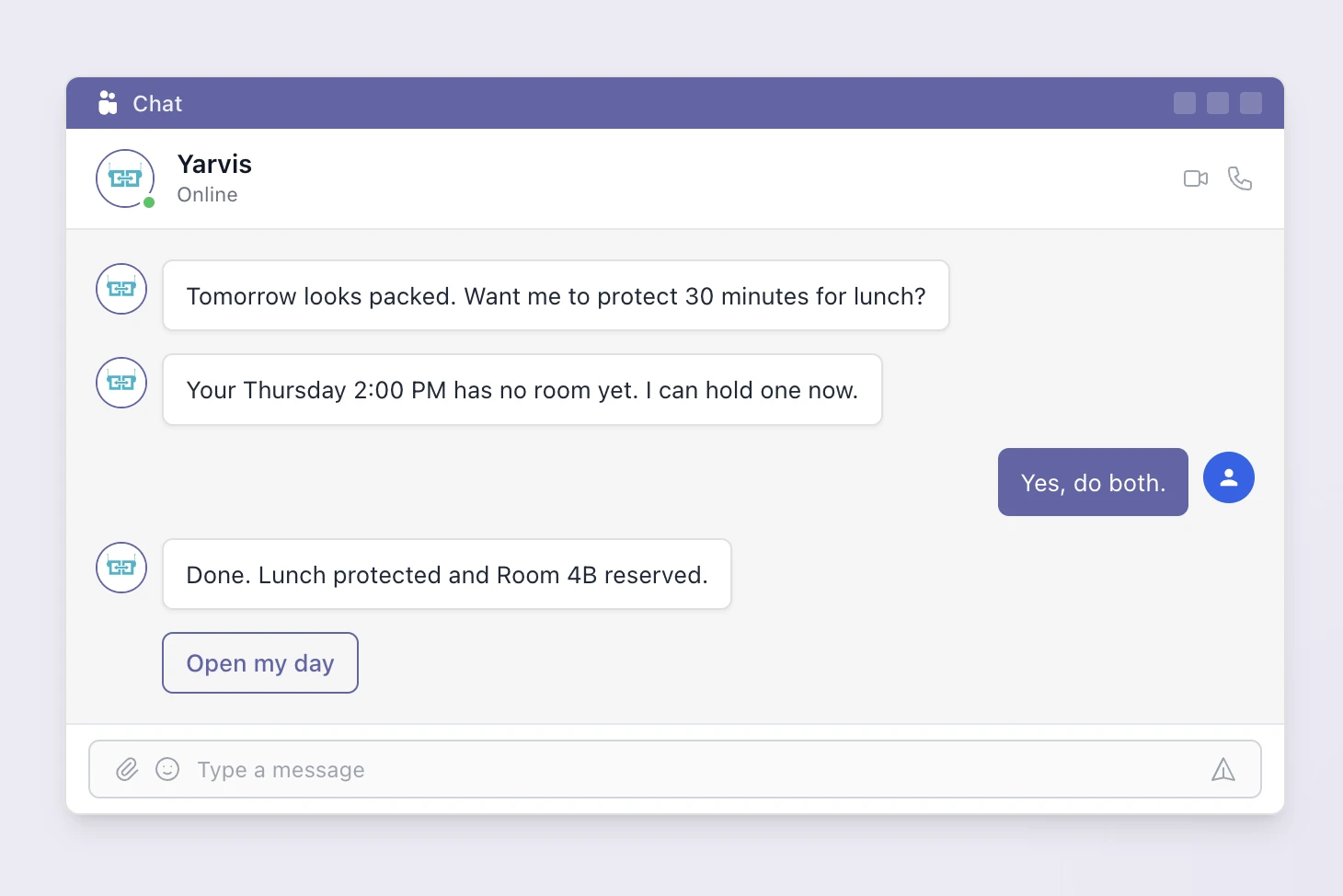
Advanced assistants also handle conflicts proactively: if your Thursday 2 PM has no room booked and you have back-to-back meetings, the assistant flags it and offers to fix it before you even notice the problem. If you’re evaluating options specifically for desk booking, see hot desk booking in Microsoft Teams for a breakdown of the available approaches.
Visitor Management
Not everyone arriving at your office has Teams. A capable AI workplace assistant extends beyond the Teams environment by reaching visitors and contractors over SMS - no app installs, no friction. When an employee schedules a visit, the right information goes out automatically:
- Visitors - sign-in forms, directions, parking, and Wi-Fi details.
- Contractors - NDA signing, safety briefings, and site access instructions.
- Others - anyone outside your Teams environment gets the same seamless onboarding over SMS.
For organizations with compliance requirements around visitor management , this keeps the audit trail intact without adding friction to the host.
Calendar Intelligence
Planning a client visit, coordinating an offsite, or just trying to get a cross-team meeting sorted? CC Yarvis on any Outlook email thread and it picks up the context, books rooms, reserves desks, registers visitors, and sends confirmations - without app switching or manual follow-up.
Check-In Workflows
Employees can check in to their desk or room booking directly through Teams, without needing to use a physical kiosk or open a separate app. Desks that are booked but unchecked-in are automatically released after a defined window - keeping utilization data accurate and available space actually available.
Workplace Analytics for Managers
Behind the scenes, every interaction generates utilization data. Workplace managers get accurate occupancy reports without relying on self-reported data or sensor hardware. The assistant’s adoption means the data reflects reality.
How Yarvis Works Inside Microsoft Teams
Yarvis is YAROOMS’s AI workplace assistant, built specifically for enterprise Teams environments.
Once installed as a Teams app, Yarvis is available in every employee’s Teams sidebar. There is no onboarding flow - employees simply message it.
Here is what a typical interaction looks like:
Employee: “Book me a desk near the design team on Wednesday and a 6-person room for my 10 AM.”
Yarvis: “Done. Desk 4C on Floor 2 (design zone) confirmed for Wednesday. Room 4B reserved for 10:00–11:00 AM. Both synced to your Outlook calendar.”
It handles more complex requests too:
Employee: “My Thursday is brutal - I have five back-to-back meetings and no room booked for three of them.”
Yarvis: “I found rooms for all three. Want me to book them and add buffer time between your 2 PM and 3 PM meetings?”
Yarvis connects to:
- YAROOMS desk booking - real-time availability, booking rules, floor plans
- Outlook calendar - two-way sync for all reservations
- Azure AD / Microsoft 365 - SSO, identity management, team memberships for neighborhood booking
- Visitor management - pre-registration, host notifications, compliance flows
- Facility requests - report maintenance issues, request resources
Enterprise Requirements: What to Look For
Not every AI workplace assistant is built for enterprise use. When evaluating options for a Microsoft 365 environment, these are the requirements that matter:
Native Teams integration, not a redirect. The assistant should handle requests inside Teams - not open a browser tab or redirect to an external app. If the employee has to leave Teams to complete the booking, the adoption problem is not solved.
Azure AD SSO and SCIM provisioning. Employees should authenticate through their existing Microsoft credentials. SCIM means new employees are automatically provisioned and departed employees are automatically deprovisioned - no manual user management.
Outlook calendar sync. Every desk and room booking made through the assistant should appear in the employee’s Outlook calendar as a confirmed event, and calendar invites with rooms should trigger booking confirmation.
Role-based access control. Different employees should have access to different spaces. Executives may have priority booking for certain rooms. Contractors may be limited to specific floors. The assistant should respect and enforce these rules in every conversation.
Compliance certifications. For regulated industries - banking, healthcare, government, legal - the platform underlying the assistant needs to meet the same standards as the rest of the tech stack. Look for SOC 2 Type II, ISO 27001, ISO 27701, and GDPR compliance as a baseline.
Audit logs. Every booking made through the assistant should be logged with timestamp, user, and space details. This is non-negotiable for organizations subject to compliance audits.
Yarvis meets all of these requirements out of the box. The YAROOMS platform holds SOC 2 Type II, ISO 27001, ISO 27701, ISO 9001, and ISO 14001 certifications, with full Azure AD integration and SCIM provisioning. Read the Yarvis launch announcement for more on how it was built for enterprise Teams environments.
AI Workplace Assistant vs. Microsoft Copilot: Different Jobs
A common question: if we already have Microsoft Copilot, do we need a separate AI workplace assistant?
The short answer is yes - they do fundamentally different jobs.
Microsoft Copilot is a productivity assistant focused on knowledge work: summarizing documents, generating emails, analyzing data in Excel, searching across SharePoint. It is excellent at content and information tasks.
An AI workplace assistant like Yarvis is a coordination assistant focused on physical space: booking desks and rooms, managing visitors, handling check-ins, resolving scheduling conflicts for workspaces. It is connected to your workplace management system, not your document library.
The analogy: Copilot is your writing and research assistant. Yarvis is your office manager. Both operate inside Teams, but they handle entirely different categories of work.
| AI Workplace Assistant (Yarvis) | Microsoft Copilot | |
|---|---|---|
| Primary job | Physical space coordination | Knowledge work and productivity |
| What it handles | Desk booking, room scheduling, visitor management, check-ins | Document summarization, email drafting, data analysis |
| Connected to | Workplace management system, Outlook, Azure AD | Microsoft 365 apps, SharePoint, document library |
| Works inside Teams | Yes | Yes |
| Replaces the other? | No - they solve different problems and work best together | |
Some organizations use both. Copilot helps employees create the presentation; Yarvis books the room where they will present it. For a broader look at how AI fits into the modern workplace tech stack, see 19 best Microsoft Teams integrations for hybrid work .
Real-World Use Cases: Microsoft Teams AI Workplace Assistant in Action
Enterprise Tech Company, 800 Employees, Hybrid 3 Days a Week
Before Yarvis: employees booked desks through a web app that required a separate login. Adoption was around 35% six months after launch. The rest of the office used informal coordination - “saved” desks, ad-hoc messages, showing up and hoping.
After deploying Yarvis in Teams: adoption reached 87% in the first month. No training required. Employees who had never opened the booking web app were using Yarvis within days because it appeared where they already worked.
Financial Services Firm, Multi-Site, Compliance-Required Visitor Tracking
The compliance team required every visitor to be pre-registered, have an NDA signed, and have a timestamped check-in record. The previous manual process created gaps.
With Yarvis handling visitor pre-registration from Teams, every host-triggered visitor invitation automatically started the compliance workflow - NDA send, reception notification, arrival instructions. The audit trail was automatic.
Healthcare Organization, ISO 27001 Required
IT would not approve any vendor without ISO 27001 and SOC 2 certifications. YAROOMS’s compliance stack cleared the vendor review in two weeks. Yarvis was deployed to 1,200 employees across four sites in a single rollout.
How to Get Started with Yarvis
Deploying Yarvis in a Microsoft 365 environment involves four steps:
Connect YAROOMS to Azure AD - SSO and SCIM provisioning configured in the YAROOMS admin panel. Takes approximately 30 minutes for a standard Azure AD setup.
Upload floor plans and configure spaces - desk zones, room capacities, booking rules, and neighborhood assignments set up by the YAROOMS admin team or handled self-serve by your workplace manager.
Install the Yarvis Teams app - deployed from the Microsoft Teams app store or pushed via Teams admin center to all users or specific groups.
Go live - employees receive a welcome message from Yarvis in Teams with a 60-second explainer. No training session required.
Most organizations are live within two weeks of signing. The YAROOMS onboarding team handles the technical setup; your workplace manager handles space configuration.
If you want to see how it works before committing, or explore the interactive product tour .
Frequently Asked Questions
Workplace of the future. Today.
See how YAROOMS integrates with Microsoft 365 to create a seamless workspace booking experience.